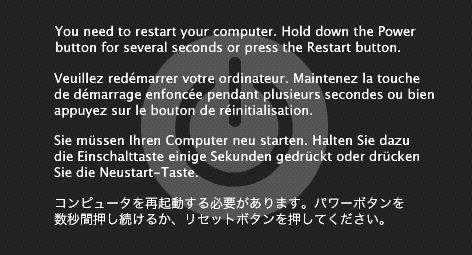
I'm a first time iMac and skype user. I downloaded skype 2.7 earlier today and managed to do a video call for 30 minutes without any problems. However, after trying to use it again 3 hours later, my iMac keeps shutting down everytime I make a video call. None of my video calls last more than a minute before my computer shuts down. I tried reinstalling skype from scratch again but t didn't work. Even the beta version failed to solve the problem. Please help. I'm new to both iMac and skype. So please guide me step by step. Thank you.

Got a tip for us?
Let us know
Become a MacRumors Supporter for $50/year with no ads, ability to filter front page stories, and private forums.
My iMac keeps shutting down everytime I do a video call on skype
- Thread starter tzeeyoong
- Start date
- Sort by reaction score