|
|
#126 |
|
Are you the guy that did the android homescreen with the similar layout on mycolorscreen. I have to say this is an awesome layout and tried it on my older android phone but it didn't look as good as this. Nice job!
|
|
|
|
0
|
|
|
#127 |
|
back to life
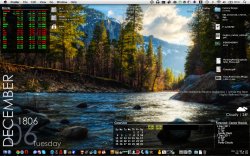
my desktop... was bored.
|
|
|
|
0
|
|
|
#128 |
|
|
|
|
0
|
|
|
#129 |
|
I'm the only one that expires a draining battery when I got GeekTool on?
__________________
An Apple a day, Microsoft away.
|
|
|
|
0
|
|
|
#130 |
|
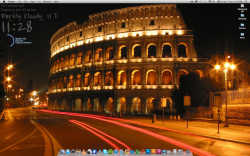
Weather in the upper left corner, uptime and subway schedules in the lower left corner, Xplanet for the rest.
Last edited by WeatherWarning; Jan 11, 2013 at 11:58 PM. |
|
|
|
0
|
|
|
#131 |
|
Last edited by christdob; Jan 13, 2013 at 11:55 PM. |
|
|
|
0
|
|
|
#132 |
|
You might want to add [tIMG] instead...
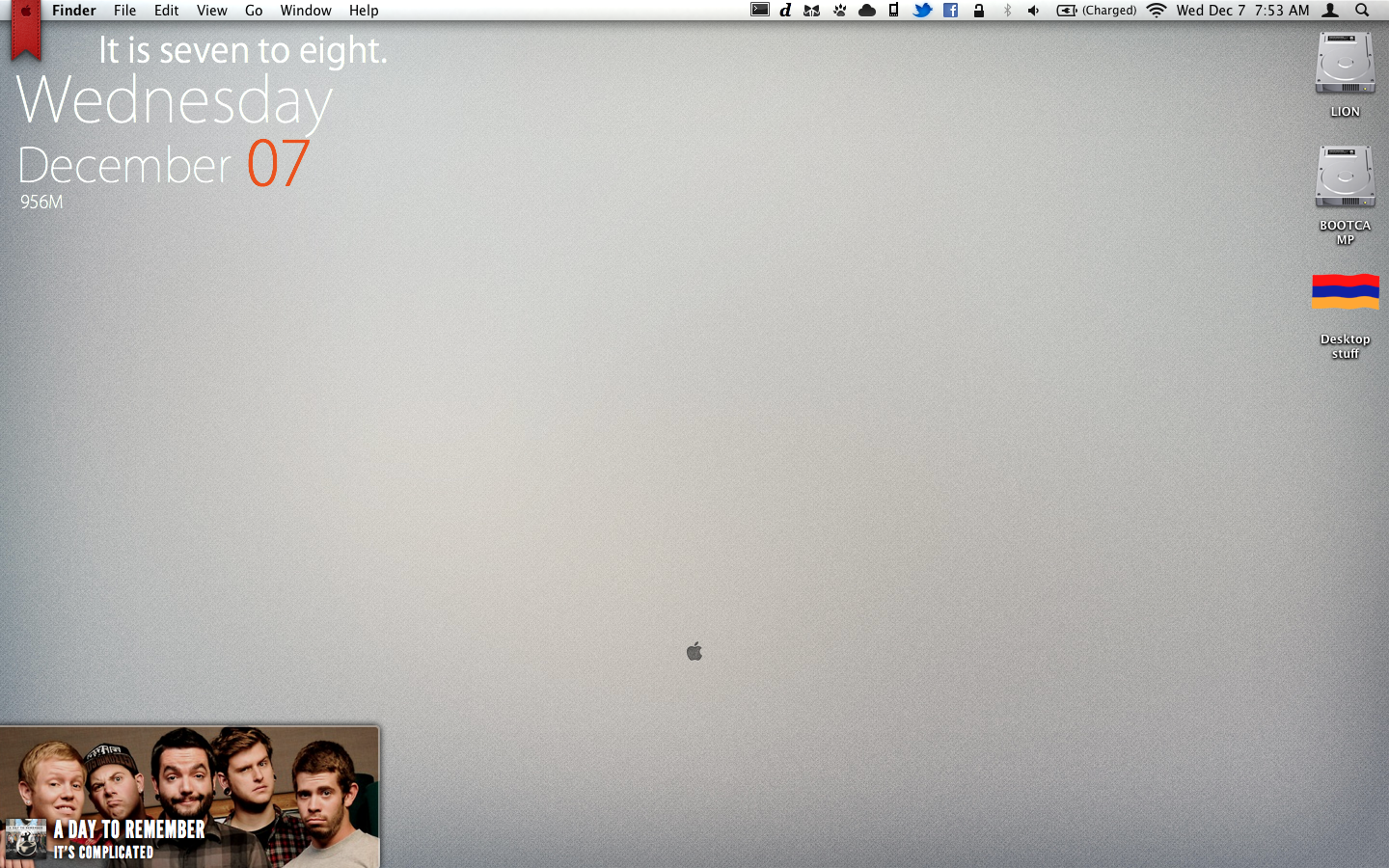
Here's mine. Just played around with GeekTool for the first time. Thank goodness for the Internet.
__________________
allow me to introduce myself... |
|
|
|
0
|
|
|
#133 |
|
|
0
|
|
|
#134 |
|
It's an application called BowTie with PaperRift as the theme.
__________________
allow me to introduce myself... |
|
|
|
0
|
|
|
#135 |
|
Working man's tool
I'm in IT, so I use GeekTool at work to keep track of the various systems and networks I'm responsible for. I also have to keep track of weather events in case of closings or possible dangerous weather (tornados and such). So my desktop is covered in tools, with lots of geekiness abounding.
Uh, the Adium buddies list on the left isn't part of my desktop, but it is a permanent fixture there across all my desktops. Quite utilitarian, I think.
|
|
|
|
0
|
|
|
#136 |
|
Got bored of my previous desktop, so I've made a start on "Metro-fying" it. One live tile down, next I'm going to look into an RSS feed, mail feed from specific senders and a decent geek tool/bowtie theme for iTunes and Spotify.
|
|
|
|
0
|
|
|
#137 |
|
My Weather, Time, Solar Power Desktop
Here's the left screen from my two monitor setup… I'm using PHP scripting with my Mac running MAMP to composite images, and there's a ton of custom code behind this.
Underneath everything is EarthDesk, and I keep the sub-solar point in the center of my screen so the night-time sections are always to the left and right edges of the display. I'm using data from Weather Underground using their free API to grab the weather from a station less than a half mile from my home. I fetch the data as an XML file, and use PHP's GD library to generate a 32-bit PNG file that's then displayed on the desktop. The weather icons come from Iconbest.com, and are free for non-commercial uses. I've got a lookup table that determines which of Weather Underground's weather codes correspond to which icons. Weather Underground also provides the age-of-moon info I use to determine which the appropriate moon phase image adjacent to the current time. At the bottom of the screen are two more images showing the output of the solar panels on my roof. I use Enphase micro-inverters which provide ongoing data for each panel which is accessible through a series of APIs. The layout of the "Solar Panel Status" reflects the position of these panels on the various planes of the roof. |
|
|
|
1
|
|
|
#138 |
|
Does anybody have functioning Magic Mouse and Keyboard battery geeklets for Mountain Lion? My old ones all just read as them being disconnected and any new ones I find are derivatives of a battery meter geeklet whereas I just want the percentage, and can't for the life of me figure out how to distill the original geeklet down to remove the meter element.
|
|
|
|
0
|
|
|
#139 |
|
I love the 5 Days forecast, can you help me to set up on my mac?
|
|
|
|
0
|
|
|
#140 |
|
I was hoping to get some help. I couldn't get my ical events to show up in 10.8 with geektool and icalbuddy, so I downgraded back to 10.6. Unfortunately, I still can't get it to work.
I've installed icalbuddy 1.8.6 and geektool 3. I had a geeklet that I saved from before I upgraded to 10.8. I simply can't get it to show up when it worked perfectly fine before the upgrade. What can I do to try and troubleshoot this? Here is my geektool script: /usr/local/bin/icalBuddy -sd -nc --timeFormat "%I:%M%p" eventsToday+2 |
|
|
|
0
|
|
|
#141 |
|
I'm hoping someone here can help me to get GeekTool working. I've seen lots of Geeklets on the GeekTool website. The instructions for all of them say Double click the geeklet and GeekTool will open it. When I double click the geeklet I get a message wanting to know which app I want to use. If I select GeekTool the GeekTool app gives me a message that it can not open files of that type.
How do I install the geeklets?
__________________
MacPro 3,1 MacOSX 10.6.8 Snow Leopard |
|
|
|
0
|
|
|
#142 |
|
Here's mine, nothing special:
|
|
|
|
0
|
|
|
#143 | |
|
Quote:
__________________
2012 2.3GHz i7 Mini, 16GB RAM; 2009 2.93 GHz C2D iMac, 8GB RAM, 640GB HD, GT120 1.83 GHz CD Mini, 2GB RAM, 200GB HD; 800 MHz 17" G4 iMac, 1GB RAM, 120GB HD 32GB White iPhone 4S, 32GB White iPad2 |
||
|
|
0
|
|
|
#144 |
|
|
0
|
|
|
#145 |
|
February 1st and 2nd were not a Wed and Thurs. Looks like you have font spacing issues with single digits.
__________________
2012 2.3GHz i7 Mini, 16GB RAM; 2009 2.93 GHz C2D iMac, 8GB RAM, 640GB HD, GT120 1.83 GHz CD Mini, 2GB RAM, 200GB HD; 800 MHz 17" G4 iMac, 1GB RAM, 120GB HD 32GB White iPhone 4S, 32GB White iPad2 |
|
|
|
0
|
|
|
#146 |
|
Here's mine...
|
|
|
|
0
|
|
|
#147 |
|
Disable pref panel when Geektool autostarts
Hello:
Does anybody know how to disable the pref window/shells in edit mode, when Geektoll autostarts? I have Mac OS Lion. The thread is here: http://forums.macrumors.com/showthre...light=geektool. I appologise for writing it here, but I have not received an answer yet on the main page, where the thread is located. Thanks. |
|
|
|
0
|
|
|
#148 |
|
Here's mine
It's still a work in progress, 'cause i'm trying to get gmail to show unread items with the ios mail icon and badges just like on ios...
__________________
endgame MacBook Unibody Al |2GHZ/4gb/256mb/160gb OS 10.7.5| iPhone 4 |16gb Black| Last edited by gaboshenia; Mar 25, 2013 at 08:28 AM. Reason: small update/ alined some stuff/ nothing big |
|
|
|
0
|
|
|
#150 |
|
This is brilliant. Could you post your script for the calendar? Also what are you using to remodel the doc? Thanks
__________________
15" MBP i7 2.2 8GB 1333MHz DDR3 128GB SSD + 750GB HDD (optical bay) |
|
|
|
0
|
![]() |
|
| Tags |
| desktop, geek tool, geektool, wallpaper |
«
Previous Thread
|
Next Thread
»
| Thread Tools | Search this Thread |
| Display Modes | |
|
|
Similar Threads
|
||||
| thread | Thread Starter | Forum | Replies | Last Post |
| Geektool: Your Geektool scripts | monke | UI Customization | 3932 | Nov 8, 2012 06:29 AM |
| post your windows desktop (mac like) | gazelleintense | Picture Gallery | 28 | Sep 18, 2007 07:01 PM |
| Post your Linux desktops! | Shotglass | Wasteland | 4 | May 15, 2007 06:44 AM |
| Post your sexiest Desktops...u know we all want them... | quicksilver77 | Picture Gallery | 6 | Dec 28, 2005 01:11 PM |
All times are GMT -5. The time now is 02:14 PM.


Linear Mode