hello,
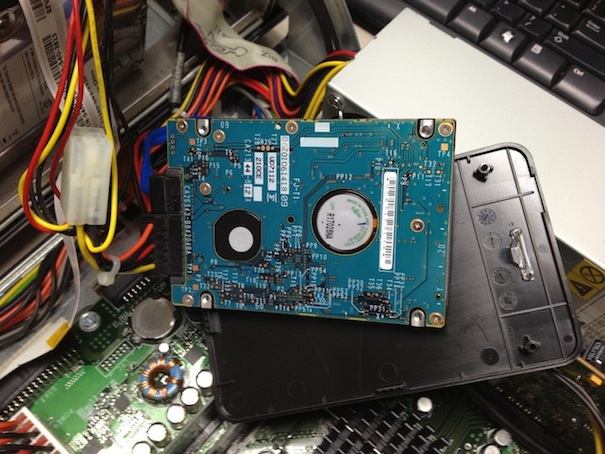
I use osx 10.8 and WIn7 with refit boot, a SSD with both systems and a 1To Samsung HDD formatted to FAT for being used by both systems, and that worked fine for 2 month..
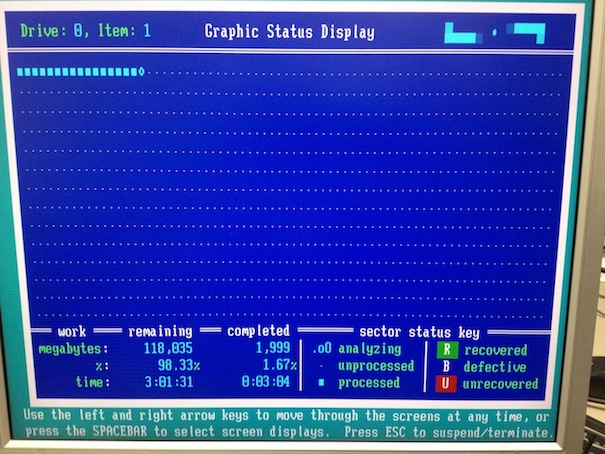
suddenly, after I rebooted from win7 to osx system, the 1To Samsung appears as RAW, 😱
when I launch disk utility it says "Invalid sector size: 0", and that it could not repair this disk and it has to be formatted..
any advices ?
what disk utility would you recommand ?
is disk warrior only for HFS or it also works with FAT ?
I use osx 10.8 and WIn7 with refit boot, a SSD with both systems and a 1To Samsung HDD formatted to FAT for being used by both systems, and that worked fine for 2 month..
suddenly, after I rebooted from win7 to osx system, the 1To Samsung appears as RAW, 😱
when I launch disk utility it says "Invalid sector size: 0", and that it could not repair this disk and it has to be formatted..
any advices ?
what disk utility would you recommand ?
is disk warrior only for HFS or it also works with FAT ?
Code:
Vérification du volume « disk1s2 »
Vérification du système de fichiers
** /dev/disk1s2
Invalid sector size: 0
Erreur : Ce disque doit être réparé. Cliquez sur Réparer le disque
Vérifier et réparer le volume « disk1s2 »
Vérification du système de fichiers

** /dev/disk1s2
Invalid sector size: 0
Réparation du volume terminée.
Mise à jour des partitions de prise en charge du démarrage pour le volume, comme requis.
Erreur : Utilitaire de disque ne peut pas réparer ce disqu...rmatez le disque, puis restaurez vos fichiers sauvegardés.