

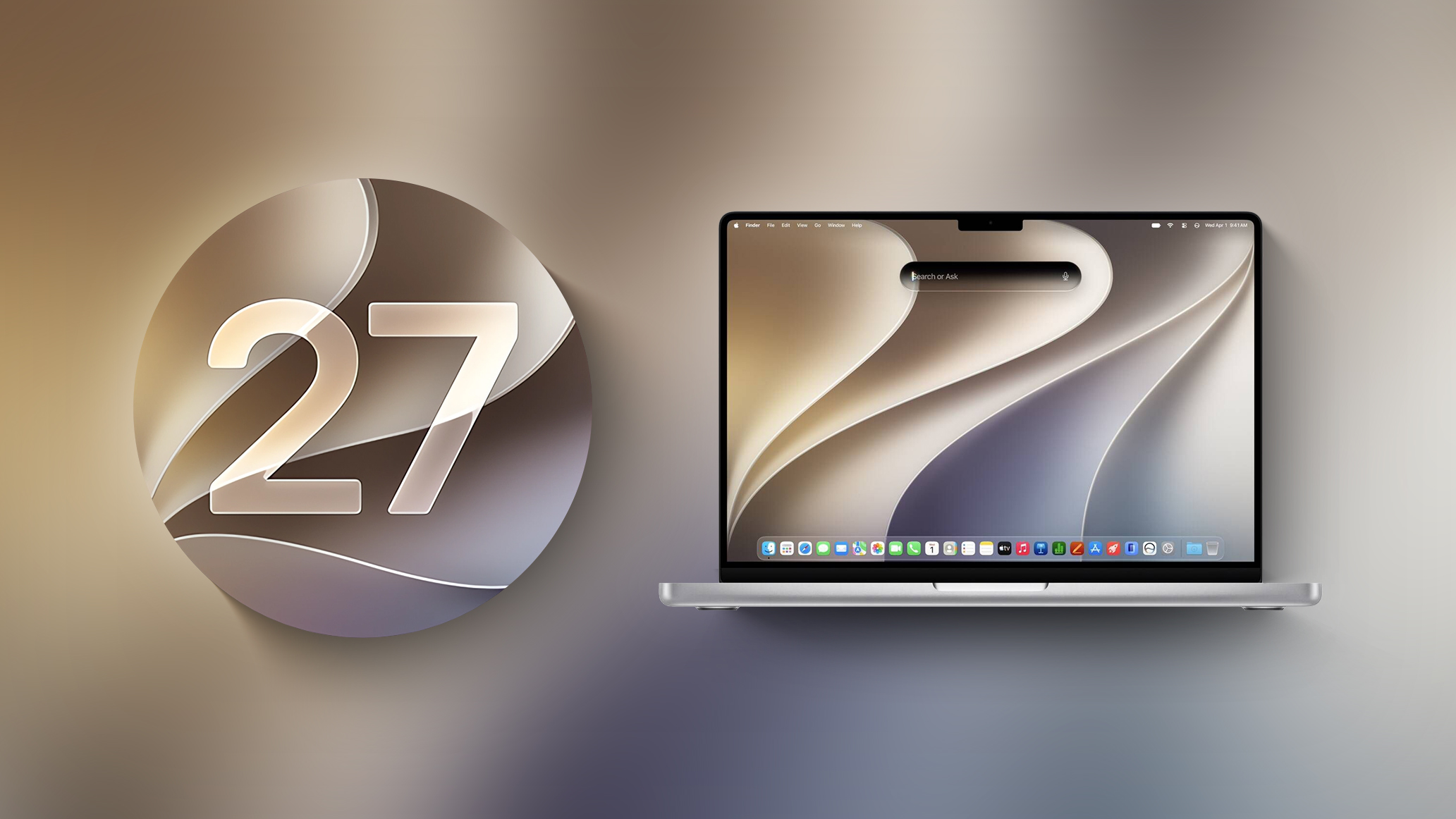
Apple is testing the next macOS Golden Gate update, and developers can download the macOS Golden Gate 27.2 beta as of today. The beta comes just two days after Apple launched macOS Golden Gate 27.0.


27.2? Where is 27.1?

Since the iPhone Duo is launching with 26.1 on the 23rd, there will be no beta.
No, but Apple tries very hard to keep the core O/S parts in sync between the (x)OS versions. Plus, there may be some additional Mac releases in October that Apple wants to keep secret.The Duo doesn't run macOS.

I thought I read somewhere that the 14” M6 MBP would ship with macOS 27.1 next month.Since the iPhone Duo is launching with 26.1 on the 23rd, there will be no beta.
Neither does the iPad or Apple TV. OS 27.1 would priced Xcode users further leaked information on the Duo. Hence OS 27.2.The Duo doesn't run macOS.
I thought I read somewhere that the 14” M6 MBP would ship with macOS 27.1 next month.
Not when it supersedes the passwords on my Linux machine. This "feature" had better be opt in."Apple also pulled the Apple Intelligence feature that automatically updates weak and compromised passwords using Safari."
Hmmm. This seemed like a very useful feature.
It should.The Duo doesn't run macOS.


But I was reliably told by MR posters that this was a trivial thing for AI 🤔Apple also pulled the Apple Intelligence feature that automatically updates weak and compromised passwords using Safari.

nopeMission Control fixed? 😀

 forums.macrumors.com
sudo mkdir -p /Library/Preferences/FeatureFlags/Domain && \
sudo defaults write /Library/Preferences/FeatureFlags/Domain/WritingTools FormattingBar_macOS -dict Enabled -bool falsesudo defaults delete /Library/Preferences/FeatureFlags/Domain/WritingTools FormattingBar_macOSThe new Siri-focused formatting bar in Apple Mail is here!

Apple working on redesigned Formatting Bar for Apple Mail in macOS 27, here's how to enable it
macOS Golden Gate includes a new Formatting Bar for Apple Mail with Write with Siri front and center. The classic formatting options are collapsed to the right edge of the composer and disappear when you start typing a prompt to Siri. Similar to the Siri AI Lightweight UI, when selecting text...
The good news is that you can go back to the old design:
Bash:sudo mkdir -p /Library/Preferences/FeatureFlags/Domain && \ sudo defaults write /Library/Preferences/FeatureFlags/Domain/WritingTools FormattingBar_macOS -dict Enabled -bool false
and restart your Mac.
To restore back to default:
Bash:sudo defaults delete /Library/Preferences/FeatureFlags/Domain/WritingTools FormattingBar_macOS
and restart your Mac.


