

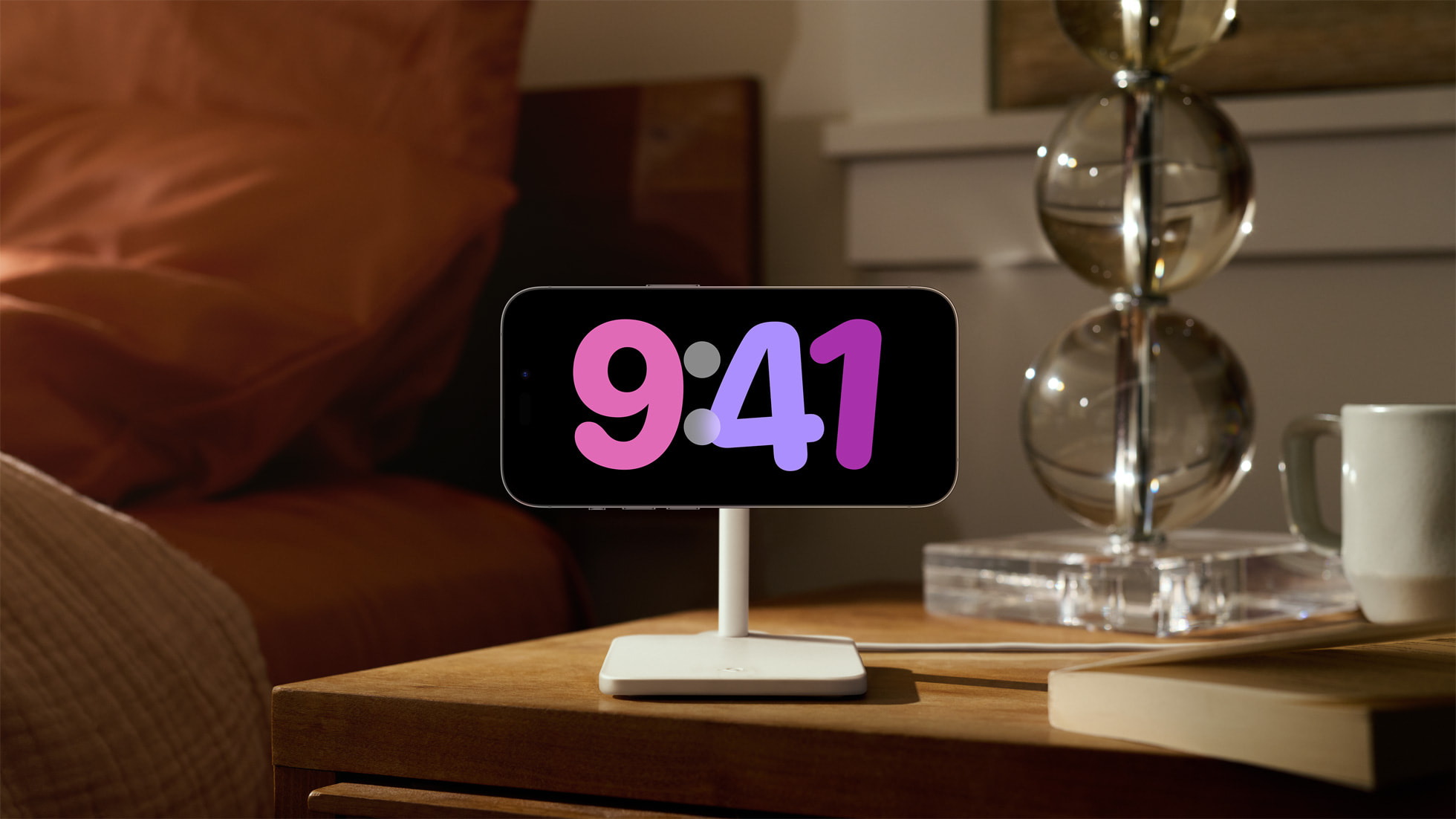
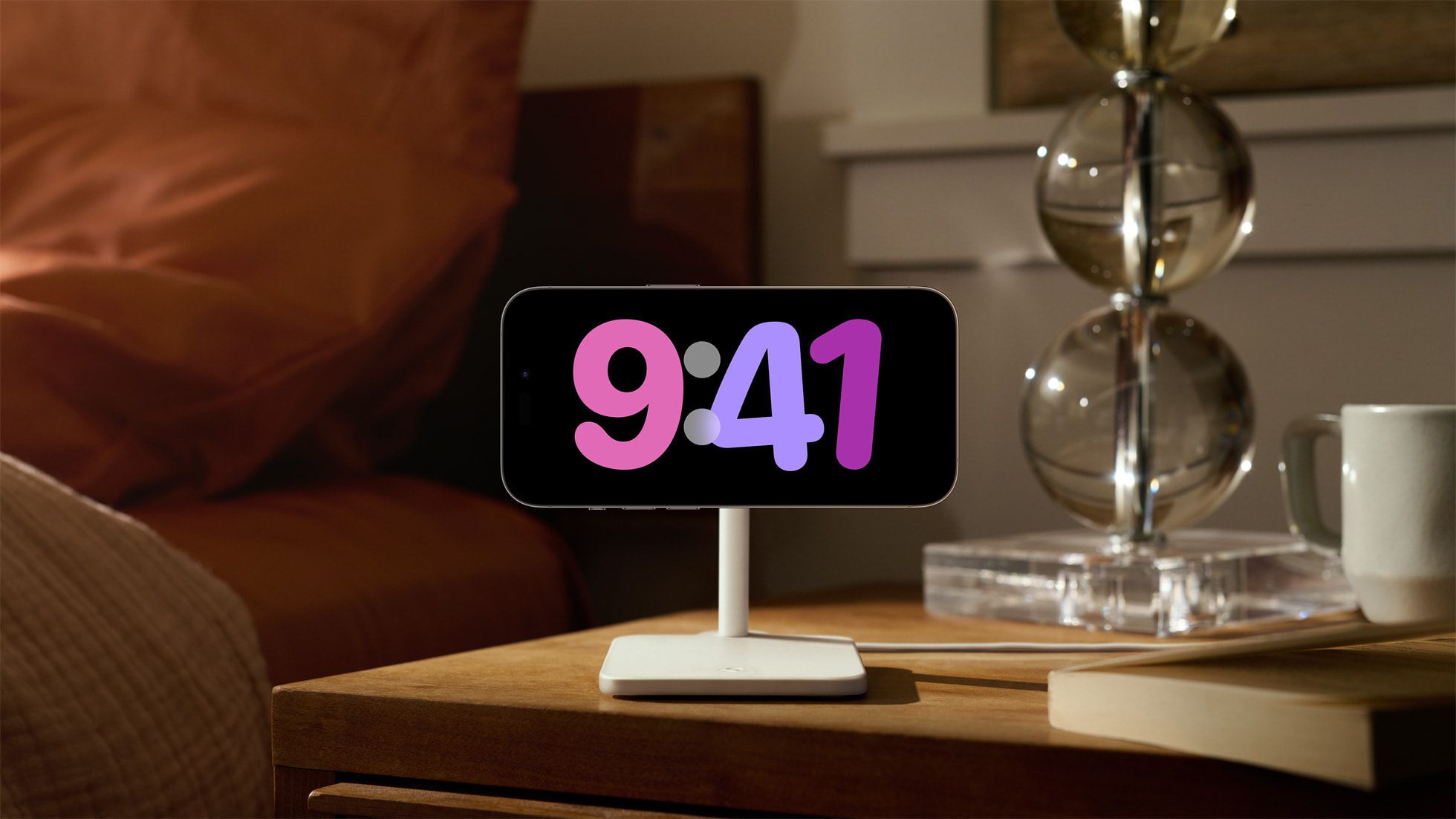
iOS 27.3 will expand new StandBy features first introduced on the iPhone Duo to all iPhone models compatible with the update, according to Apple.
Last edited:


So we don't need an iPhone 14 Pro or newer?iOS 27.3 Adding New StandBy Mode Features to iPhone 11 and Newer
 www.macrumors.com


The ALWAYS-ON mode requires a 14 Pro or later, as these are the devices that support the Always-On display mode.So we don't need an iPhone 14 Pro or newer?
How to Use Your iPhone's StandBy Mode
StandBy is a Lock Screen mode in iOS 17 and later that activates when an iPhone is charging and positioned on its side. Here's everything you need to know to get started using the feature. Subscribe to the MacRumors YouTube channel for more videos.
. . . the ability to use StandBy mode's always-on feature is limited to iPhone 14 Pro, iPhone 15 Pro, and iPhone 16 Pro models.
Will Apple's innovation engine ever cease to amaze me?
It’s insanity. Every time.You can do it guys, find a way to complain about new features given to you.

So we don't need an iPhone 14 Pro or newer?
. . . the ability to use StandBy mode's always-on feature is limited to iPhone 14 Pro, iPhone 15 Pro, and iPhone 16 Pro models.
Will Apple's innovation engine ever cease to amaze me?

broken? works fineif only standby weren’t broken for so many

Never known it not to work here or on any of my family’s handsets.if only standby weren’t broken for so many

I've personally become convinced a portion of online activity across the web are bots designed to upset people personally and interpersonally on a board range of topics, products and concepts. I have my own ideas what the reason would be, but that's a bit esoteric for here.It’s insanity. Every time.

Boy do I have news for you!Would be nice if they let the official Apple apps be used in landscape orientation again now with features moving from the Duo to the regular line. Music would be a good one, who remembers Cover Flow? I had the first Plus phone offered and used it landscape for a lot of the apps.


Could not agree more - it's so annoyingI hate how you can't "Lock" standby mode on a certain screen. I accidentally swipe and mess up my standby mode screen so often.

I've personally become convinced a portion of online activity across the web are bots designed to upset people personally and interpersonally on a board range of topics, products and concepts. I have my own ideas what the reason would be, but that's a bit esoteric for here.
I don’t even have to swipe. Mine just randomly changes on its own when the screen goes dark and wakes up again.I hate how you can't "Lock" standby mode on a certain screen. I accidentally swipe and mess up my standby mode screen so often.
Well, now you can. You can remove all screens but the one you want to keep.I hate how you can't "Lock" standby mode on a certain screen. I accidentally swipe and mess up my standby mode screen so often.

You can just pick a full-screen clock. They now offer digital and analogue options. They're not the best design ever, but they do the job.Need a way to lock to a standby screen. Just need to see the time while it is on the bedside. Not random ads, news and what not
