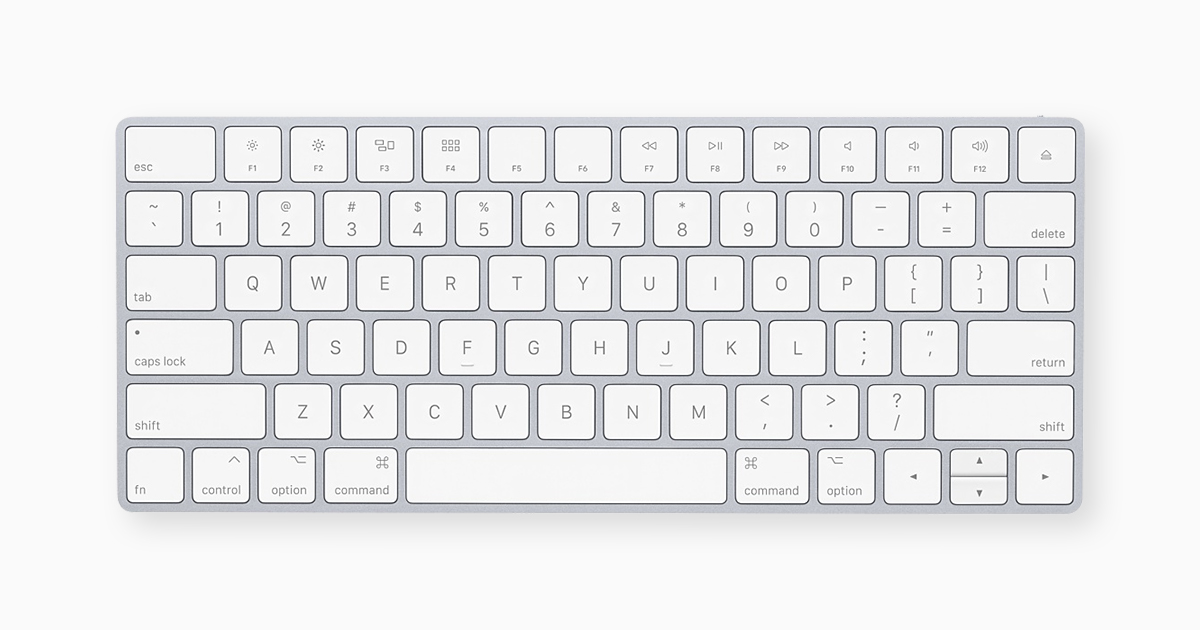
By pressing certain key combinations, you can take actions that normally require a mouse or trackpad. Every app can have its own shortcuts, and shortcuts that work in one app might not work in another.
support.apple.com
Control–Shift–Power button* or Control–Shift–Media Eject : Put your displays to sleep.
You can also enable hot corners in System Preferences->Mission Control, Hot Corners... button. There is Put Display to Sleep and/or Lock Screen available.
On the iMac, you can also just hold the power button on the back of the Mac for half a second or so. A click does nothing, hold it for long and it forces it off, but just give it a slight hold and then release and it goes into sleep mode.