
Become a MacRumors Supporter for $50/year with no ads, ability to filter front page stories, and private forums.

MacRumors

macrumors bot
Original poster


If you're upgrading to macOS Golden Gate and you have an AirPort Time Capsule, Time Machine won't be able to back up to it. macOS 27 removes support for AFP, the legacy file-sharing protocol that Time Capsule relies on for Time Machine backups. Said backups now exclusively use the SMB protocol, which Apple's discontinued Time Capsule hardware does not support in the form required by macOS 27.
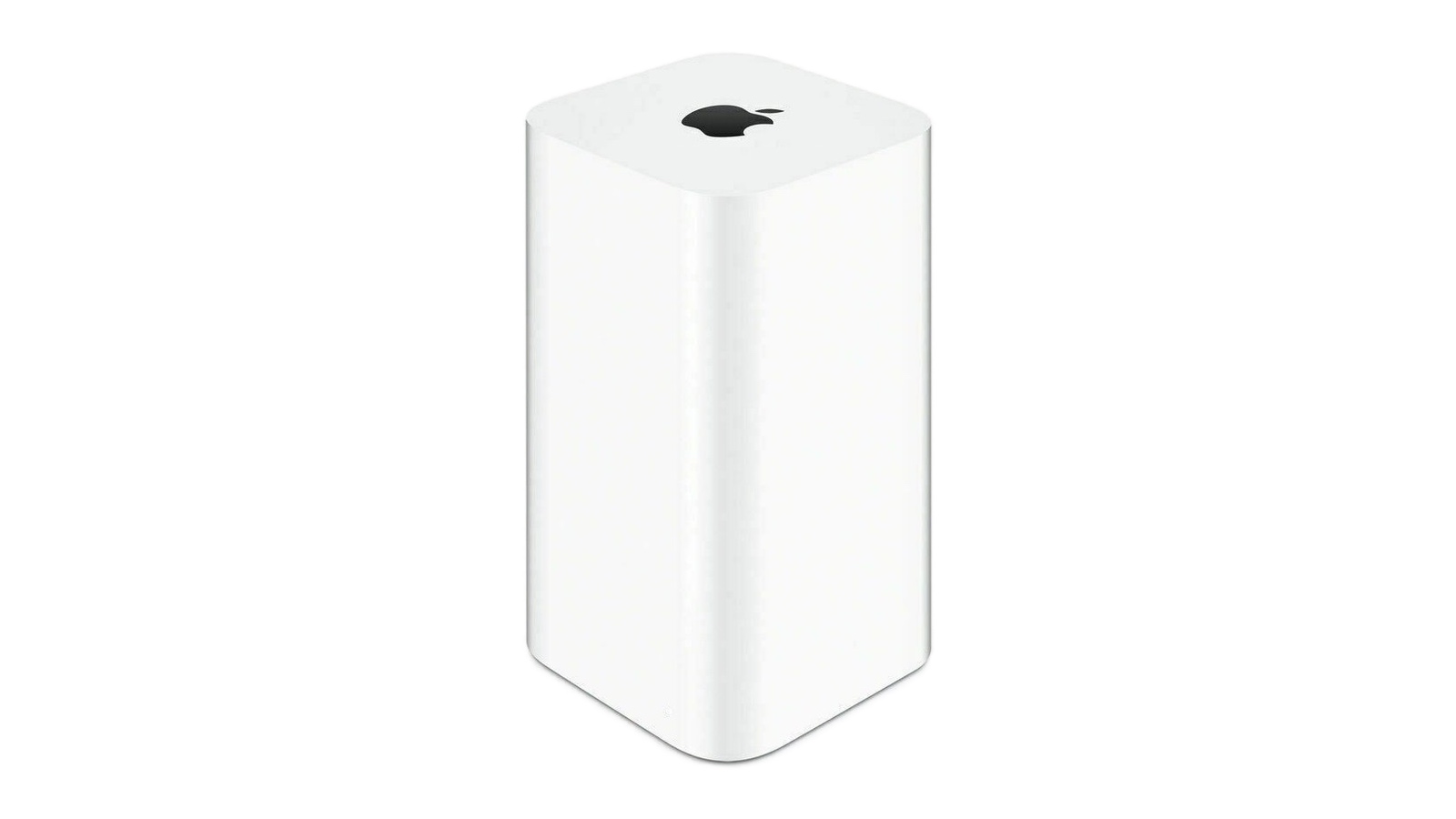
time-capsule.jpg

Apple warned users about the change back in June 2025 when macOS Tahoe began displaying a warning that Time Capsule backups would no longer work in the next macOS. Users still backing up to one will need an alternative, such as an external drive or a modern NAS.

Article Link: Reminder: macOS 27 Ends Time Machine Backups to Time Capsule
 
  • Sad
Reactions: Z-4195
That's so sad. I wish there was a current solution from Apple for this too.

Time Machine was one of the coolest Leopard features to me, the kind that convinced me to get a Mac.

Sad it's been neglected. When they discontinued that in 2013 they should have opened up a way to set it up with a NAS much easier. Hell, I'd even pay for more iCloud space if it supported it for backing up my Mac.
 
There might be a solution though
"The community response is a GitHub project called TimeCapsuleSMB, created by James Chang, an engineer at Microsoft. Rather than replacing Apple's firmware, it installs a modern Samba build directly onto the Time Capsule. The device runs a Samba 4.24.3 server, advertises itself over Bonjour, and accepts authenticated SMB3 connections, so users can connect via a standard SMB URL in Finder rather than relying on Apple's legacy stack."
Macrumors https://www.macrumors.com/2026/06/17/macos-27-golden-gate-kills-time-capsule-support/
 
There might be a solution though
"The community response is a GitHub project called TimeCapsuleSMB, created by James Chang, an engineer at Microsoft. Rather than replacing Apple's firmware, it installs a modern Samba build directly onto the Time Capsule. The device runs a Samba 4.24.3 server, advertises itself over Bonjour, and accepts authenticated SMB3 connections, so users can connect via a standard SMB URL in Finder rather than relying on Apple's legacy stack."
Macrumors https://www.macrumors.com/2026/06/17/macos-27-golden-gate-kills-time-capsule-support/
This works well for me.
 
There might be a solution though
"The community response is a GitHub project called TimeCapsuleSMB, created by James Chang, an engineer at Microsoft. Rather than replacing Apple's firmware, it installs a modern Samba build directly onto the Time Capsule. The device runs a Samba 4.24.3 server, advertises itself over Bonjour, and accepts authenticated SMB3 connections, so users can connect via a standard SMB URL in Finder rather than relying on Apple's legacy stack."
Macrumors https://www.macrumors.com/2026/06/17/macos-27-golden-gate-kills-time-capsule-support/
This worked for me, the only downside is that you have to start all over with the backups, but I have 3 devices and I think the backups are even faster than before
 
SMB1 is still supported by Golden Gate, AFP is the one who "died".
I have had (and still have) a shared disk connected to the USB port of my AirPort Extreme for sharing music, photos and videos that still works in my network after installing Golden Gate.
The AirPort Extreme still works as a NAS.
Carlos
 
Todays IT is cloud. Cloud and subscriptions. Everything else is fading away. Of course. There are more money in subscriptions. Why bother supporting stuff you dont earn anything on.

Not that i am a fan of it. I like having stuff that i can point at and say: there's my data. They are mine. They never disappears for some wierd cloud reason or change in policies by a tech giant.

I back my Macbook Air M1 up to a Synology NAS btw.
 
This works:
Would really like if they released a modern version of this.

There might be a solution though
"The community response is a GitHub project called TimeCapsuleSMB, created by James Chang, an engineer at Microsoft. Rather than replacing Apple's firmware, it installs a modern Samba build directly onto the Time Capsule. The device runs a Samba 4.24.3 server, advertises itself over Bonjour, and accepts authenticated SMB3 connections, so users can connect via a standard SMB URL in Finder rather than relying on Apple's legacy stack."
Macrumors https://www.macrumors.com/2026/06/17/macos-27-golden-gate-kills-time-capsule-support/

Yes, I can confirm this works.

This should be put into the article itself, as well as appearing in the comments.
 
Take it apart, remove the components, put in a raspberry pi and you have the design of the time capsule with modern flexible hardware..

I personally use a Linux server and an old 500gb hdd, hidden in a drawer, headless.
Running pihole, unbound, media server and Time Machine, plus remote storage.. it’s fairly inexpensive..
 
Would really like if they released a modern version of this.

To be honest, the Airport team (or a chunk of it) did release a modern version of this, but they were then working for Ubiquiti, not Apple, at that point.

Ubiquity's UniFi range is pretty much exactly what the Airport range would have developed into if it hadn't been depreciated by Apple. No wonder, as it's mostly the same development team.

The closest to the last gen "tower" Time Capsule is the Unas2: https://eu.store.ui.com/eu/en/products/unas-2

(NOTE - it doesn't have wifi, and is not a router, unlike the TC - it need to be plugged via ethernet into a router).

Unknown.jpeg
images.jpeg
 
I always liked the concept of automatic (background) file archive with Time Machine (similar to File History on Windows) to either a local NAS or a "cloud" storage solution.

With MacOS27 deprecation of the Time Machine archive solution, I just did some initial search and found a reference to ChronoSync and FreeFileSync. I know nothing about these two solutions, but maybe they could provide an alternative to Time Machine (the backup process, not the Time Machine device).
 
How about a firmware update Apple or release the source code to the public? 🙄

A firmware update is not going to happen, but source code is already available to the public ( but not "offically released", as far as I know, but backwards engineered)

I've linked a post from earlier on the thread below (cheers to @Zekal )
There might be a solution though
"The community response is a GitHub project called TimeCapsuleSMB, created by James Chang, an engineer at Microsoft. Rather than replacing Apple's firmware, it installs a modern Samba build directly onto the Time Capsule. The device runs a Samba 4.24.3 server, advertises itself over Bonjour, and accepts authenticated SMB3 connections, so users can connect via a standard SMB URL in Finder rather than relying on Apple's legacy stack."
Macrumors https://www.macrumors.com/2026/06/17/macos-27-golden-gate-kills-time-capsule-support/

And this is also a source:

 
I always liked the concept of automatic (background) file archive with Time Machine (similar to File History on Windows) to either a local NAS or a "cloud" storage solution.

With MacOS27 deprecation of the Time Machine archive solution, I just did some initial search and found a reference to ChronoSync and FreeFileSync. I know nothing about these two solutions, but maybe they could provide an alternative to Time Machine (the backup process, not the Time Machine device).
But Apple haven't depreciated the Time Machine archive solution.

They've finally depreciated AFP. Time Machine will still happily work with a destination that supports SMB. So any consumer NAS, an older Mac ( 2012 - 2014 Mac minis are great for this), or you can continue to use your existing Time Capsule if you enable it to use SMB rather than AFP ( see earlier in the thread for links to how this can be done).
 
Last edited:
Register on MacRumors! This sidebar will go away, and you'll see fewer ads.