|
|
#1 |
|
Post Your Mac Setup: Past & Present (Part 12)
Mod Note: Here is a list of the previous threads
Post Your Mac Setup: Past & Present Post Your Mac Setup: Past & Present (Part 2) Post Your Mac Setup: Past & Present (Part 3) Post Your Mac Setup: Past & Present (Part 4) Post Your Mac Setup: Past & Present (Part 5) Post Your Mac Setup: Past & Present (Part 6) Post Your Mac Setup: Past & Present (Part 7) Post Your Mac Setup: Past & Present (Part 8) Post Your Mac Setup: Past & Present (Part 9) Post Your Mac Setup: Past & Present (Part 10) Post Your Mac Setup: Past & Present (Part 11) Post Your Mac Setup: Past & Present (Part 12) < This thread! Please refrain from quoting images. If you want to see the picture that a post is referring to, you can press this button: .For large images (over ~800 pixels wide), please use [timg] tags rather than plain old [img] tags We ask that everyone refrains from reposting the same image in multiple threads. That includes the "Under 18" as well as "Post Your Mac Setup" threads. We do realize that this will still sometimes occur. If/when that happens, please report it by clicking on the "Report Post" icon ( ) and include a link to both posts. Thank You.
__________________
Official MacRumors IRC @ irc.krono.net #macrumors (Or http://kewlirc.net:9090/) 2012 2.5GHz Mac Mini Dual - 16GB RAM Win8 PC - i5-3570k - 16GB RAM - SSD |
|
|
|
0
|
|
|
#2 |
|
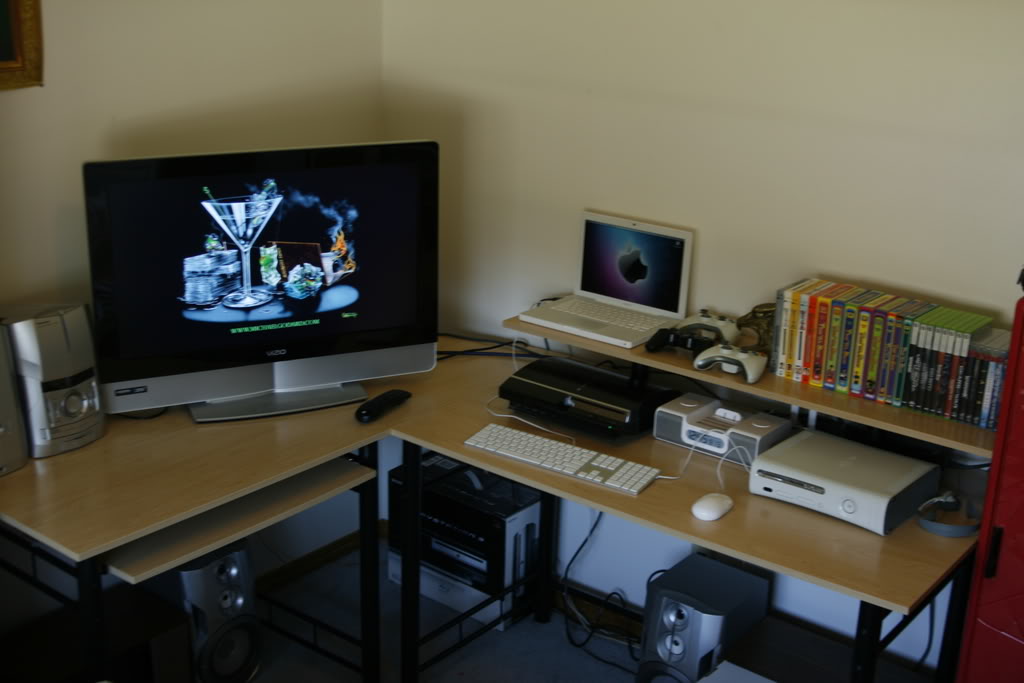
Here's Mine
These are mine. I have a problem, i know
|
|
|
|
1
|
|
|
#3 |
|
More....
Here's the rest
Only 1 monitor works, the small one. I got the other two for 10 bucks! and one kinda works i guess
Last edited by fun173; Jun 5, 2010 at 11:00 AM. |
|
|
|
0
|
|
|
#4 |
![]() I'm only a couple hundred bucks away from a new iMac
__________________
Think Different Posters for Sale; PM me
|
|
|
|
0
|
|
|
#5 |
|
this is mine for now..
|
|
|
|
0
|
|
|
#6 |
|
__________________
15" MBP, iPhone 3G 16GB |
|
|
|
0
|
|
|
#7 |
|
__________________
13' Macbook Pro |
|
|
|
0
|
|
|
#8 |
|
|
0
|
|
|
#9 |
|
|
0
|
|
|
#10 |
|
he likes touching the screen obviously, look at the LCD above the mb with fingerprints as well. lol.
edit: here's my setup including iPad...
__________________
MacBook Pro Retina 13.3" | iPhone 5 32GB | iPad 3 LTE 32GB | Windows 7 | Photos on my flickr
Last edited by trekkie604; Jun 5, 2010 at 03:52 PM. |
|
|
|
0
|
|
|
#11 | |
|
Quote:
__________________
PowerBook G5, 1.67GHz MacBook Pro, iPhone Nano, iPhone 6, Apple Television Set
|
||
|
|
0
|
|
|
#12 |
|
|
0
|
|
|
#13 | |
|
Quote:
1. dust - harder to clean and reach behind the towers. Now it's at a great level which makes it easier to clean that pesky dust and also to change cables if need be.2. access to burners - I burn plenty of DVDs so it's better to have them at a higher level which is easier to grab. I have my printer station set up on the opposite side of the towers (not visible), so it's an easy grab, turn and place on the printers. I do want to get an automated printer, but not ready to spend the money on one just yet ![]() Cheers, Keebler |
||
|
|
0
|
|
|
#14 |
|
Last edited by phiberglass; Jun 6, 2010 at 07:20 PM. Reason: timg |
|
|
|
0
|
|
|
#15 |
|
__________________
PowerBook G5, 1.67GHz MacBook Pro, iPhone Nano, iPhone 6, Apple Television Set
|
|
|
|
0
|
|
|
#16 |
|
|
0
|
|
|
#17 |
|
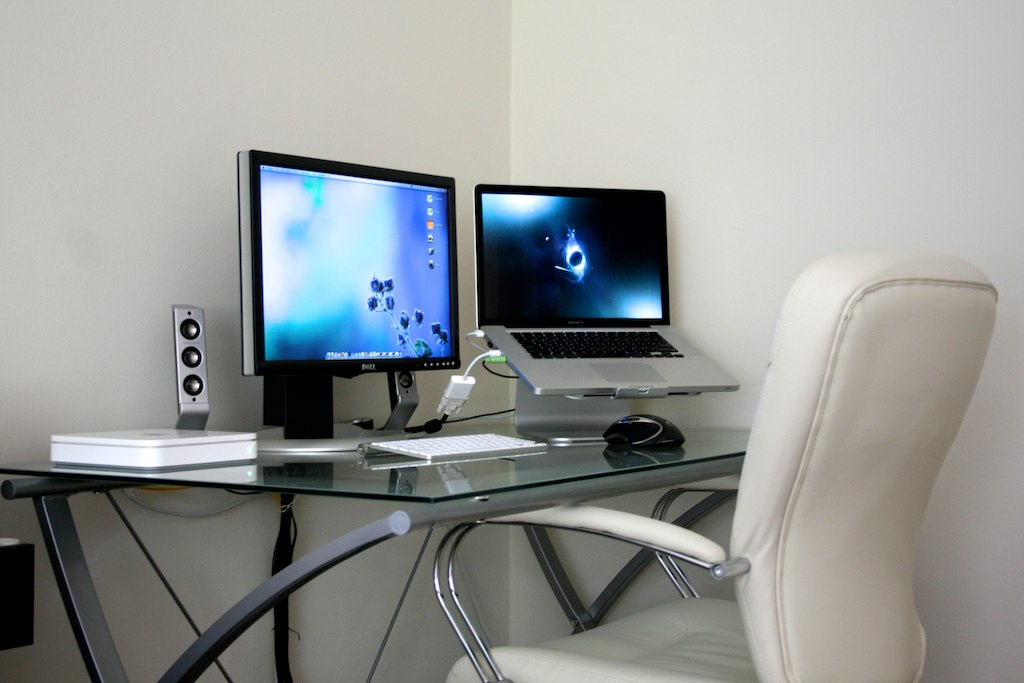
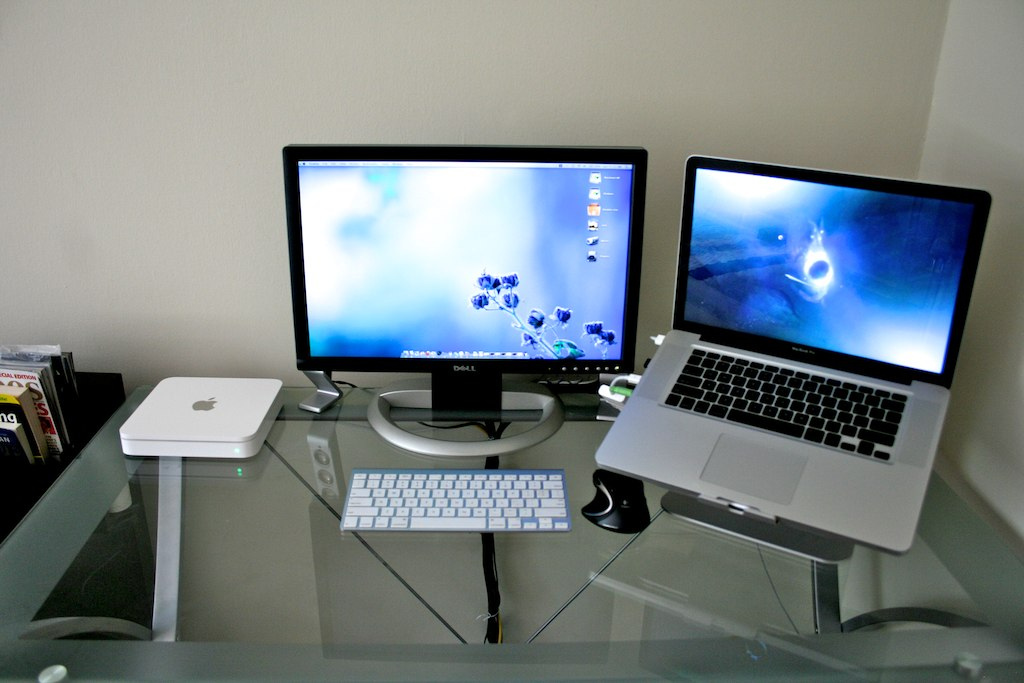
Still love those Dell Monitors - I have the 2004WFP 20" model. I'm hoping the one's from last year (black bezel) support MiniDP connection with 1080P support. Either that or I'll have to go with an HP announced 2mths ago.
__________________
2012 MacMini 2.3Ghz i7 | Panther Dog Tags | BB Z10 | 2010 Mac Switcher | Formerly Prom1, now Supa_Fly (thanks Mods) | MacMini destined to have (16GB | 830 256GB + 840 250GB |) |
|
|
|
0
|
|
|
#18 | |
|
Quote:
__________________
PowerBook G5, 1.67GHz MacBook Pro, iPhone Nano, iPhone 6, Apple Television Set
|
||
|
|
0
|
|
|
#19 |
|
Yes, why?
__________________
GrowDude.com | Ideas, Tools, and Free Help for Web Entrepreneurs |
|
|
|
0
|
|
|
#20 |
|
wow guys! these are some of the best setups yet! keep them coming
__________________
Official MacRumors IRC @ irc.krono.net #macrumors (Or http://kewlirc.net:9090/) 2012 2.5GHz Mac Mini Dual - 16GB RAM Win8 PC - i5-3570k - 16GB RAM - SSD |
|
|
|
0
|
|
|
#21 |
|
|
0
|
|
|
#22 |
|
question for some of you...
why is that some on here connect their MBP to their iMac/desktop? it it to network between the two? if so, can't that be done wirelessly? thanks.
__________________
15.4" Mac Book Pro 2009 21.5" iMac 2009 iPhone 3GS 32GB iPod Nano
|
|
|
|
0
|
|
|
#23 |
|
I wish I could have such a clean setup.
To get extra screen real-estate. |
|
|
|
0
|
|
|
#24 |
|
You don't like it, you can go ***** yourself.
|
|
|
|
0
|
|
|
#25 |
|
that imac looks mighty noisy
__________________
Official MacRumors IRC @ irc.krono.net #macrumors (Or http://kewlirc.net:9090/) 2012 2.5GHz Mac Mini Dual - 16GB RAM Win8 PC - i5-3570k - 16GB RAM - SSD |
|
|
|
0
|
![]() |
|
«
Previous Thread
|
Next Thread
»
| Thread Tools | Search this Thread |
| Display Modes | |
|
|
Similar Threads
|
||||
| thread | Thread Starter | Forum | Replies | Last Post |
| Post Your Mac Setup: Past & Present (Part 6) | Mikey- | Picture Gallery | 1552 | Nov 2, 2008 05:53 PM |
| Post Your Mac Setup: Past & Present (Part 5) | terriyaki | Picture Gallery | 1751 | Aug 1, 2008 01:22 PM |
| Post Your Mac Setup: Past & Present (Part 4) | brn2ski00 | Picture Gallery | 1528 | Apr 19, 2008 12:10 PM |
| Post Your Mac Setup: Past & Present (Part 3) | siurpeeman | Picture Gallery | 1075 | Feb 20, 2008 01:32 PM |
| Post Your Mac Setup: Past & Present! (part 2) | arn | Picture Gallery | 1131 | Jan 1, 2008 07:58 PM |
All times are GMT -5. The time now is 08:53 PM.


.
) and include a link to both posts. Thank You.


Think Different Posters for Sale; PM me


Linear Mode