Got a tip for us?
Let us know
Become a MacRumors Supporter for $50/year with no ads, ability to filter front page stories, and private forums.
Transparent Status Bar: Without Jailbreaking!
- Thread starter iSaxon
- Start date
- Sort by reaction score
You are using an out of date browser. It may not display this or other websites correctly.
You should upgrade or use an alternative browser.
You should upgrade or use an alternative browser.

Ok, i'm trying too 🙂Add a white bar at the top of the wallpaper and make it with >50% opacity.
I haven't tried it before, let me open up PS.
*Didn't work for me...*

Frenchjay
macrumors 68000
Yeah how'd you do that?
I got this from a wallpaper site.Here is the wallpaper!!

Like this?
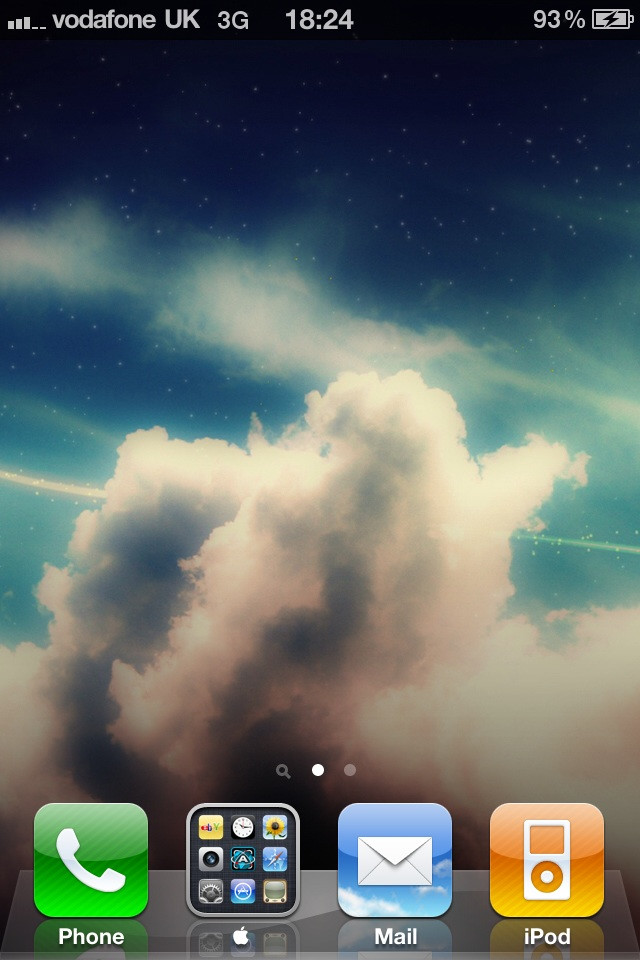
I can still see the bar. That just blends in with the wallpaper, no?
I can still see the bar. That just blends in with the wallpaper, no?
So can I.. that's not what I wanted. Look at the first image for an example 🙂
TorontoLRT
macrumors 6502
Frenchjay
macrumors 68000
So can I.. that's not what I wanted. Look at the first image for an example 🙂
Oh **** sorry I thought you meant the dock bar lol😱
You need to jailbreak.
No you don't. I had a wallpaper that did this to my screen:
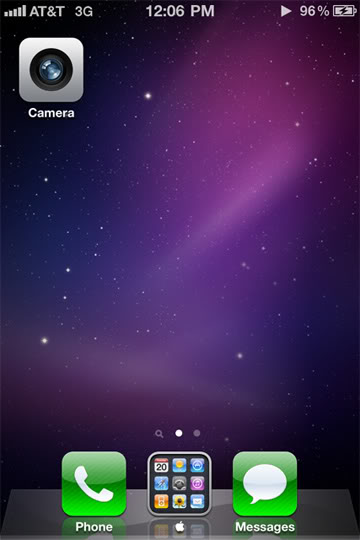
There's something you do in Photoshop...
TechIsCool
macrumors member
TechIsCool
macrumors member
No you don't. I had a wallpaper that did this to my screen:
There's something you do in Photoshop...
did you photoshop or just scale it?
http://regex.info/exif.cgi?dummy=on&url=http%3A%2F%2Fi38.photobucket.com%2Falbums%2Fe149%2Finasnum%2Fhomescreencopy.jpg

zachcheatham
macrumors regular
I would add a box over the wallpaper that looks as dark as status bar but not cover the status bar area with it.
Frenchjay
macrumors 68000
No you don't. I had a wallpaper that did this to my screen:
There's something you do in Photoshop...
Could you post this please if you have it?
Thanks!
zachcheatham
macrumors regular

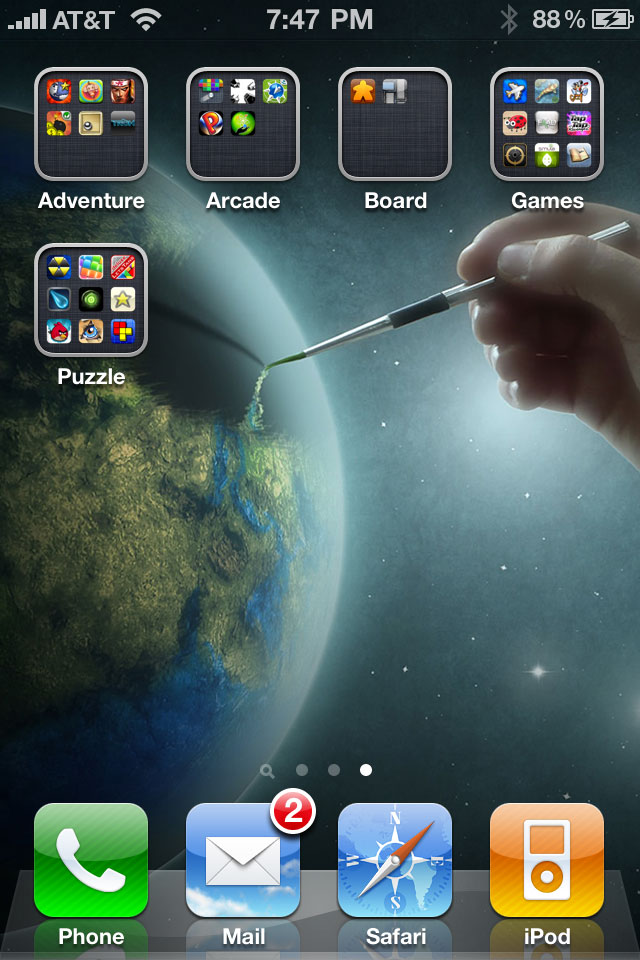
How do you make the status bar invisible? I saw people doing this by adding an effect in Photoshop to the top of their wallpapers. I can't figure it out. I tried searching and found nothing.
Thanks
Edit: Like this one I found on another thread...

link me with this wallpaper please 🙂
Sweet. What filter / blending modes did you use?Best I could do at the moment:
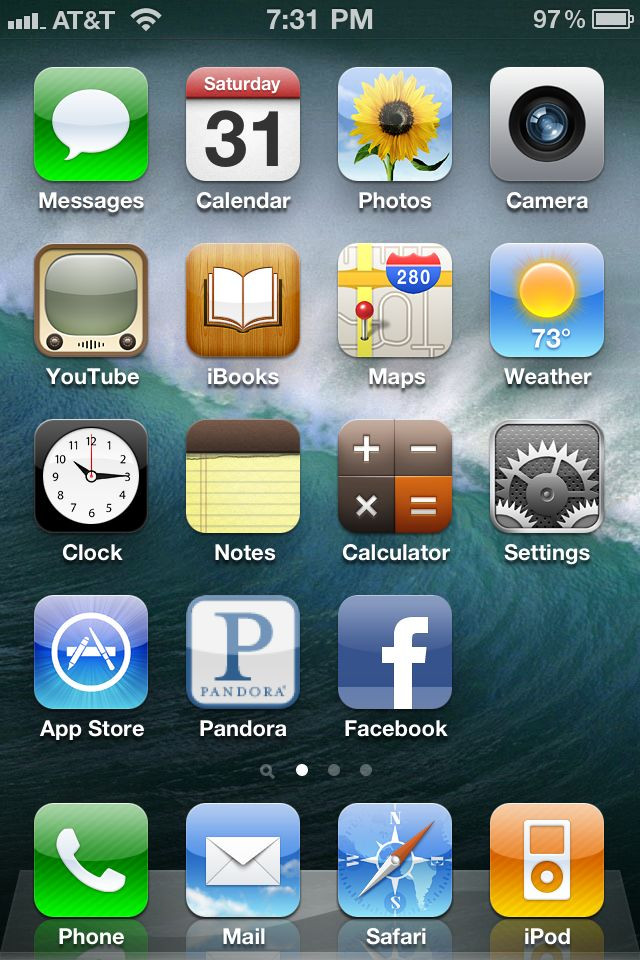
Using this wall:
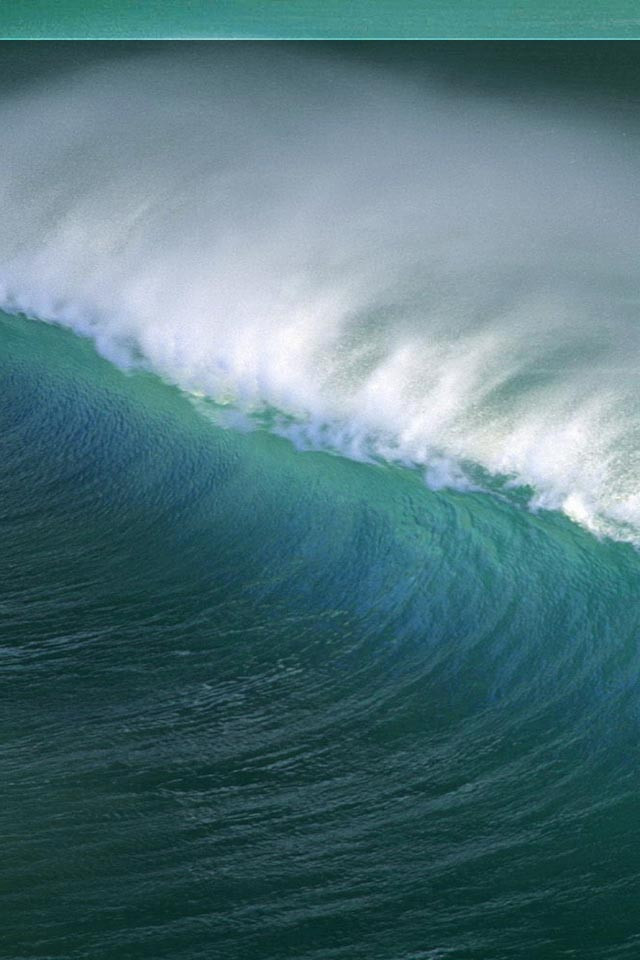
Still need to tamper a little bit, but I'll be back later.
Just overlay blending filters, the opacity varies with every picture, and a lot of it is a hit and miss, I'll keep adjusting it later tonight.Sweet. What filter / blending modes did you use?
Could you post this please if you have it?
Thanks!
+1 I love this wallpaper

zachcheatham
macrumors regular
Can someone make this into a transparent wallpaper?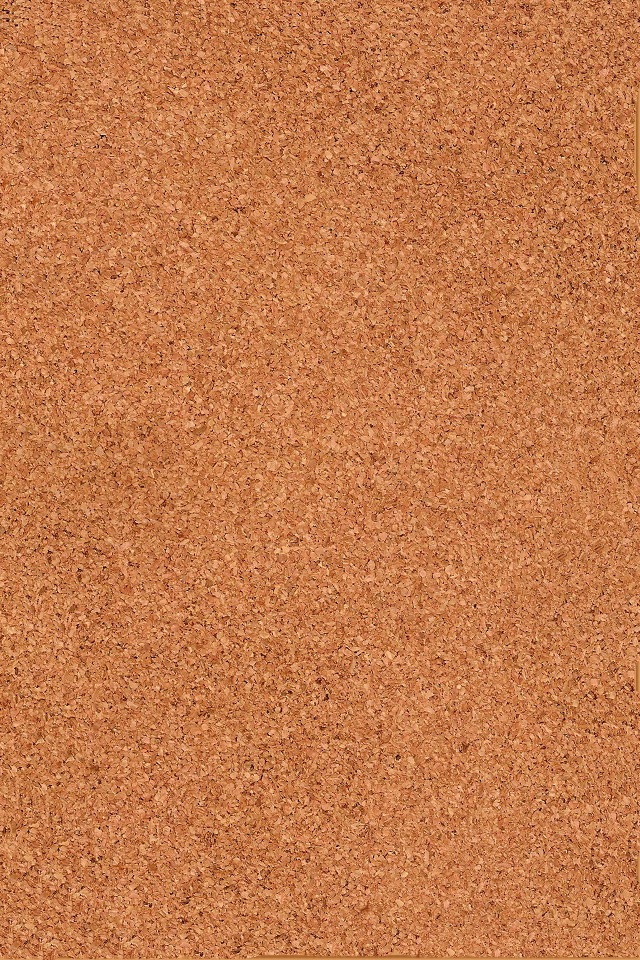
I'll Do it!
Found it in the iPhone Wallpaper thread; I was going mad looking for it.link me with this wallpaper please 🙂
More from me, I hope I did ones that aren't already here.
*Snip*

*Snip*