


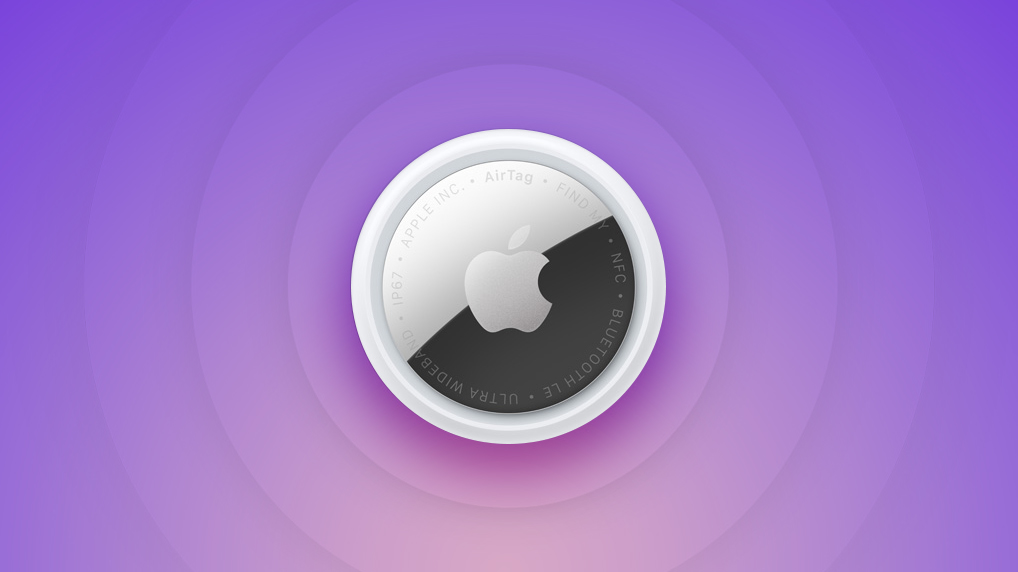
Apple first introduced the AirTag in April 2021, and then followed it up with a second-generation version in January 2026. The small circular AirTag is designed to be attached to items like keys and wallets to allow these accessories to be tracked using Bluetooth or Ultra Wideband (UWB) right alongside Apple devices in the Find My app.
AirTag Price
A single AirTag is priced at $29, and a package of four AirTags can be purchased for $99. Prices have not changed after the release of the AirTag 2.
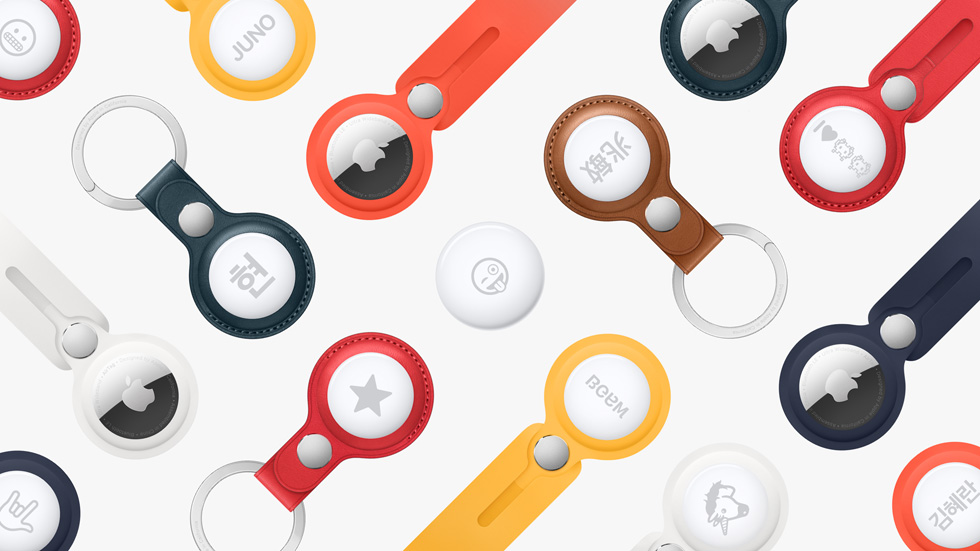
AirTags are available directly from Apple, and that price point does not include the accessories needed to attach the AirTag to an item. Apple sells AirTags accessories separately, and there are also several third-party options.
Third-party retailers like Amazon and Best Buy are also offering AirTags for sale, and there can sometimes be good deals available.
AirTags Design
The AirTag is a small, button-shaped tracking device with a glossy white front that can be customized with an engraving and a silver backing. AirTags are designed around the CR2032 batteries that are inside, and need additional accessories to attach to an item.
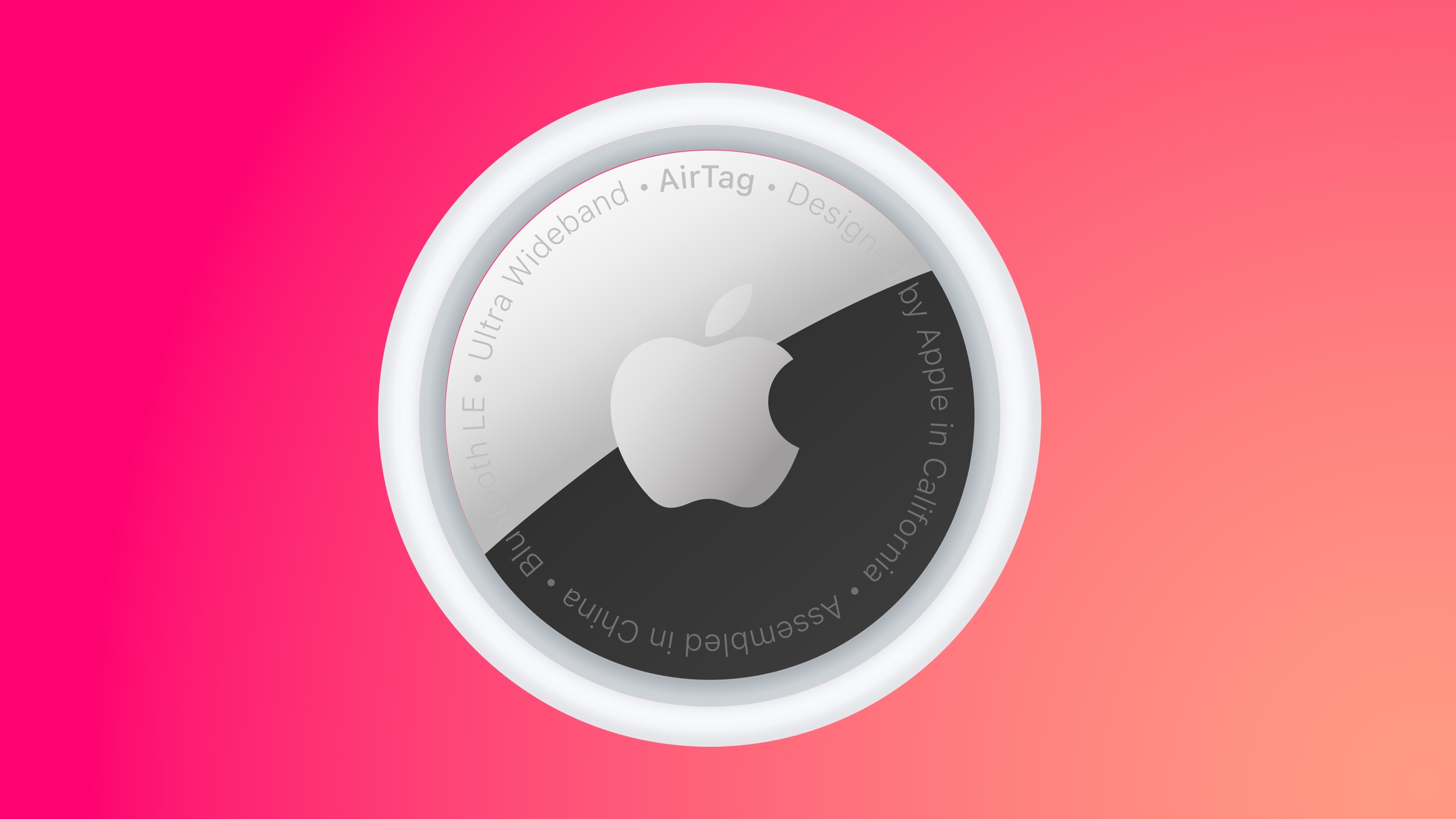
There have been no notable design changes between the original AirTag and the second-generation model, and the overall look is the same. The text on the back of the AirTag is now capitalized, plus it mentions IP67 waterproofing, which is one way to tell the first and second models apart.
AirTag measures in at 1.26 inches in diameter, and it has a height of 0.31 inches, or 8mm. The original AirTag weighs 0.39 ounces (11 grams), while the AirTag 2 weighs 0.42 ounces or 11.8 grams.
AirTags Engraving
Each AirTag can be engraved with up to four letters or emoji characters, though there are some restrictions on multiple emoji due to size limitations. There are also limitations on some emoji strings and phrases due to Apple's content filtering.

You can't, for example, pair a horse emoji with the pile of poo emoji, nor can you use curse words.
2021 AirTag vs. 2026 AirTag 2
The second-generation version of the AirTag features a second-generation Ultra Wideband chip and updated Bluetooth, both of which improve tracking range. Precision Finding, which lets you find an AirTag's specific location with your iPhone, works from 1.5x further away.
Apple added a louder speaker in the AirTag 2, and the speaker is also more firmly secured to make it harder to remove.
If you have an original AirTag, there's no real reason to upgrade, but if you're buying a new one, you'll want to make sure you have the updated model.
AirTags Features
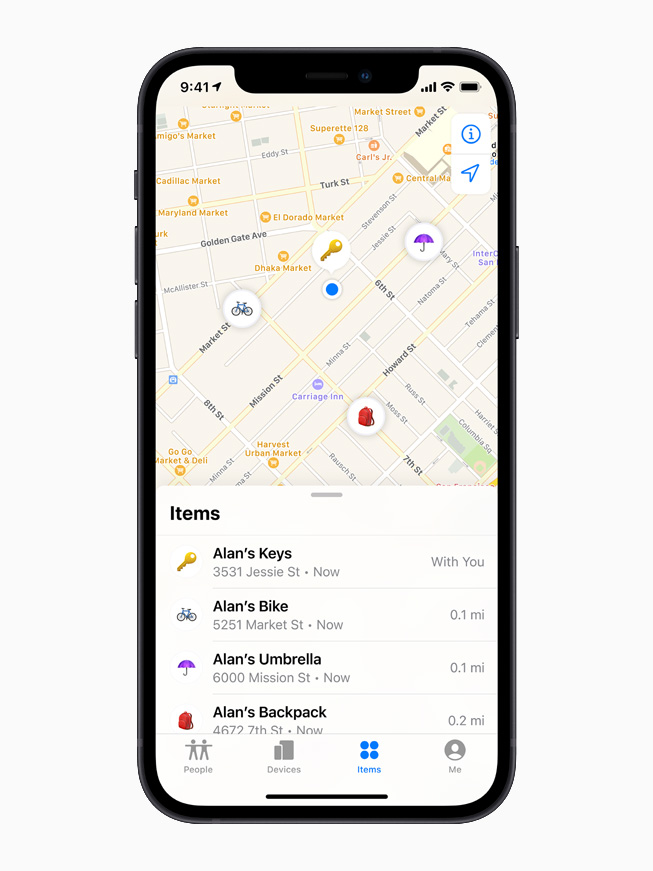
AirTags are added and managed in the Find My app under the "Items" tab. Like other Apple devices, each AirTag is displayed on a map in the Find My app so you can see its location. AirTags connect to your iOS and macOS devices over Bluetooth. The second-generation AirTags have upgraded Bluetooth with connectivity improvements.
The original AirTag features an Ultra Wideband U1 chip, while the AirTag 2 has an upgraded U2 chip. With Ultra Wideband, you can see the AirTag's precise location indoors or outdoors if it's nearby, or see its last known location if it is not.
The second-generation UWB chip allows Precision Finding to work from 1.5x further away than before, which is the major upgrade the AirTag 2 offers over the original model.
There are built-in speakers to play a sound to find a lost AirTag in the house, and you can either play a sound through the Find My app or ask Siri to find an AirTag with a sound. The AirTag 2's speaker is up to 50 percent louder than the speaker in the original AirTag, which makes it easier to find.
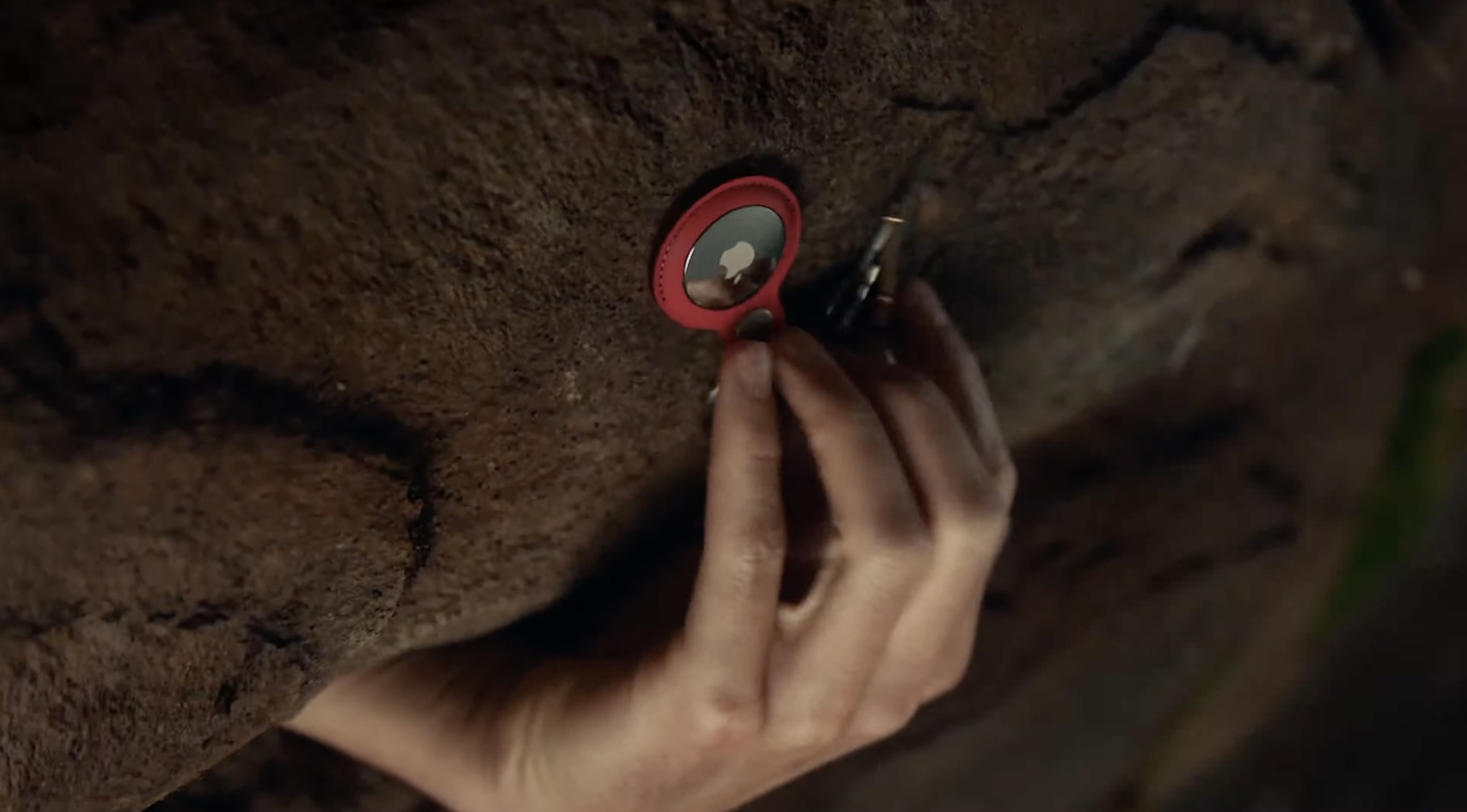
If an AirTag is lost or stolen, the Find My network can help you find it. The Find My network takes advantage of hundreds of millions of iPhone, iPad, and Mac devices to help you locate an AirTag, with the AirTag showing up on a map when it is located by someone else's device.
In Lost Mode, an AirTag will automatically send out a notification when it's detected by someone in the Find My network, and you can add your contact info so someone who finds your item can get in touch with you.
Apple is able to regularly update the AirTags firmware and has done so several times since the AirTags launched.
Precision Finding
iPhones with a U1 or U2 chip can take advantage of Precision Finding, a feature that lets you see specific instructions on how to get to your lost AirTag. Precision finding combines AR, sound, and haptic feedback to help you out. Precision Finding works on the iPhone 11 and later.
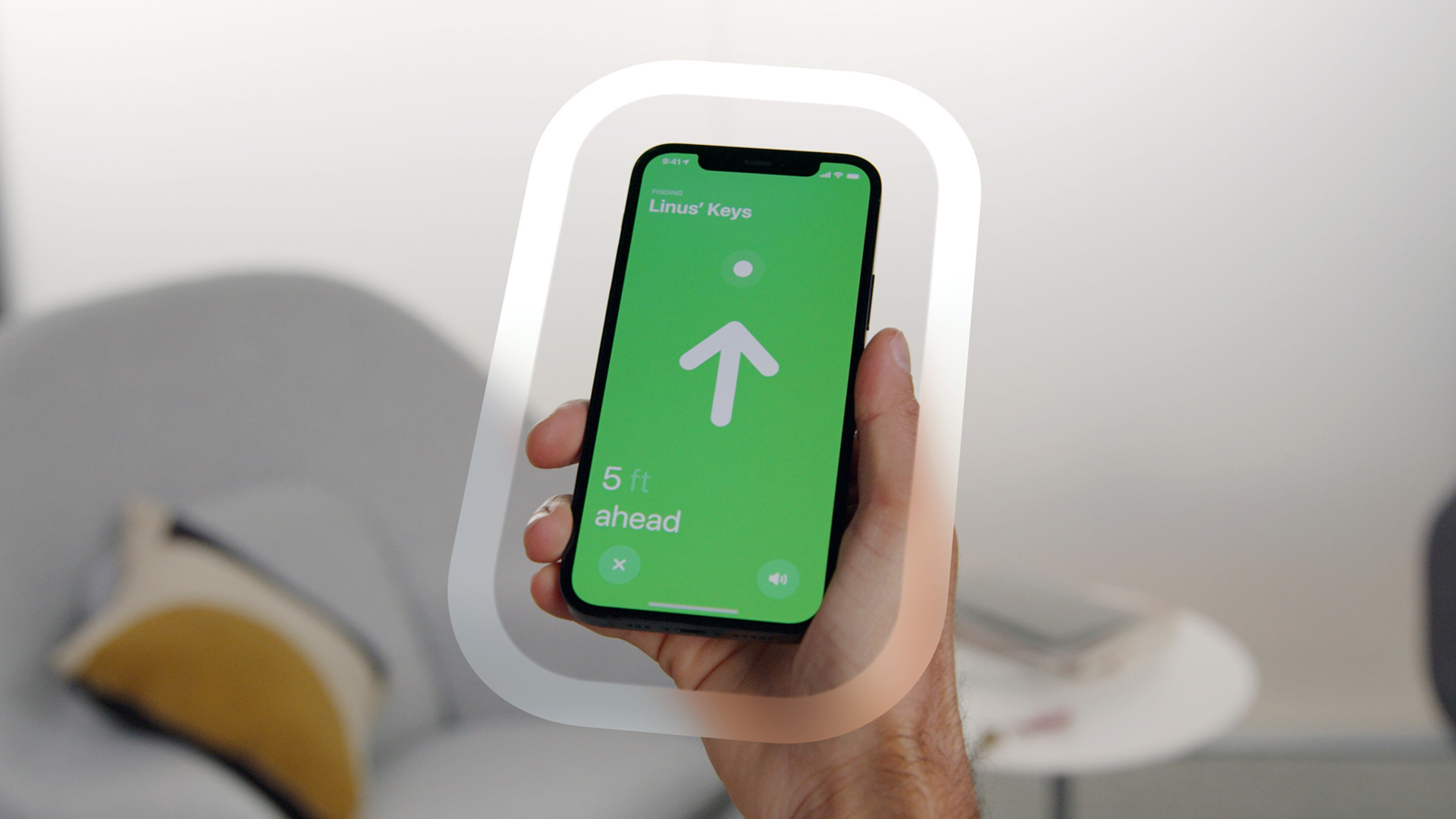
For the AirTag 2, Precision Finding also works on the Apple Watch Series 9 and later and the Apple Watch Ultra 2 and later, because these watches have UWB chips. Precision Finding on Apple Watch is not available for the original AirTag.
Returning a Lost AirTag
If you come across a lost AirTag, or if someone comes across your lost AirTag, it can be... Click here to read rest of article
Article Link: AirTags: Apple's Item Trackers - Everything You Need to Know
- Article Link
- https://www.macrumors.com/guide/airtags/
Last edited:
As an Amazon Associate, MacRumors earns a commission from qualifying purchases made through links in this post.


