Become a MacRumors Supporter for $50/year with no ads, ability to filter front page stories, and private forums.

iFanaddic

macrumors 6502a
Original poster
Sep 24, 2008
848
326
Montréal, Canada
So I’ve been dealing with this odd issue, every other day since installing iOS 26 I will get a message that my storage is full. I cleaned up a few apps, activated app offload, deleted large attachments, and activated optimize photos. I was able to free up almost 10GB but that only lasted 48 hours.

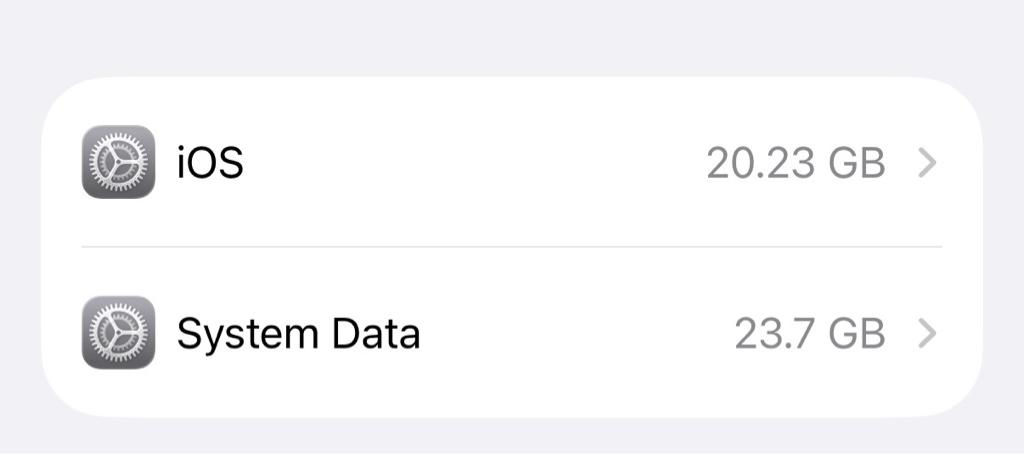
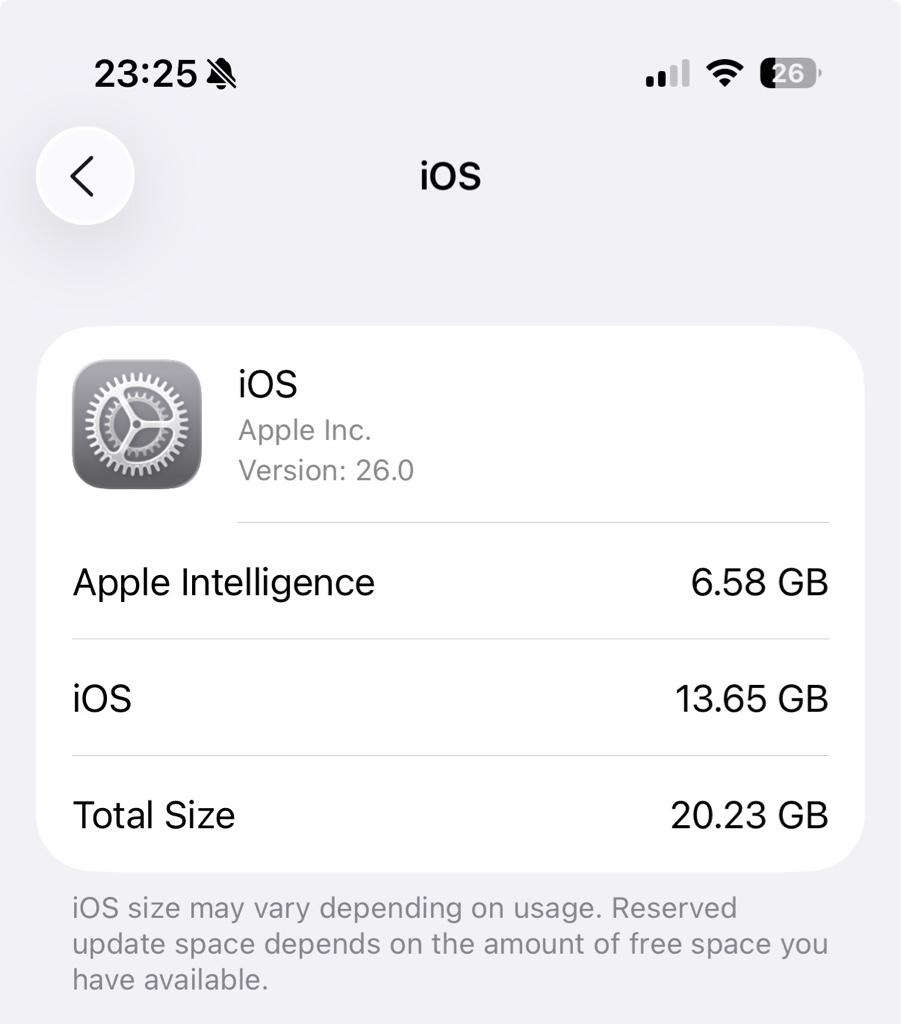
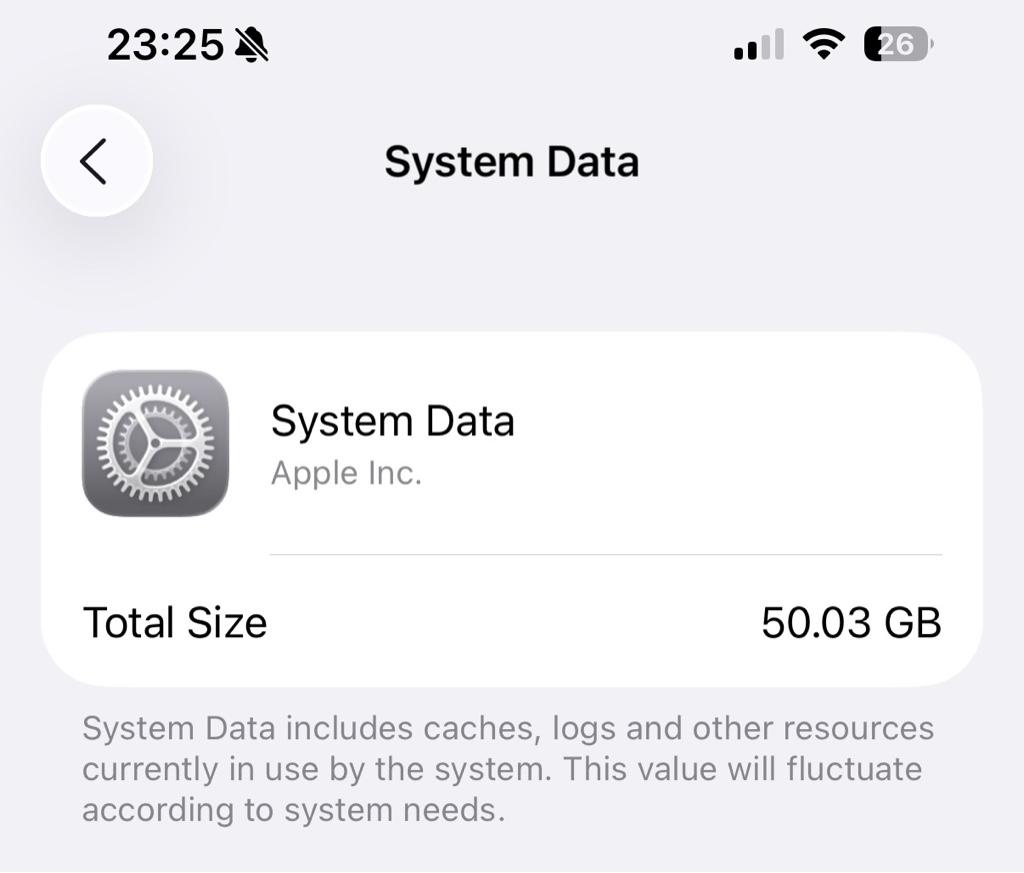
And somehow with very little usage, I am back at 127.88GB over 128GB. The rest of my apps I don’t want to delete, or are too small to really matter. I do still see about 7GB of photos and system data at 50GB, anything I can do about those? What is system data if the OS is calculated seperately?

What would you do if you were me? (Getting a 256GB model is not an option, nor is turning off Apple Intelligence.)

IMG_3860.PNG
6f5ac6c85612efb0538465ddc2c4e8b9.jpg
efd4e1cbfbfcbda548ed12df5f468250.jpg
 
Last edited:
yeah, 50GB is a bit much - you can try the following:

  • Clear history and website data via Settings>Apps>Safari. Then:
  • Power the phone down - not a restart, really powering it down.
  • wait 5 Mississippi’s 🤓
  • Power the phone up. Check.

If that doesn’t improve the storage:

  • turn of wifi and bluetooth, put it in flight mode.
  • deselect setting date and time automatically in Settings>General>Date&Time and
  • Set the date manually 1 year and a few days into the future, e.g., if you do that today -> 20th of june 2026
  • Power the phone down. Wait a bit.
  • Power it up. There will be a notification about the expired beta.
  • wait 5 minutes.
  • set the date and time to automatic.
  • power down.
  • Wait a bit, power up. The system data should be significantly lower.
 
There seems to be a bug right now where the System Data just absolutely skyrockets and then gets cleared repeatedly, my phone had 20GB this morning and by the afternoon it's around now 1.42GB.
Try the method posted by Slartibart.
 
yeah, 50GB is a bit much - you can try the following:

  • Clear history and website data via Settings>Apps>Safari. Then:
  • Power the phone down - not a restart, really powering it down.
  • wait 5 Mississippi’s
  • Power the phone up. Check.

If that doesn’t improve the storage:

  • turn of wifi and bluetooth, put it in flight mode.
  • deselect setting date and time automatically in Settings>General>Date&Time and
  • Set the date manually 1 year and a few days into the future, e.g., if you do that today -> 20th of june 2026
  • Power the phone down. Wait a bit.
  • Power it up. There will be a notification about the expired beta.
  • wait 5 minutes.
  • set the date and time to automatic.
  • power down.
  • Wait a bit, power up. The system data should be significantly lower.

In my case the first steps did the trick. Thank you!

9b788d3e012a95250fdf7047c76430db.jpg
 
  • Like
Reactions: Slartibart
There seems to be a bug right now where the System Data just absolutely skyrockets and then gets cleared repeatedly, my phone had 20GB this morning and by the afternoon it's around now 1.42GB.
Try the method posted by Slartibart.
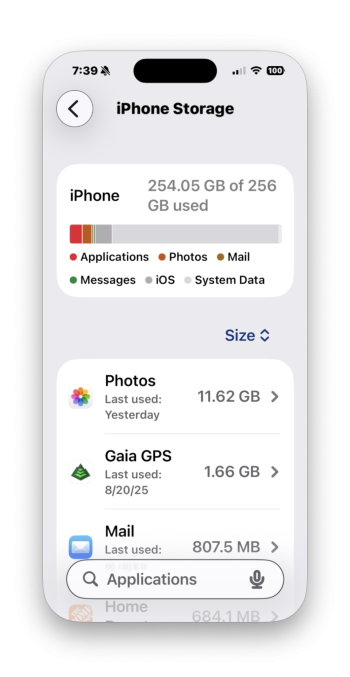
Yep - I have exactly that issue. I have 256GB 15 Pro that normally has *maybe* 50GB - now it's full and it's all iOS and "System Data!" This is on iOS 26 Beta 7.
Follow-up: Slartibart's long method cleared it up (thanks!). I filed a Feedback Assistant.

Screenshot 2025-08-23 at 7.39.36 AM.png
 
Last edited:
Unfortunately, Slartibart’s steps didn’t work for me, and I actually rebooted back with even more added system data. And I've tried the steps multiple times already too. I’ve been suffering the System Data bug since the first Dev beta came out and when storage maxes out, my iPhone will start to get super unresponsive, generate a lot of heat, and then eventually go into an endless reboot cycle. Typically, my only way out of this mess would be to perform a restore and I’ve already had to do this several times with each beta. :(

1756589986968.png
 
Last edited:
Register on MacRumors! This sidebar will go away, and you'll see fewer ads.