I'm running an old 2015 MacBook Pro and an old iPhone 7 Plus. So, perhaps the root problem is that I'm using old Apple hardware.
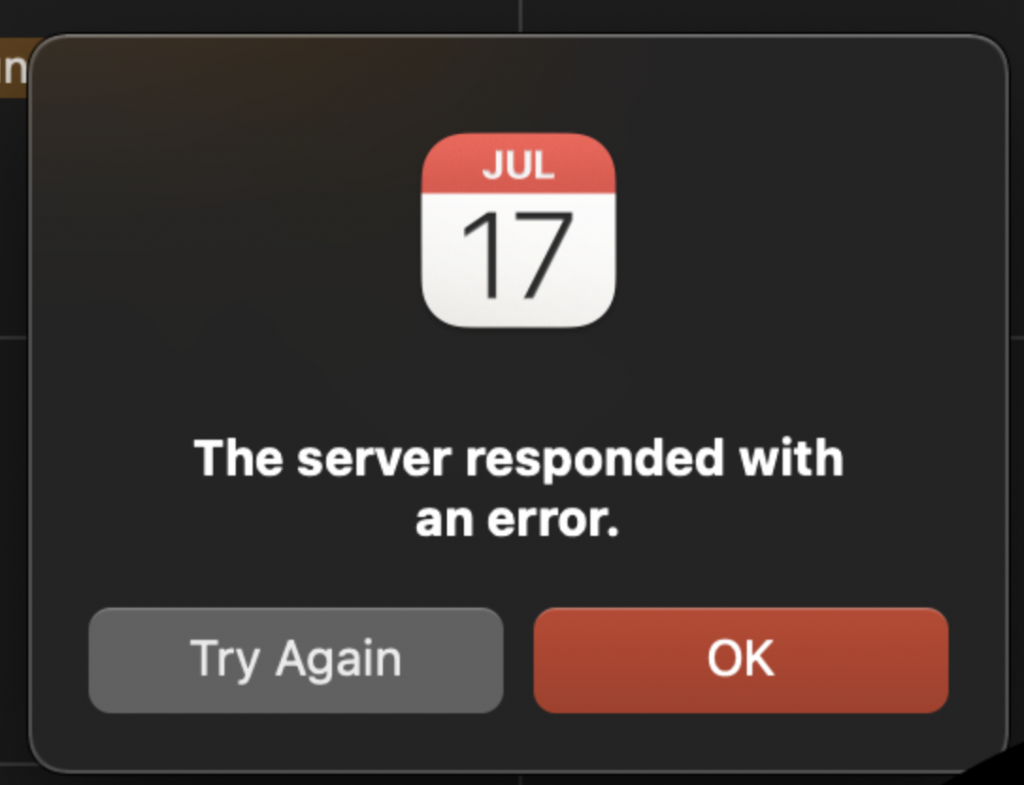
Today, radomly, I began getting these super annoying popup messages from Apple's calendar saying "The server responded with an error."
I'll get multiples of the same message at once; that is, I click "Try Again" or "Revert to Server, or "Ignore" and immediately I have the exact same message in my face - demanding my attention.
The sad thing is that I rely on my Apple calendar everyday. So, I can't really - just turn off my calendar and forget about it.
This problem reared its ugly head only this morning. So, at this point in time I've only tried rebooting my Apple machine. Interestingly, I haven't seen a similar problem with my iPhone 7 Plus.
I have a Google calendar, and a Microsoft Calendar connected to my MacBook Pro's calendar. Maybe randomly disconnecting one of the other calendars might help alleviate this problem?
Ideas anyone?
Is there anything I could check?

Today, radomly, I began getting these super annoying popup messages from Apple's calendar saying "The server responded with an error."
I'll get multiples of the same message at once; that is, I click "Try Again" or "Revert to Server, or "Ignore" and immediately I have the exact same message in my face - demanding my attention.
The sad thing is that I rely on my Apple calendar everyday. So, I can't really - just turn off my calendar and forget about it.
This problem reared its ugly head only this morning. So, at this point in time I've only tried rebooting my Apple machine. Interestingly, I haven't seen a similar problem with my iPhone 7 Plus.
I have a Google calendar, and a Microsoft Calendar connected to my MacBook Pro's calendar. Maybe randomly disconnecting one of the other calendars might help alleviate this problem?
Ideas anyone?
Is there anything I could check?