


Become a MacRumors Supporter for $50/year with no ads, ability to filter front page stories, and private forums.

MacRumors

macrumors bot
Original poster
Apr 12, 2001
70,472
42,174


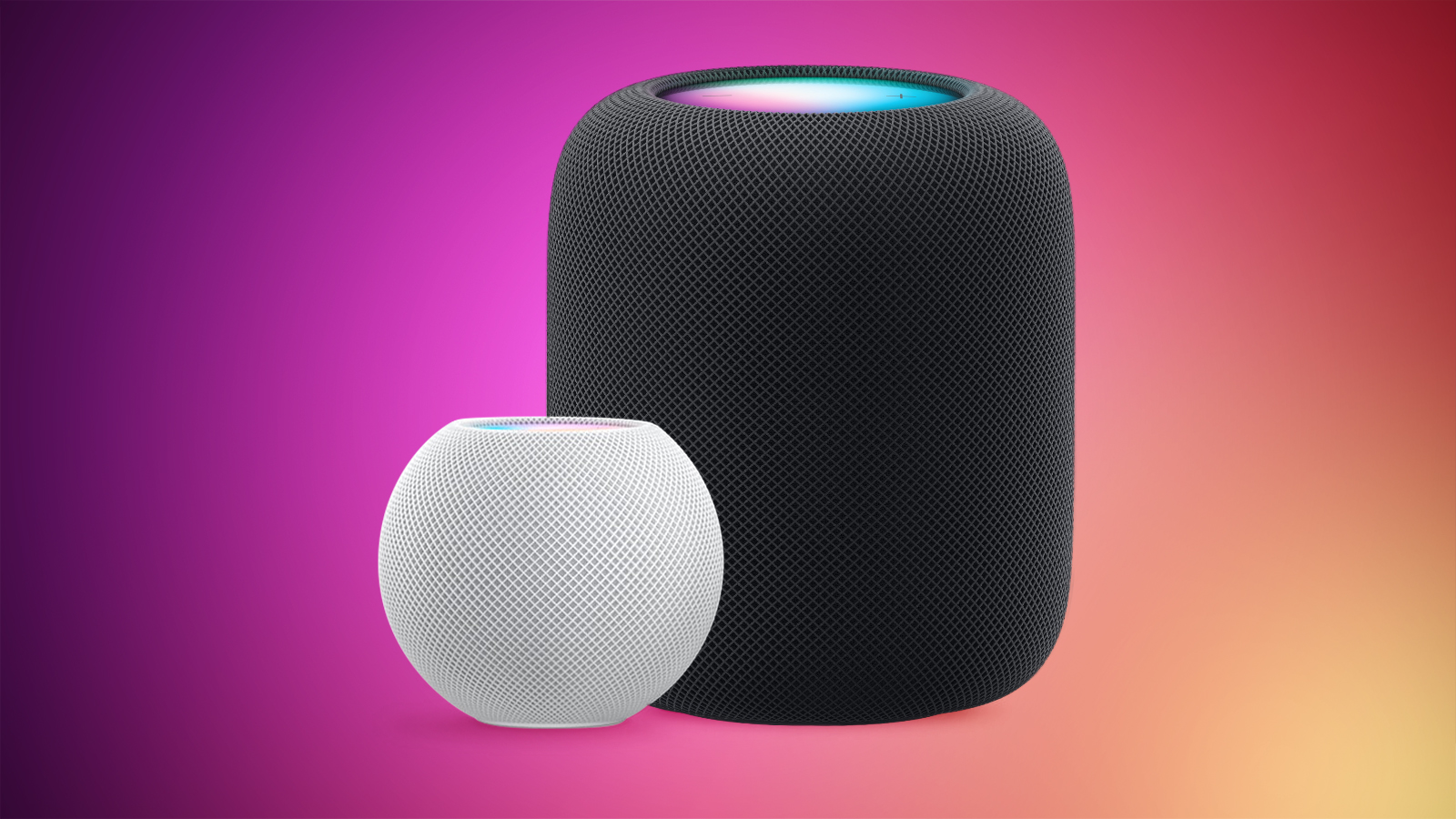
Alongside iOS 26.2, iPadOS 26.2, and macOS Tahoe 26.2, Apple has released new HomePod 26.2 software for the HomePod and the HomePod mini. The update comes a month after Apple released HomePod Software 26.1.
HomePod-2-and-Mini-feature-1.jpg

According to Apple's release notes, HomePod Software 26.2 includes performance and stability improvements.

‌HomePod‌‌‌‌‌‌‌ software is installed automatically on the ‌‌‌‌‌‌‌HomePod‌‌‌ unless the feature is disabled‌‌‌‌, but the ‌‌‌‌‌‌‌HomePod‌‌‌‌‌‌‌ can also be manually updated in the Home app on iPhone, iPad, or Mac by tapping on the More button, choosing Home Settings, and then selecting the Software Update option.

Article Link: Apple Releases HomePod Software 26.2 With Performance Improvements
 
Still running Thread version 1.3

HomePod mini > _meshcop._udp. > tv 1.3.0
 
Performance? Hmm not for siri
I noticed some airplay issues when connecting Mac to the HomePod. It would sometime cut out and favor purchased iTunes albums. Not sure if this is intentional or a bug. Did not do that before the resent update before this new one. We will see how it goes after the update. Looking forward to “performance updates”.
 
  • Like
Reactions: Astuces iOS
Here are my current HomePods Siri recurring frustrations:

Paired big 2nd Gen HomePods in my kitchen:

‘Siri, volume 22”
You want me to increase volume to 100%?
How “twenty two” sounds anything remotely close to “one hundred” is beyond my comprehension. This is not a one off.

Apple Music playing at 40
“Siri, volume down”
I’ll speak softer (but she also turns the music volume down). How about “turning it down” or just “ok”?

The one that pisses me off to no end: if ANYONE has a device in the kitchen other than the paired HomePods (which is like always):

‘Siri, volume down”
The music playing on the HomePods doesn’t change but one of the random iPhones or iPads turns the music volume down on that device WHICH IS NOT EVEN PLAYING MUSIC!

Apple:

If HomePod playing music = TRUE
And you hear a user say “Siri, music down”
Then only turn music down on the device playing music
And ignore changing anything on other devices

Why is this so difficult???
 
Here are my current HomePods Siri recurring frustrations:

Paired big 2nd Gen HomePods in my kitchen:

‘Siri, volume 22”
You want me to increase volume to 100%?
How “twenty two” sounds anything remotely close to “one hundred” is beyond my comprehension. This is not a one off.

Apple Music playing at 40
“Siri, volume down”
I’ll speak softer (but she also turns the music volume down). How about “turning it down” or just “ok”?

The one that pisses me off to no end: if ANYONE has a device in the kitchen other than the paired HomePods (which is like always):

‘Siri, volume down”
The music playing on the HomePods doesn’t change but one of the random iPhones or iPads turns the music volume down on that device WHICH IS NOT EVEN PLAYING MUSIC!

Apple:

If HomePod playing music = TRUE
And you hear a user say “Siri, music down”
Then only turn music down on the device playing music
And ignore changing anything on other devices

Why is this so difficult???
 
  • Like
Reactions: retroneo
Hey Siri, "Play Hotel California by the Eagles."
Siri: "Now playing California Dreamin' by the Mamas and Papas."
Hey Siri, "Play Hotel California by the Eagles."
Siri: "Now playing California Girls by Katy Perry."
Hey Siri, "Play Hotel California by the Eagles."
Siri finally plays the correct song but stops midway for about a minute, then plays some random song.

I agree, why is this so difficult?!
 
So can we finally set the left right balance when we pair two HomePods? Or is there finally an EQ, please?
 
And since two weeks ago my HomePod minis and my iPhone don’t seem to see each other anymore. Whenever I want to set the timer or kill the lights both minis and the iPhone reply. So I have three timers running.
 
Cool, and the minis actually going to play the alarms that are set, or keep skipping them?
 
  • Disagree
Reactions: srbNYC
My HomePod minis sound way different after this update. It’s like the audio adjustment has gotten waaaay aggressive and tweaking at the slightest change. So the bass is all over the place and the highs are weird. Have an OG HomePod and a gen 2 that I haven’t tested yet but I hope it’s just me having an off day.
 
  • Disagree
Reactions: Shah!n
Hey Siri, "Play Hotel California by the Eagles."
Siri: "Now playing California Dreamin' by the Mamas and Papas."
Hey Siri, "Play Hotel California by the Eagles."
Siri: "Now playing California Girls by Katy Perry."
Hey Siri, "Play Hotel California by the Eagles."
Siri finally plays the correct song but stops midway for about a minute, then plays some random song.

I agree, why is this so difficult?!
I know it’s cruel to laugh, but this genuinely made me chuckle. I can’t remember the last time I used Siri, and posts like this remind me why.
 
  • Like
Reactions: System603
My HomePod minis sound way different after this update. It’s like the audio adjustment has gotten waaaay aggressive and tweaking at the slightest change. So the bass is all over the place and the highs are weird. Have an OG HomePod and a gen 2 that I haven’t tested yet but I hope it’s just me having an off day.
This sounds like a Dolby Atmos track issue. All Dolby Atmos tracks on HomePod Minis sound a bit out of place. Maybe double check if it's a stereo or an Atmos track to confirm if Apple tweaked it or not. I'm sure you have a test track that you know well and can hear the difference.
 
What's wrong with the 2nd gen? I heard they have removed a couple tweeters, but that's it.

They removed microphones, the 2nd gen cannot hear you.

Here are my current HomePods Siri recurring frustrations:

Paired big 2nd Gen HomePods in my kitchen:

‘Siri, volume 22”
You want me to increase volume to 100%?
How “twenty two” sounds anything remotely close to “one hundred” is beyond my comprehension. This is not a one off.

Apple Music playing at 40
“Siri, volume down”
I’ll speak softer (but she also turns the music volume down). How about “turning it down” or just “ok”?

The one that pisses me off to no end: if ANYONE has a device in the kitchen other than the paired HomePods (which is like always):

‘Siri, volume down”
The music playing on the HomePods doesn’t change but one of the random iPhones or iPads turns the music volume down on that device WHICH IS NOT EVEN PLAYING MUSIC!

Apple:

If HomePod playing music = TRUE
And you hear a user say “Siri, music down”
Then only turn music down on the device playing music
And ignore changing anything on other devices

Why is this so difficult???

Hey Siri, "Play Hotel California by the Eagles."
Siri: "Now playing California Dreamin' by the Mamas and Papas."
Hey Siri, "Play Hotel California by the Eagles."
Siri: "Now playing California Girls by Katy Perry."
Hey Siri, "Play Hotel California by the Eagles."
Siri finally plays the correct song but stops midway for about a minute, then plays some random song.

I agree, why is this so difficult?!

I know it’s cruel to laugh, but this genuinely made me chuckle. I can’t remember the last time I used Siri, and posts like this remind me why.

The quotes above are examples of the 2nd gen not having as many microphones as the OG. It almost never hears you and when it does, it doesn't hear you correctly. Two nights ago my better half asked if Paul Rudd was Canadian and it called a co-worked of mine named Rodney Cloud. SMH

The OG HomePod had more microphones and could hear you clearly from other rooms.
 
Last edited:
  • Like
Reactions: StudioMacs
Register on MacRumors! This sidebar will go away, and you'll see fewer ads.