


Become a MacRumors Supporter for $50/year with no ads, ability to filter front page stories, and private forums.

MacRumors

macrumors bot
Original poster
Apr 12, 2001
70,441
42,105


Apple today provided developers and public beta testers with a second release candidate version of tvOS 26.2 and HomePod Software 26.2, which is based on tvOS. The second RC comes one day after the first RC and has a build number of 23K53, up from 23K51.
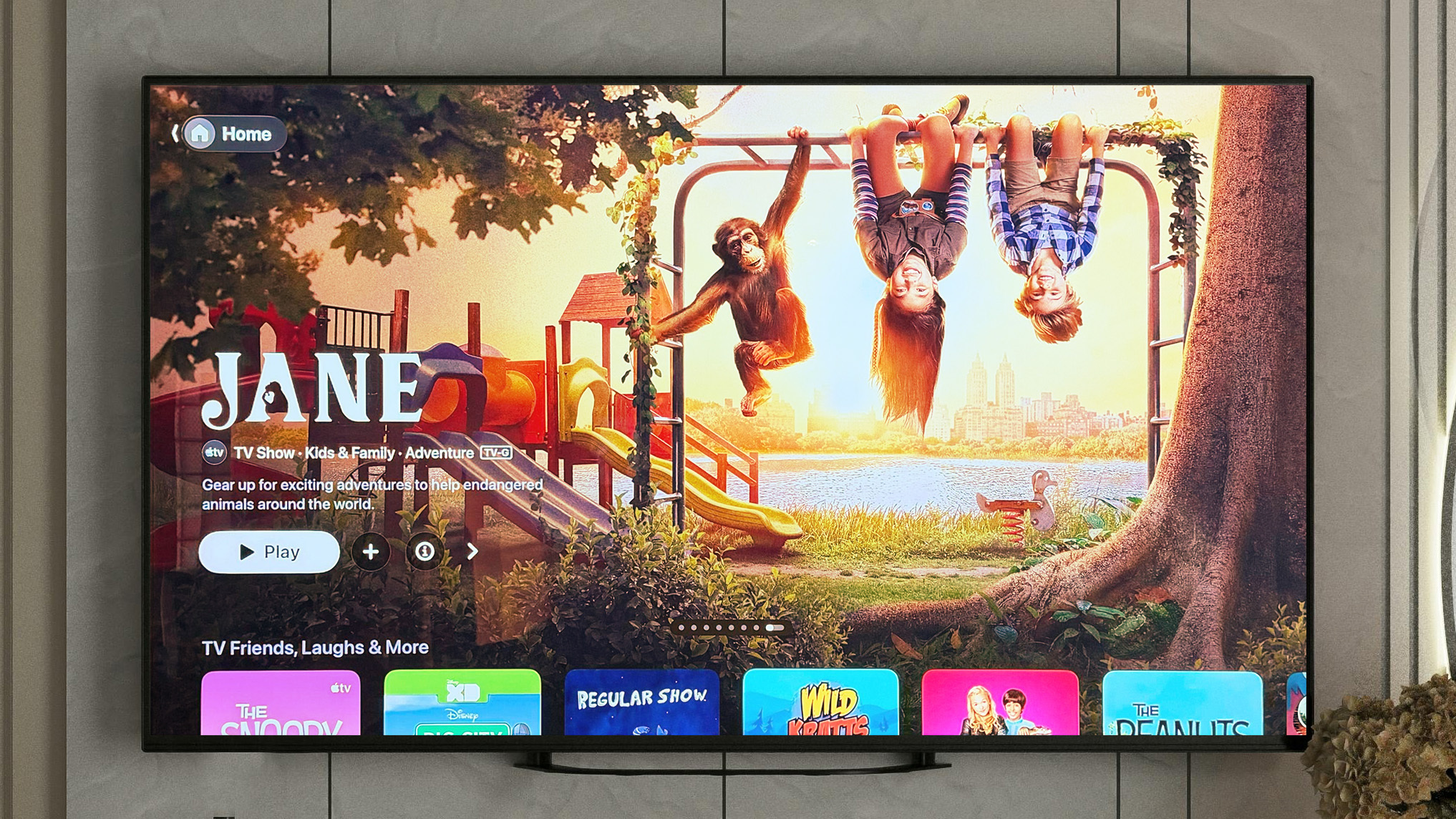
tvos-26-2-kids-apple-tv-app.jpg

tvOS 26.2 can be downloaded through the Software Update section of the Apple TV settings app.

With tvOS 26.2, Apple is adding support for creating a profile without an Apple Account, and there is a dedicated Apple TV app kids mode that's available for children's profiles.

Apple doesn't provide beta release notes, so it's not clear what's changed between the first RC and the second RC. Typically, release candidates are updated if there is a major bug discovered during the testing period. RCs represent the final version of the software that will be released to the public.

We're expecting tvOS 26.2 and HomePod Software 26.2 to come out next week.

Article Link: Apple Seeds Second tvOS 26.2 Release Candidate
 
  • Like
Reactions: SFjohn
I swear the same group of developers and testers responsible for the horrific HomePod bricking of 13.2 is added again with this release because the HomePod updates take 16 hours to download an Apple TVs on the most recent version keep failing to update and had to be reset all four of them that I have.

This team is the redheaded stepchild of Apple and needs to be replaced
 
When are they getting rid of the now useless movies and tv shows apps? It’s annoying me I can’t use them so at least remove the damn things.
 
  • Like
Reactions: shakopeemn
When are they getting rid of the now useless movies and tv shows apps? It’s annoying me I can’t use them so at least remove the damn things.
You can hide them via the settings menu now:

  1. Open the Settings app
  2. Scroll down and select Apps
  3. Select iTunes Movies and TV Shows
  4. Find the Home Screen section
  5. Click once on each row to change from Show to Hide
 
There's now a bug where only posters for shows/films are in the "Continue Watching". There isn't a setting to change this back to the image of the next episode, and it was also in the first 26.2 RC.
 
When are they getting rid of the now useless movies and tv shows apps? It’s annoying me I can’t use them so at least remove the damn things.
Yeah, you'd think if they somehow are important to the inner workings of TVos you might at least be able to hide the App icon from the menu...
 
  • Like
Reactions: AstroChris88
First RC has a bug where if you use shared audio with 2 AirPods and change the master volume it only changes it on one set of AirPods.
Hopefully second RC fixes this.
 
Register on MacRumors! This sidebar will go away, and you'll see fewer ads.