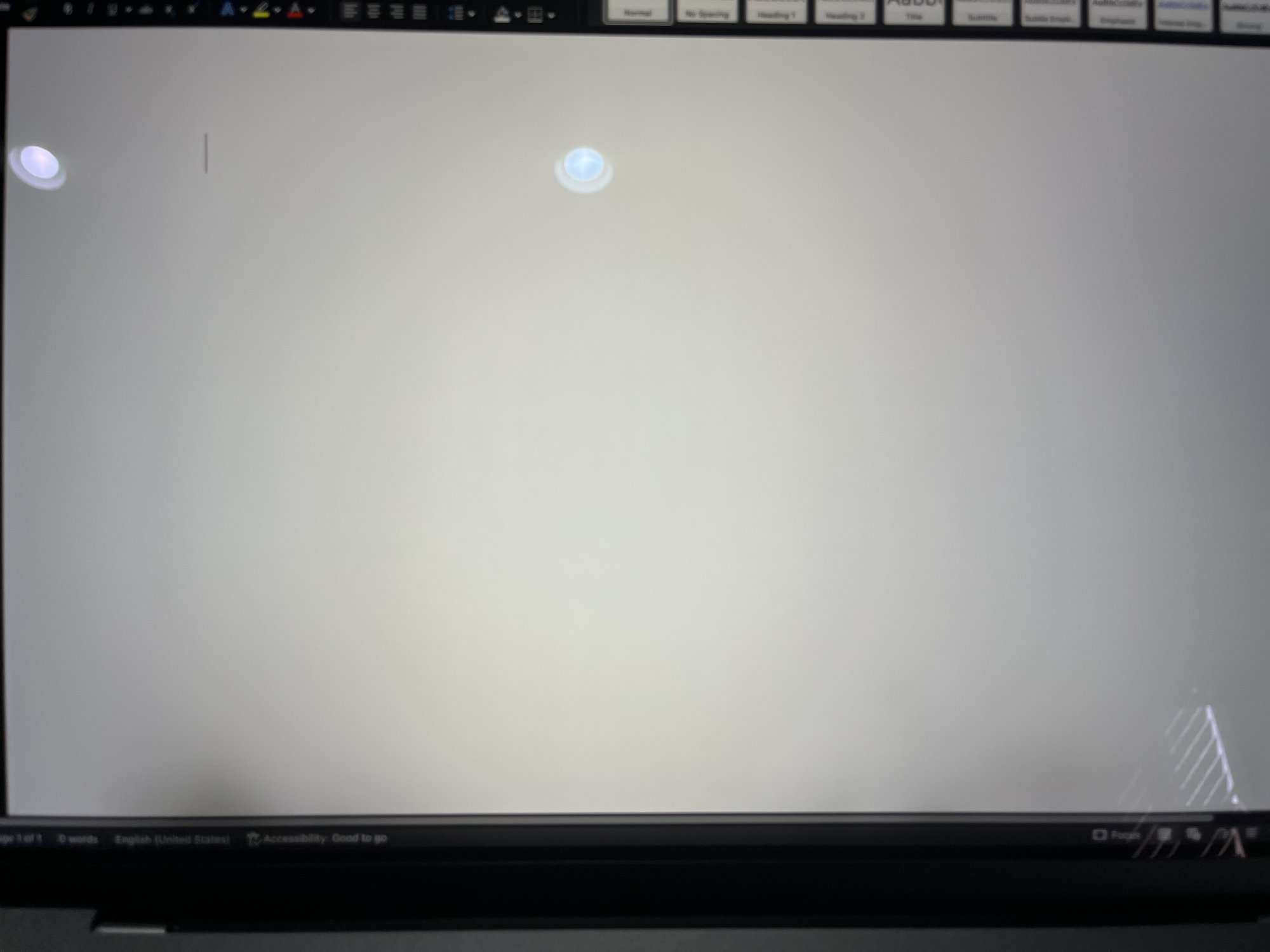
Hopefully these show up in the attached picture, but I'm getting dark spots on the bottom of my screen. At first only the lower left side and now another one as well. Of course my laptop doesn't have AppleCare. Any sense of why this is? Is it a known problem? Thanks.

Got a tip for us?
Let us know
Become a MacRumors Supporter for $50/year with no ads, ability to filter front page stories, and private forums.
Dark spots bottom of screen: 2021 16" MBP
- Thread starter michaelsaxon
- Start date
- Sort by reaction score
You are using an out of date browser. It may not display this or other websites correctly.
You should upgrade or use an alternative browser.
You should upgrade or use an alternative browser.


@michaelsaxon I have the exact same model from 2021 AND the same lower-left dark spot beginning to appear in the same place. Could I ask if/how you resolved this, and how much you had to pay if they required payment? Curious if the cause was determined to be manufacturer defect or normal use (or e.g. gripping the laptop too hard while closed there). Thanks.
Exact same issue, exact same model. Unfortunately I seriously doubt Apple plans to do anything about this since it seems like a pretty rare issue.

Is this what the heat does to the screens over time? Looks like where the exhaust vents come out. Everyone was thinking this could be an issue in early reviews. Looks just like it to me. The screen can only handle so much extreme temp heat being directly blasted to it before something is going to give. Only the M1+ has these designs.
Does it have two fans? If this was a one fan, then never mind, but if two, then this could be the issue in my opinion.
Does it have two fans? If this was a one fan, then never mind, but if two, then this could be the issue in my opinion.
I'm sorry to just now return to this! I am just living with it. I assume Apple will do nothing since it is out of warranty unless they would admit that it is a widespread problem.
But does your model have two fans that push out the heat at those two places?I'm sorry to just now return to this! I am just living with it. I assume Apple will do nothing since it is out of warranty unless they would admit that it is a widespread problem.

does the dark spots show while using the MacBook like on safari, programs etc?I'm sorry to just now return to this! I am just living with it. I assume Apple will do nothing since it is out of warranty unless they would admit that it is a widespread problem.
my MBP 2012 has 2 light spots that are visible while booting but not while active.
Is this what the heat does to the screens over time? Looks like where the exhaust vents come out. Everyone was thinking this could be an issue in early reviews. Looks just like it to me. The screen can only handle so much extreme temp heat being directly blasted to it before something is going to give. Only the M1+ has these designs.
Does it have two fans? If this was a one fan, then never mind, but if two, then this could be the issue in my opinion.
Yes, it's the heat. The backlight diffuser plastic sheet is deforming. Sadly there's no solution. It's not a real problem, unless it annoys you.
You can see it often in commercial displays because they use very powerful backlights.
In the future you can try to avoid it by keeping the brightness down.

So basically, Apple's design of having the fans blow all the heat from the computer onto the display is a bad idea for the display's longevity and this will eventually happen over time to most MBP displays from M1+.Yes, it's the heat. The backlight diffuser plastic sheet is deforming. Sadly there's no solution. It's not a real problem, unless it annoys you.
You can see it often in commercial displays because they use very powerful backlights.
In the future you can try to avoid it by keeping the brightness down.
Actually since the PowerBook G4 and iBook G3... I can see it on my 2013 MBP. On the other hand, the Silicon chips are much more efficent, generate less heat and need to use the fan more rarely.So basically, Apple's design of having the fans blow all the heat from the computer onto the display is a bad idea for the display's longevity and this will eventually happen over time to most MBP displays from M1+.
I have the PowerBook G4, PowerBook G3 and 2007 MacBook Pro and age can wear things out and cause those areas to do that but they are not just a few years old. The older Mac laptops do not show much of it after being on for a while and heat up (unlike the above). I have several 2015 models (one heavily used) and the screens looks perfectly new all time. They are over 10 years old now.Actually since the PowerBook G4 and iBook G3... I can see it on my 2013 MBP. On the other hand, the Silicon chips are much more efficent, generate less heat and need to use the fan more rarely.
For Pro models that push all the heat from the Pro and Max chips onto the display, it seems it will cause premature aging of the screens. If one is just doing email, Pages and web browsing, then maybe not but heavy usage will push a ton of heat at those areas that normally fail first, without all that extra 40˚C+ heat.
Register on MacRumors! This sidebar will go away, and you'll see fewer ads.