
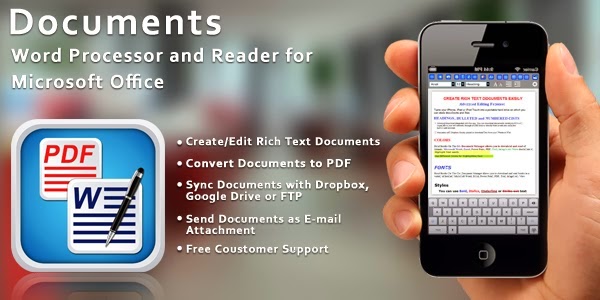
Microsoft Office Documents Viewer, Open source Document Editor and PDF Maker, all features in a single app. THE BEST DOCUMENT EDITING AND MANAGEMENT SUITE FOR IPHONE AND IPAD.
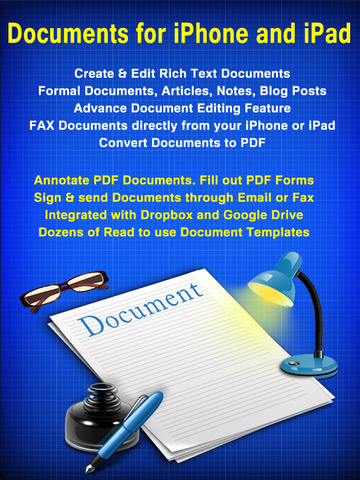
+ Create and Edit Rich Text Documents on your iPhone or iPad.
+ Convert documents to PDF
+ Transfer files to or from your PC or Mac wirelessly or through USB
+ Work on your documents even when you are not connected to the internet.
+ Send documents as EMAIL ATTACHMENTS
+ Synch your documents with Drop box, Google Drive, Sky Drive or FTP.
+ View Word & Excel files (Office 2007/2008/2010)
+ VIEW PowerPoint, PDF, i Work, Text, .RTE, and more!
+ Open & Edit files created through this app from any 3rd party app that supports the “Open In” feature
+ Create or Download Documents from anywhere and carry it with you wherever you go
DOCUMENT EDITOR:
• View/Edit/Create Rich Text Documents
• Fonts, Styles,Font Sizes
• Bold, italic, Underline, Strike out
• Text Color, Background Color selection
• Text Alignment
• Import Pictures from your Photo Library and paste in the documents
• Take Pictures from Camera and insert in the document
• Various bullet styles/formatting
• Auto bullets/numbers
• Undo Changes
• Easy Copy and Paste

PDF EXPERT:
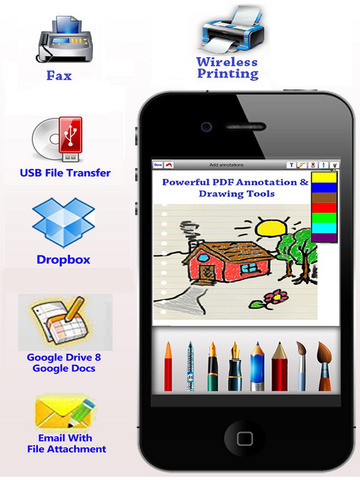
• Draw sketches in your PDF documents.
• Write hand-written notes or comments or highlight text in your PDF documents.
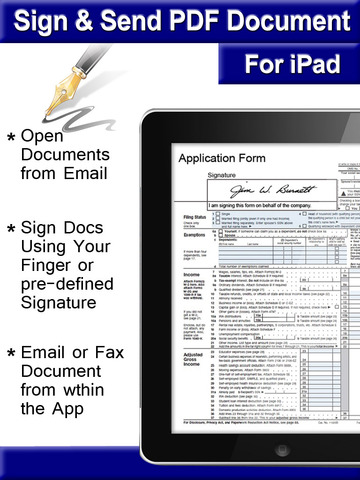
• Fill out PDF Forms and send through email.
• Sign & Send Documents - Receive documents through email, sign them using this app and send back through email.
PDF Converter:
• Convert Microsoft Word, Power Point, Excel, Text and i Work documents to PDF
• Annotate converted PDFs and write your notes on PDF within the app
PDF To Go VIEWING:
• Thumbnail, Fit to Screen, Fit to Width, Actual Size & full screen views
• Go to/rotate page
• Search
• Multiple Bookmarks
• Printing PDF Files to Air Print Printers in your WiFi network
• Email Attachments

SHARING:
• Send and Receive Documents as Email Attachments
• Drop-box
• Google Drive
• FTP
FOLDERS & SUB-FOLDERS:
• Create Folders & Sub-folders
• Delete, Rename files
• Drag and Drop files to Move them across folders
Itunes Link: https://itunes.apple.com/us/app/documents-word-processor-reader/id642314248?mt=8