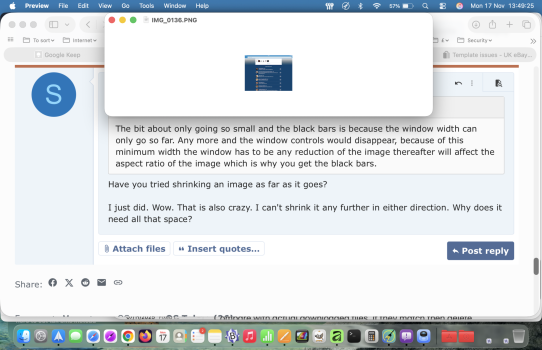
Yes, reported it many times over the years. Never heard anything back. Another thing I dislike about Preview is that when you try to make a window smaller, it only goes so small than stops. The actual "picture" itself continues to get smaller, but now black bars grow on either side of the frame. I find this very annoying. For example, I'd like to open up ten or so pictures on my desktop, make them smaller and manually place them side-by-side to create a collage, then do a screenshot so that I can send it as one photo to friends, family etc. But with these black bars, it's impossible to do. At the same time, all other Apple windows on the desktop can be resized to how you want it. It's only Preview that has this limitation. See the attached below. The first photo shows a large JPG image, which Preview opens nicely. But if I then try to resize the image by grabbing the corner of it and shrinking it, the picture continues to shrink but the window itself stops shrinking at a certain point, and creates black bars on either side. Annoying.
View attachment 2580179
View attachment 2580180