



Govee makes just about every kind of light you can think of, and many of those are Matter-capable and able to connect to HomeKit. Earlier this year, Govee came out with a series of Matter star projectors, which you can hook up to your Apple Home setup.
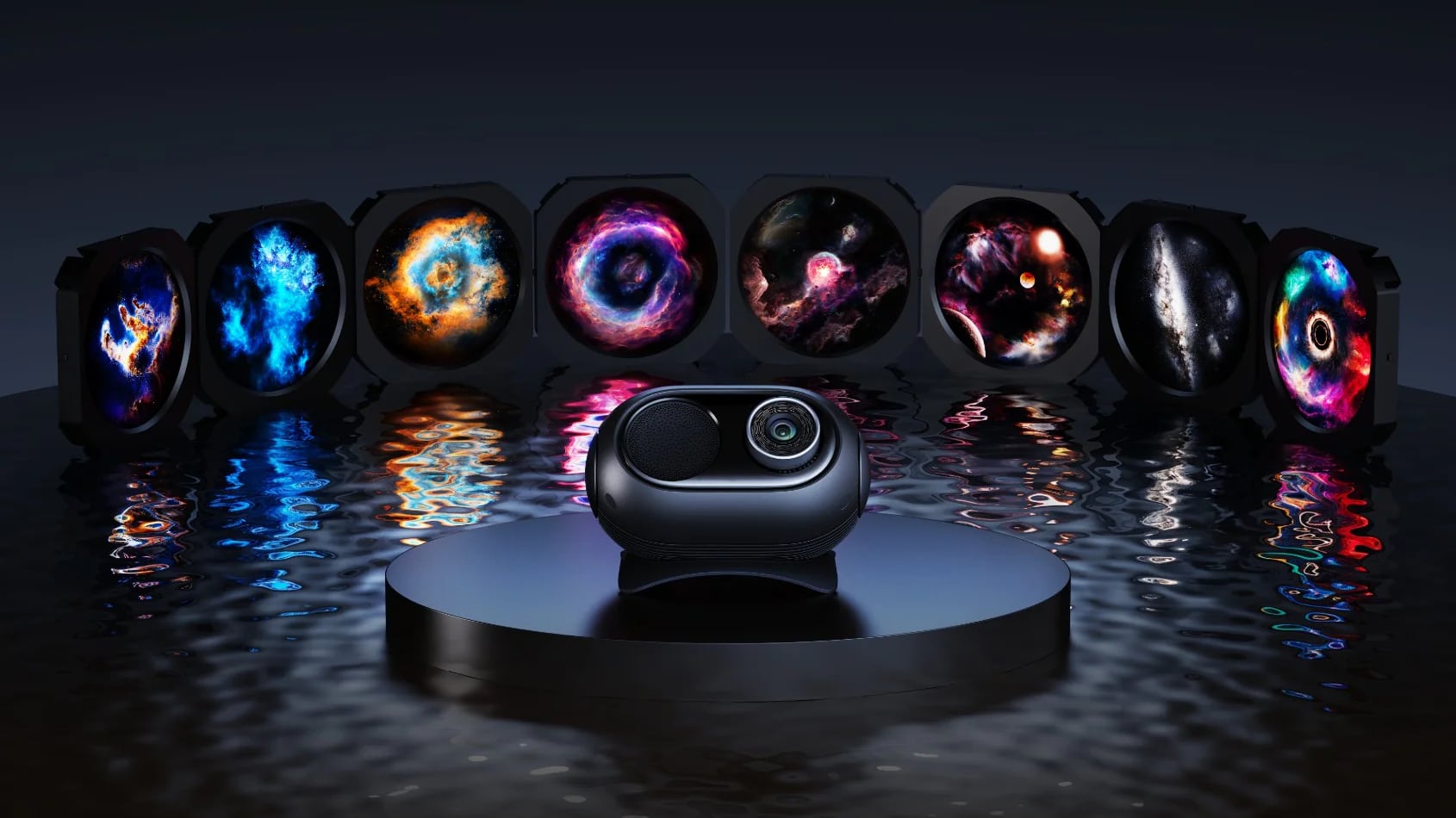
There are three new projectors, including the Star Light Projector Nebula, the Star Light Projector Ocean Wave, and the higher-end Galaxy Light Projector 2 Pro. I was intrigued by the idea of HomeKit-connected light projectors, so I tested two of the three products.
Star Light Projector (Ocean Wave)
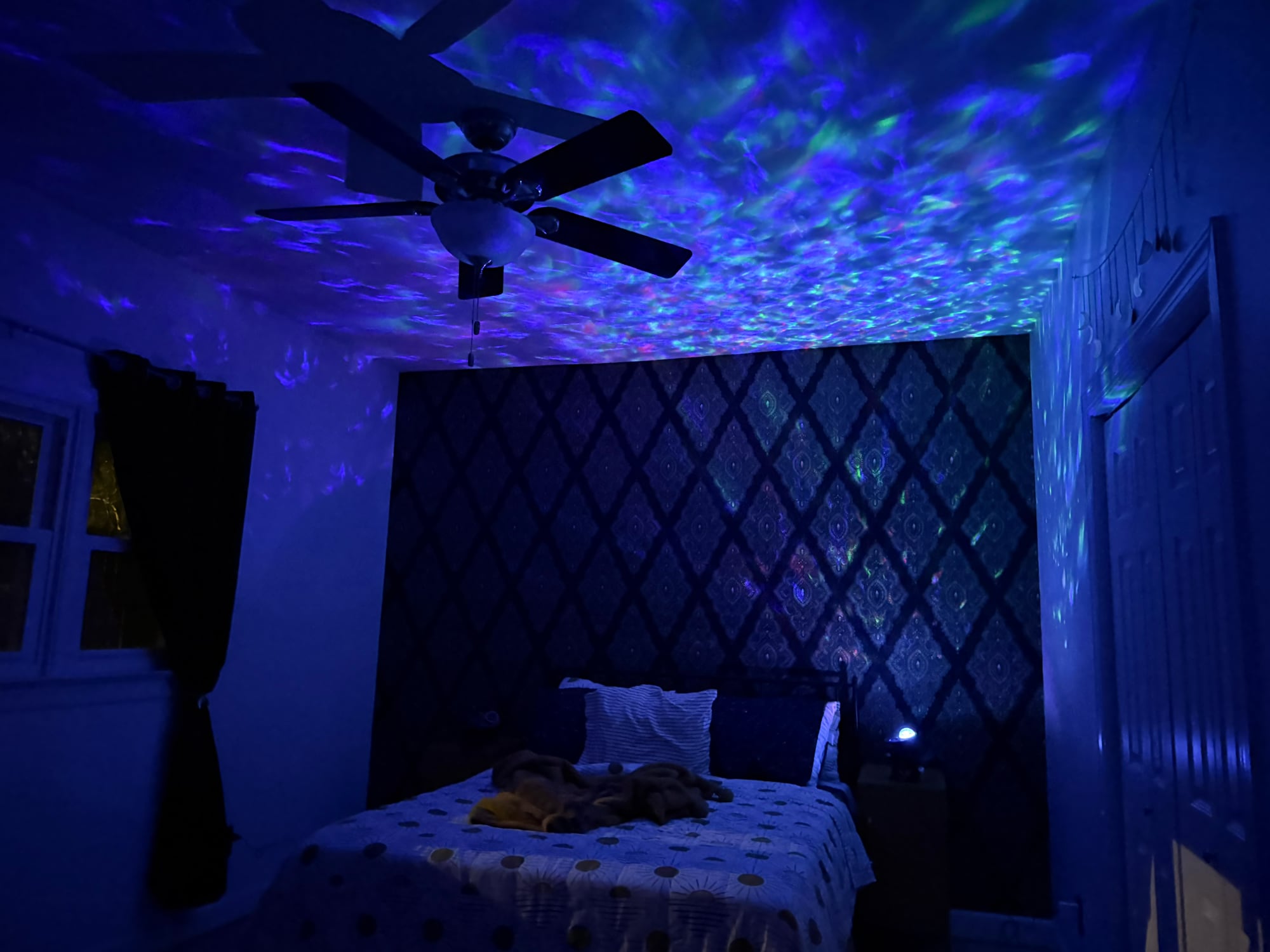
There are two variants of the Star Light Projector, the Nebula that mimics the night sky, and the Ocean Wave that has more of an oceanic vibe. The Ocean Wave Star Light Projector is one of Govee's more affordable projectors at $50 on sale, and it's a fun nightlight experience, especially for children.
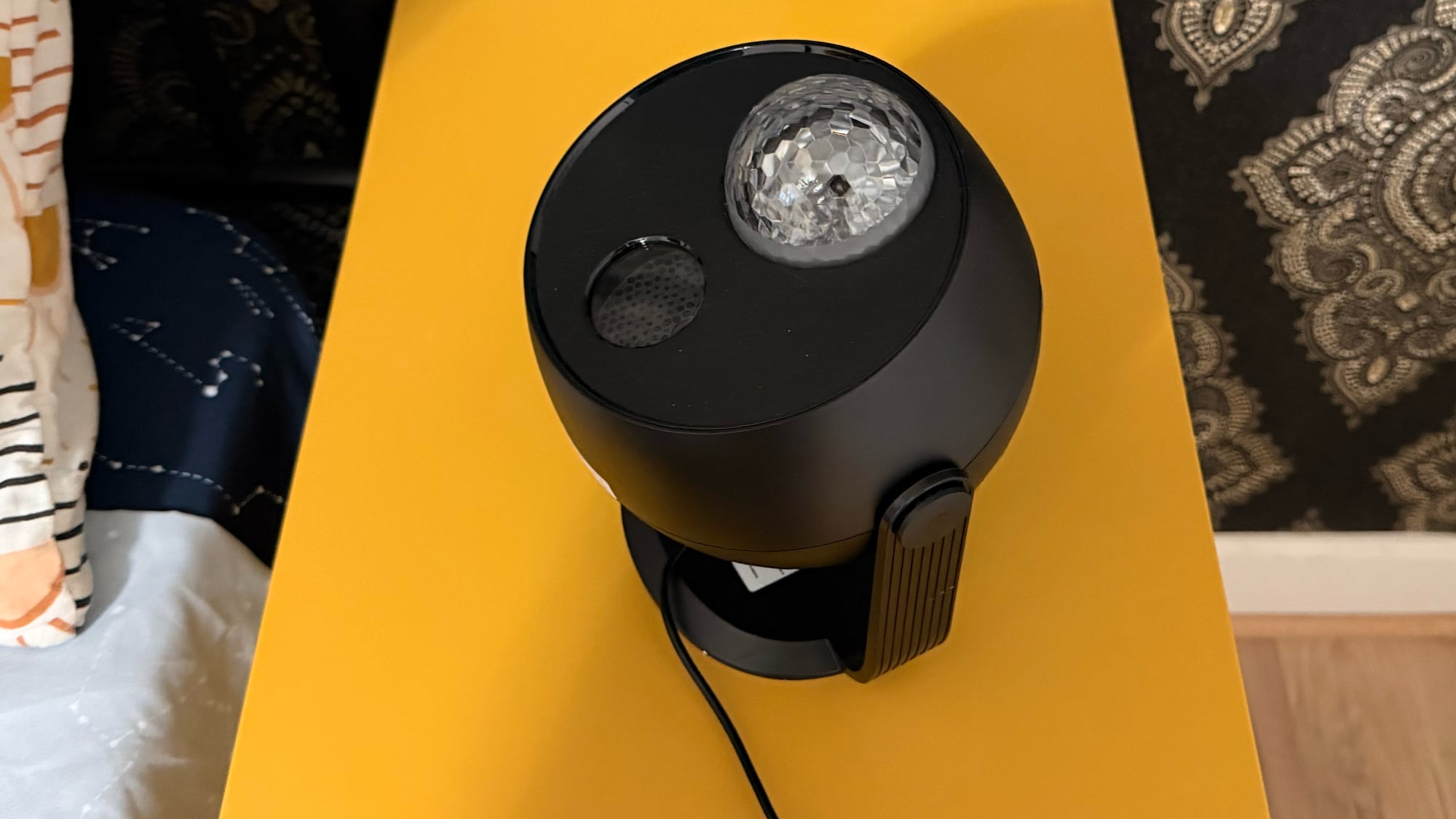
The projector is on a rotating base that can be adjusted as needed for the space that it's in, and it covers up to 540 square feet. It's more than big enough to bathe the entire ceiling of your average bedroom in soft, shifting light. It's about eight inches tall and six inches long, so it can tuck right on a bedside table or dresser to light the room.
There is a textured lens that covers four RGBW lamp beads, and together, that setup allows for a water-like ripple pattern. I didn't think it necessarily looked quite like I was underwater, but some colors were more convincing than others.
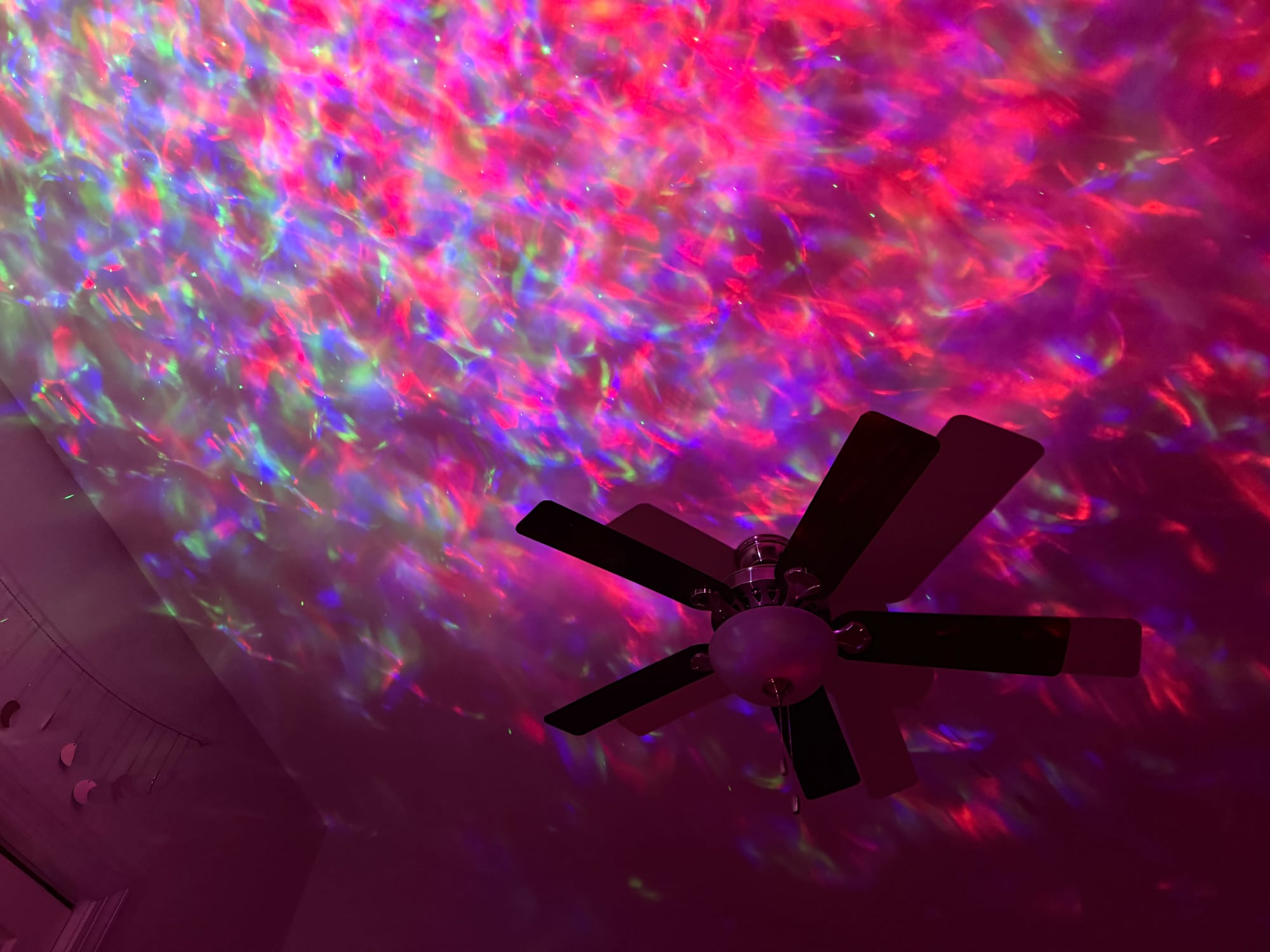
Along with the light under the lens, there's a laser module that projects pinpoints of light meant to be stars. The laser light looks like stars, and that was somewhat confusing with the water aesthetic. I ended up with mesmerizing light effects, but not a lighting experience that made me feel like I was under the sea or looking at the sky. It's a chaotic mix that doesn't quite work.
While the lighting effects produced by the projector feature multiple colors and patterns that can be adjusted in the app, the laser is a static green color and it can't be changed. If the laser light is on, it's green, and that didn't look great with some of the other colors. You need a fairly dark room for the projector to work as intended. It needs to be the only light that's on, and it needs to be dark outside.
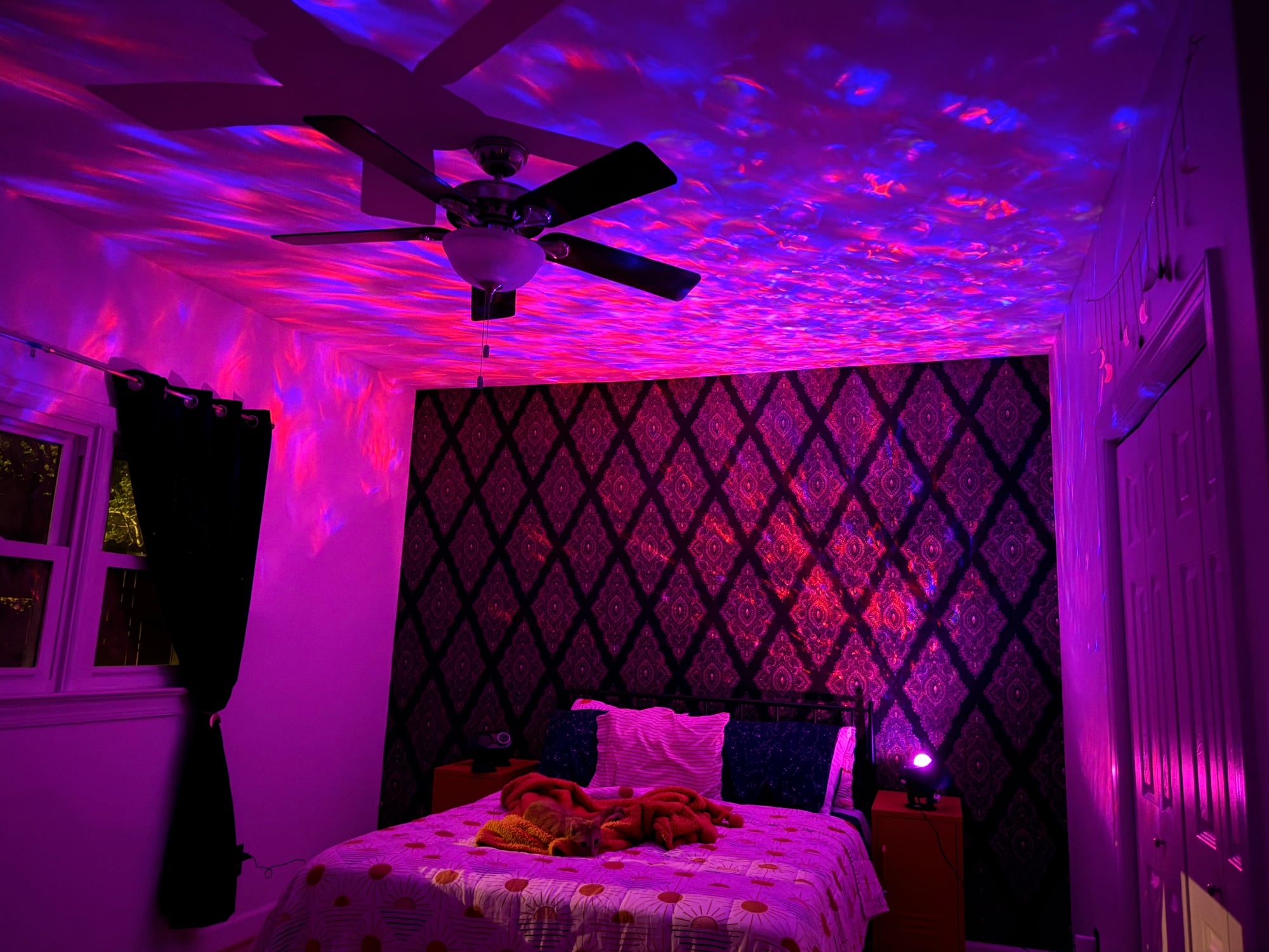
There is an included speaker and you can turn on white noise options to add to the oceanic effect, but the speaker quality was just okay. I am someone that sleeps with white noise, and I would not pick the projector over another noise machine. For a child that doesn't know much of a difference, the sounds would likely be plenty soothing, and it might also work well for meditation. My cat was enthralled with it, so pets can enjoy the lighting effects too. If you don't like the white noise options, you can connect to it via Bluetooth and play music from an iPhone. There is a subtle noise from the projector, but I'm not sure you would hear it unless you were right next to it.
The laser can be turned off, and the light can be dimmed for sleep, plus there are options to set timers. This would make for a great nightlight/sound machine in a child's room, and all the different settings and light patterns are fun to play with. The app has quite a few presets to choose from, some of which have an accompanying sound and some of which don't, but you can also create your own. I liked the amount of control I had and all of the patterns available with this model, because surprisingly, the more expensive model is a bit more limited in scope because of its specialization.
This model does not come with a power adapter, so you'll need to supply your own, but it does come with a USB-C to USB-A cable. The USB-A side plugs into the power adapter, and I would have much preferred a USB-C to USB-C cable so I didn't have to hunt down a USB-A power adapter, which I have been ridding my house of.
Govee Galaxy Light Projector 2 Pro
The Galaxy Light Projector 2 Pro is Govee's higher-end projector option, and it's quite a bit different from the more affordable Star Projector variants. I don't have much experience with projectors, so this review ended up sending me down a rabbit hole.
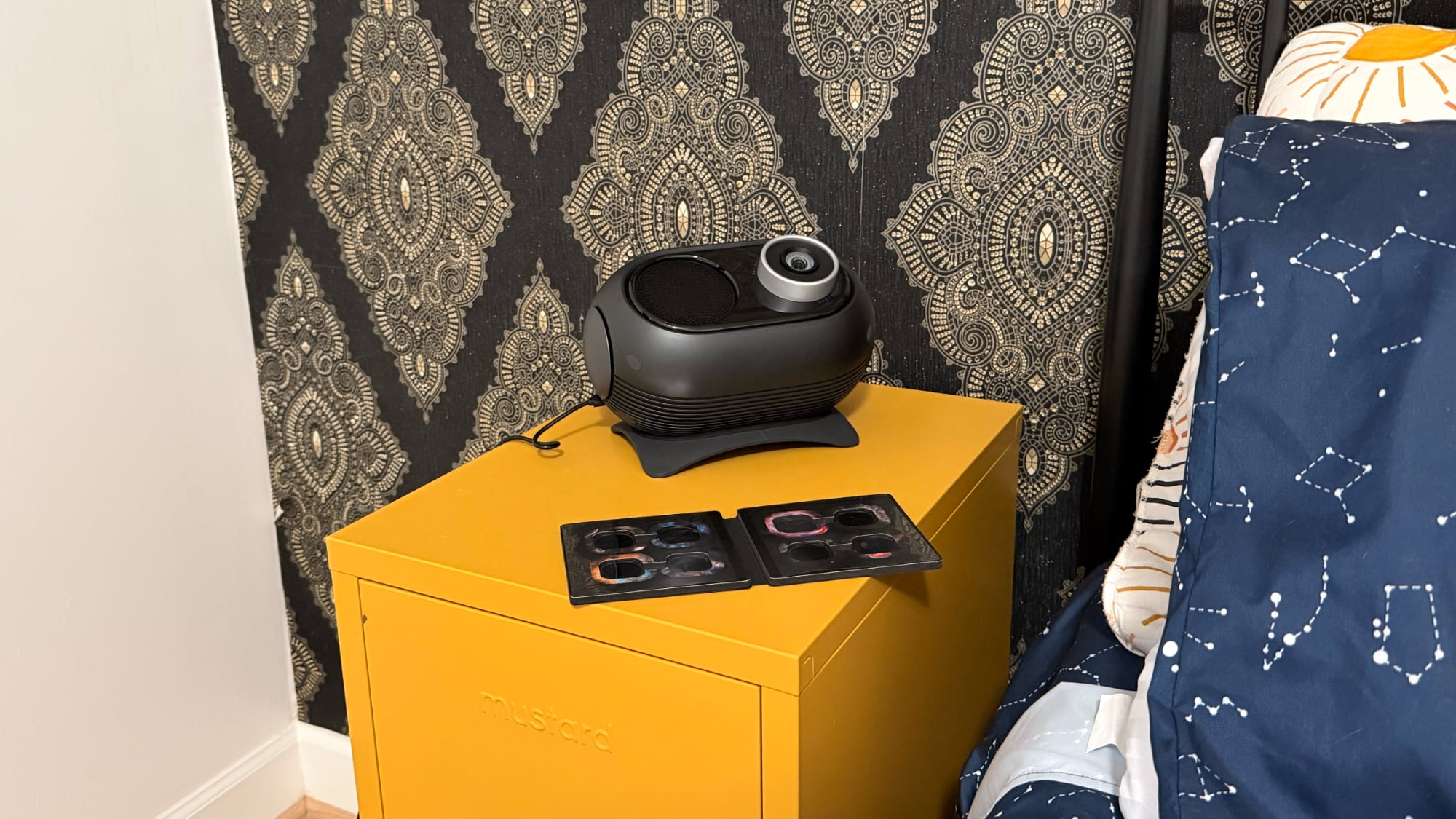
Why would someone pay $160+ for this projector when there are options with more customizability at a lower price? The answer is resolution and the ultimate feel of the lighting effect. The Projector 2 Pro doesn't use different colored lights and textured lenses, instead passing light through high-resolution film discs.
There are eight film discs to select from, and the image on the film is projected onto the ceiling or the wall. The discs have good variation in color and effect, but I was disappointed to learn that there are no additional discs I can buy. These are also proprietary, so you can't exactly buy discs somewhere else and pop them into the projector.
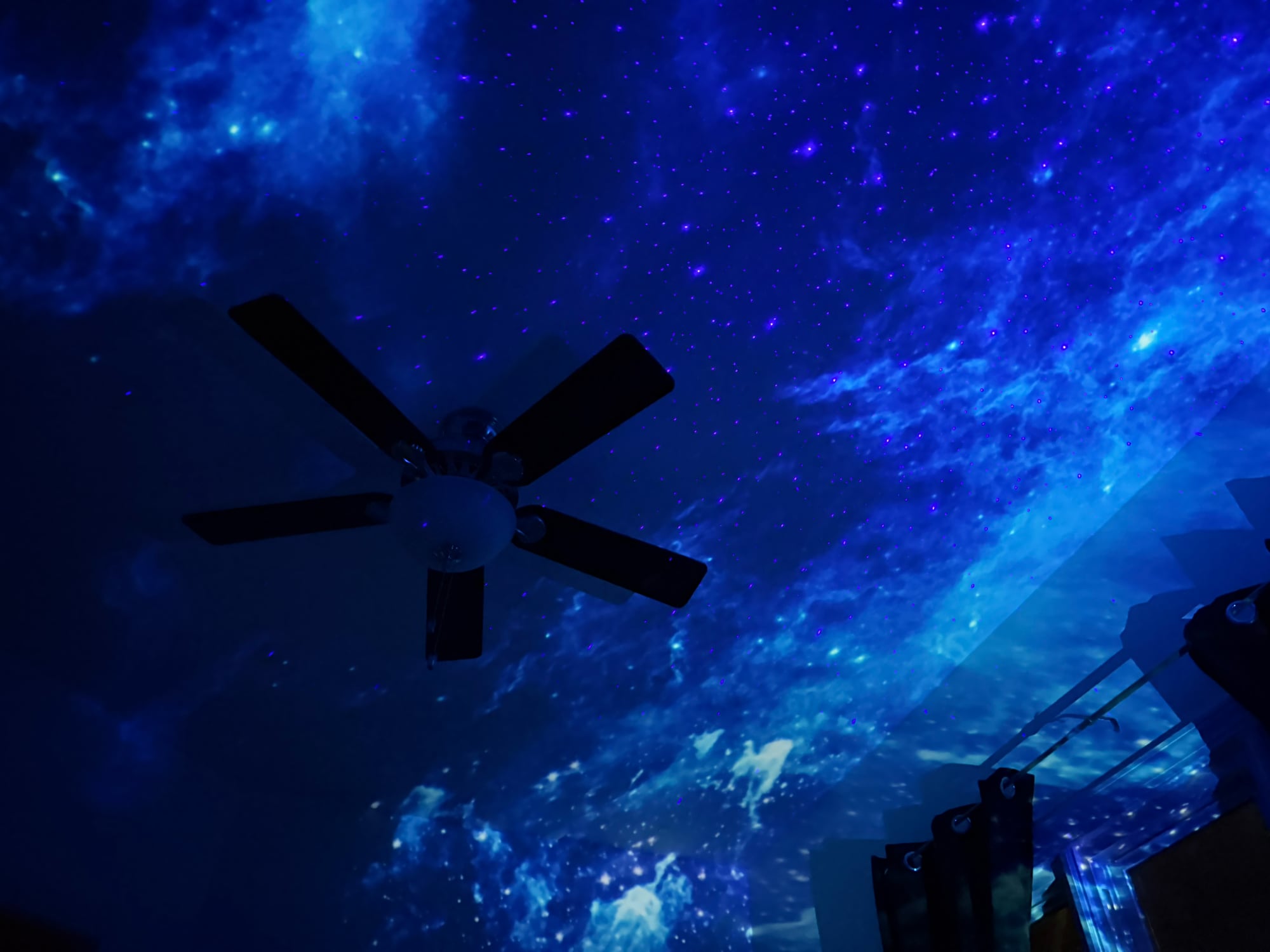
There's a 4-megapixel lens and a 230 lux light, and the combination produces vivid colors and a realistic effect that feels like you're immersed in space. Govee says that you don't need total darkness for the projector to work, but that's not really true. It looks a lot better when the room is completely dark.
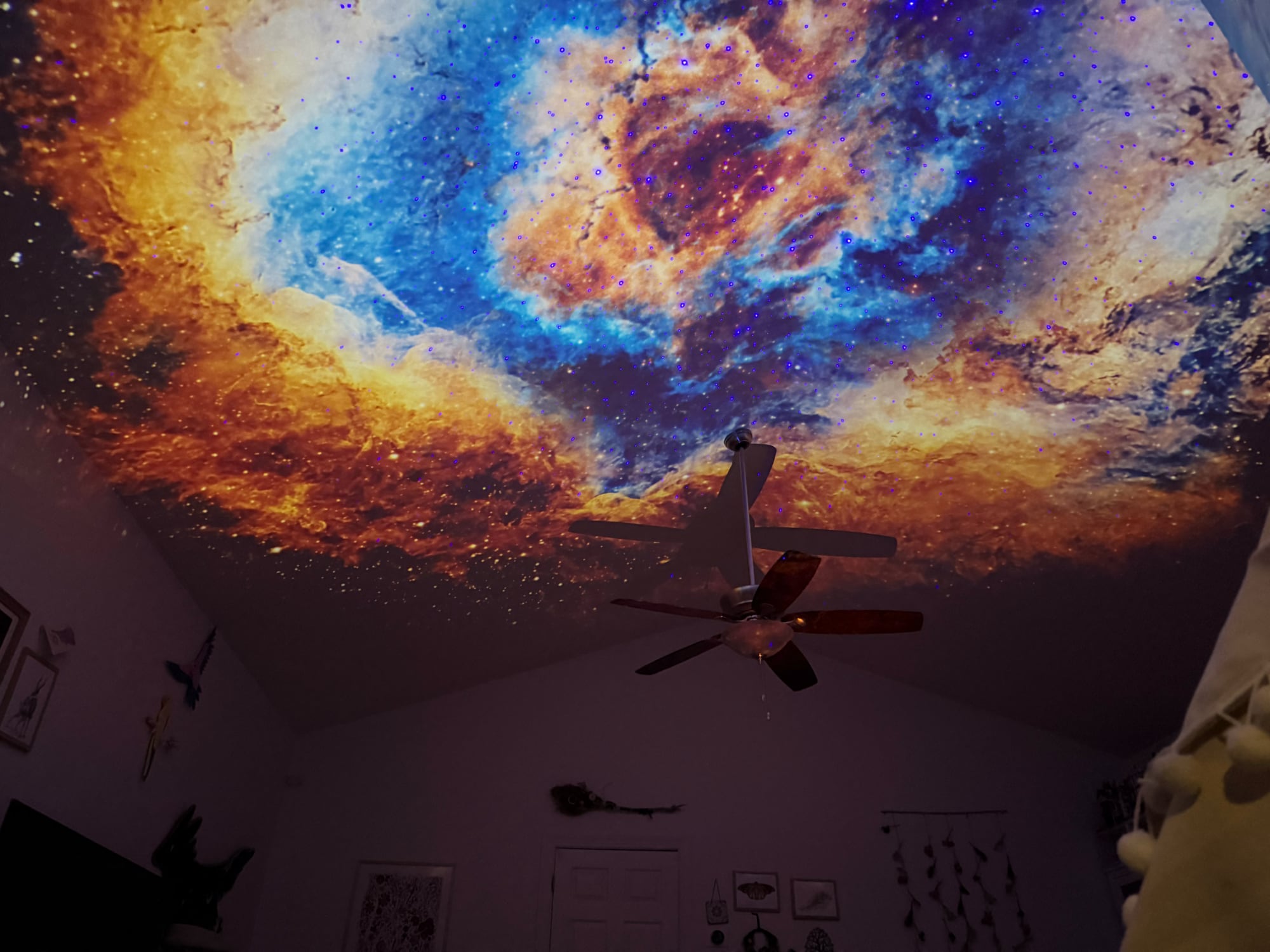
You can leave a nightlight on or have a lamp on in the room, but it really fades the effect. Even a TV washes it out too much. You also need to make sure to adjust the focus after you get the light positioned where you want it to project, otherwise it will look blurry. If you don't have a dark enough room and don't adjust the focus, it's going to look washed out. You also need to ensure you have good placement in a... Click here to read rest of article
Article Link: Govee Star Projector Review: HomeKit-Connected Night Lights With Matter Support


