Become a MacRumors Supporter for $50/year with no ads, ability to filter front page stories, and private forums.

Squiggles Chitter

macrumors member
Original poster
Jul 1, 2024
36
186
I just purchased a used m1 MacBook Air base model. I soon noticed issues with clicks not doing anything and the device not taking input from my keyboard. I tried to do a DFU restore from Finder, but I got an error message saying "firmware is corrupt". Any thoughts on what I should do next???
 
  • Like
Reactions: splifingate
I just purchased a used m1 MacBook Air base model. I soon noticed issues with clicks not doing anything and the device not taking input from my keyboard. I tried to do a DFU restore from Finder, but I got an error message saying "firmware is corrupt". Any thoughts on what I should do next???

Kudos for the user-name, Squiggles!

Responsiveness !=hardware-failure

This being said, have you actually ever set-up a Mac from-scratch? DFU is way over to the right on the WTF Scale ;)

pre-aSilicon I remember multiple strategies to get things to a "Factory" state.

I've never been faced with the need to factory-erase my aSilicon devices.

Is it still that bad?
 
Use Apple Diagnostics to test your Mac
If you think your Mac may have a hardware issue, you can use Apple Diagnostics to help determine which hardware component might be at fault.

Erase your Mac and reset it to factory settings

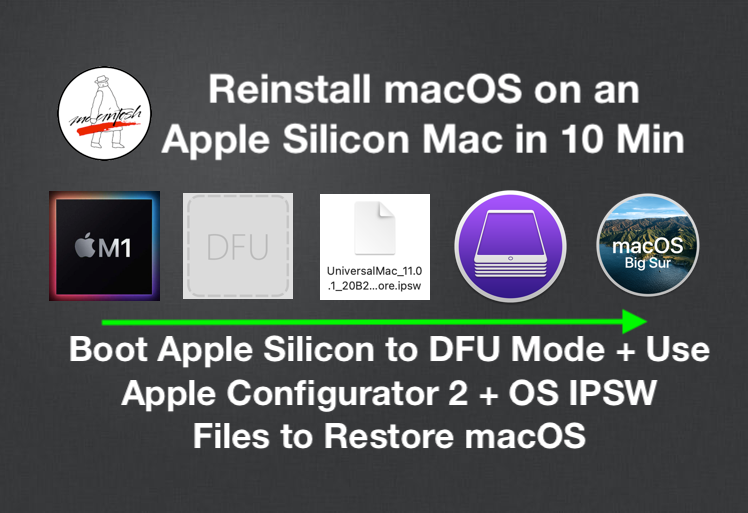
If you really think you need to do a DFU restore (why?), here is a good guide including proper options for downloading the correct ipsw's.
 
I'm afraid to say that I tried all the easier options first. Erasing all content and settings, then using macOS recovery, all to no avail. That is why I tried DFU restore.
 
Register on MacRumors! This sidebar will go away, and you'll see fewer ads.