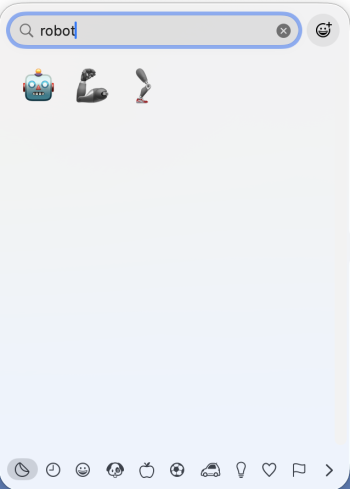
On my iPhone, when in Messages, I hit the smiley face to bring up the emojis. There is a bottom row of icons which I guess are categories. The very leftmost one is a man with dark glasses. I touch it and then row is replaced with a new row of icons with the leftmost icon a little robot head. I touch that and I come to this page (see attached) where I can pick out various robot heads with different expressions.
How do I get to that on my MBP (26.2)?


How do I get to that on my MBP (26.2)?