Become a MacRumors Supporter for $50/year with no ads, ability to filter front page stories, and private forums.

AshX

macrumors member
Original poster
Apr 5, 2025
73
186
So, this is a bit of an odd question. I’ve used Macs for 15 years, personally and professionally. I caught COVID in 2022 and again in 2024, and unfortunately it introduced a ton of health problems, including long COVID and autoimmune. One of the most frustrating symptoms has been the new onset of visual issues, which has made me sensitive to certain LED lighting that invisibly flickers using PWM, as well as visible flashing lights.

I was using an 2019 iMac on Mojave for music production and video editing (my job), but a reinfection in 2024 made that device unusable. Thus has begun a year-long journey trying to find a Mac that I can use, amidst endless doctors appointments trying to address my health.

And yes, before anyone suggests it, I have been to more doctors than I can count and spent more money trying to address all of this - no one knows anything. The best answer they have is that it is likely neurological in basis and caused by COVID. Others also have these issues.

The only device I have had success using is my iPhone 13 on iOS 15.6.1. It gives no symptoms and I can use it all day. I can also use a family member’s iPhone 13 on iOS 18 with minimal issues, though it isn’t as comfortable. These were both manufactured in 2021. I tried several iPhone 13’s manufactured in 2023 and they cause issues. So it seems that the PWM frequency and modulation of the 2021 iPhone 13’s is better than the 2023 models, despite being the same phone. I also believe software is playing a role by introducing different color processing algorithms like dithering, as iOS 16 and 17 on that same family member’s phone was problematic for me, but 18 seems better.

Now to my question: I recently purchased a brand new, sealed 2022 13-inch M2 MacBook Pro Touchbar. It came pre-loaded with MacOS Ventura 13.2.1. It is the most tolerable I have tried of all the Macs (and I’ve tried virtually every single one - including 3 other 13-inch M2’s, this one had the best feeling screen) but still caused pretty severe neurological and visual side effects, which makes me suspect FRC from the panel as I disabled GPU dithering with the program Stillcolor. I’d like to test various versions of MacOS from Monterey through Tahoe to see if I can find a version that uses minimal dithering, or try to pinpoint just what might be the biggest trigger for me. But I’d like to be able to backup this version of Ventura and the firmware that goes along with it, seeing as you cannot access 13.2.1 without a DFU restore.

Is a Time Machine backup to an external hard drive sufficient for this? I have never attempted such a thing because I never had to, but desperate times call for desperate measures. I have a lot of theories as to what could be going on, but I won’t know until I test them.

Thanks to anyone who has read this far and I appreciate any advice on how to go about this.
 
Time Machine won't work. It only backs up your data, it doesn't back up the OS or firmware. You're responsible for restoring the OS yourself before restoring your data.

Also, when you install newer versions of macOS, the firmware usually gets upgraded as well. If you reinstall an older version of macOS, it does not roll back the firmware. However, doing a DFU restore will restore the firmware back to whatever came with the macOS version you're restoring, so that's pretty much your only option. You'd need access to another Mac to run the restore though.

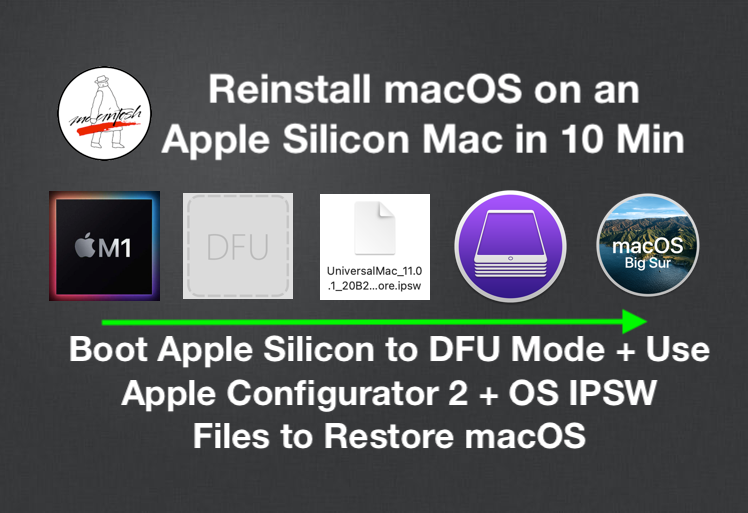
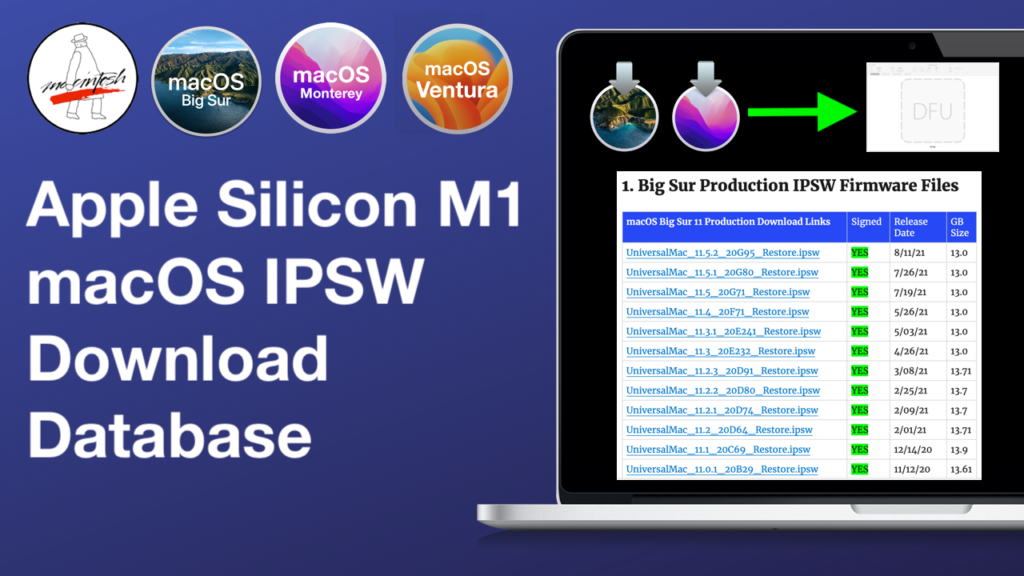
Back up your data however you like, and use the DFU restore process to get back to an older version of macOS and firmware if needed. You can find links to the IPSWs from Mr. Macintosh's site. He also has a couple of articles and videos going through the process.

 
Time Machine won't work. It only backs up your data, it doesn't back up the OS or firmware. You're responsible for restoring the OS yourself before restoring your data.

Also, when you install newer versions of macOS, the firmware usually gets upgraded as well. If you reinstall an older version of macOS, it does not roll back the firmware. However, doing a DFU restore will restore the firmware back to whatever came with the macOS version you're restoring, so that's pretty much your only option. You'd need access to another Mac to run the restore though.

Back up your data however you like, and use the DFU restore process to get back to an older version of macOS and firmware if needed. You can find links to the IPSWs from Mr. Macintosh's site. He also has a couple of articles and videos going through the process.


Thank you for all the links! I do have a few questions:

1. Am I correct in assuming I’d need a second Mac to access DFU? And that Mac would have to be on the desired version of MacOS + firmware I wish to restore to?

2. Do the IPSW files differ from other past MacOS version files I’ve seen? I took a look at the list and saw every single sub-version of each MacOS generation is still being signed.

For example, I’d love to test the earliest version of Monterey that shipped on the 13” M2 MBP, which was Monterey 12.4. But on a previous page I saw only 12.7.x was still being signed. Am I missing something?

I ask mainly because I know Apple has changed the dithering algorithm within different .X releases, so while most people would just default to the latest version (with security updates and all) I’d be curious to see if changes were made. I had success with Monterey many years ago, and since it is the companion to iOS 15, I’m curious whether that might prove positive for me. It’s unlikely but if it’s possible to pursue, I’m going to give it a shot.
 
How much GB does the 2022 13-inch M2 MacBook Pro Touchbar have?
you could partition the drive in four, then install run Monterey-Sequioa

or I could be Mchip wrong
 
How much GB does the 2022 13-inch M2 MacBook Pro Touchbar have?
you could partition the drive in four, then install run Monterey-Sequioa

or I could be Mchip wrong

It’s the maxed out version for this model: 24 GB RAM/1 TB SSD. This would be really great if I could do this…but I’m assuming firmware would update to the latest version assuming I did a Sonoma partition?
 
1. Am I correct in assuming I’d need a second Mac to access DFU? And that Mac would have to be on the desired version of MacOS + firmware I wish to restore to?
Nope. You just need a Mac running Catalina 10.15.6 or newer. It can even be an Intel Mac. I used my old 2017 Intel MBP running Ventura to DFU restore Tahoe on my M3 MBP (because I wanted to start fresh and a DFU restore is a whole lot faster than the traditional install method).

2. Do the IPSW files differ from other past MacOS version files I’ve seen? I took a look at the list and saw every single sub-version of each MacOS generation is still being signed.

For example, I’d love to test the earliest version of Monterey that shipped on the 13” M2 MBP, which was Monterey 12.4. But on a previous page I saw only 12.7.x was still being signed. Am I missing something?
I don't think the IPSWs have ever changed; and as far as I'm aware, Apple doesn't stop signing macOS IPSWs like they do for iOS/iPadOS. I'm not sure what you're referring to about only 12.7.x still being signed. I'm pretty sure you can go back to an older version, as long as it doesn't predate your Mac.

It’s the maxed out version for this model: 24 GB RAM/1 TB SSD. This would be really great if I could do this…but I’m assuming firmware would update to the latest version assuming I did a Sonoma partition?
Yes, the firmware would get updated.
 
I think the easiest way to test various versions of macOS would be through virtualization. There are many ways to do this, but I've used an App store app called VirtualProg. The author is here on macrumors and provides solid support if you need help. You can run any supported OS (macOS 12-26).

VirtualProg - Virtual Machine
 
  • Like
Reactions: chown33
It’s the maxed out version for this model: 24 GB RAM/1 TB SSD. This would be really great if I could do this…but I’m assuming firmware would update to the latest version assuming I did a Sonoma partition?
there is really do difference between Ventura and Sonoma I felt.
that leave 500 for Monterey and the rest for Sequoia.
 
Nope. You just need a Mac running Catalina 10.15.6 or newer. It can even be an Intel Mac. I used my old 2017 Intel MBP running Ventura to DFU restore Tahoe on my M3 MBP (because I wanted to start fresh and a DFU restore is a whole lot faster than the traditional install method).


I don't think the IPSWs have ever changed; and as far as I'm aware, Apple doesn't stop signing macOS IPSWs like they do for iOS/iPadOS. I'm not sure what you're referring to about only 12.7.x still being signed. I'm pretty sure you can go back to an older version, as long as it doesn't predate your Mac.


Yes, the firmware would get updated.

So a 2015 15” MBP running Catalina would be sufficient? Sorry to be annoying, but does the Mac performing the DFU update need to be on the desired MacOS version, or does it just have to be there to host the IPSW file?

I think the easiest way to test various versions of macOS would be through virtualization. There are many ways to do this, but I've used an App store app called VirtualProg. The author is here on macrumors and provides solid support if you need help. You can run any supported OS (macOS 12-26).

VirtualProg - Virtual Machine

I thought about this (virtualization), but apparently MacOS doesn’t apply its dithering when you run it in as a virtual machine. I only know this because some actually login via a virtual machine from a Windows PC and they have no symptoms.

there is really do difference between Ventura and Sonoma I felt.
that leave 500 for Monterey and the rest for Sequoia.

Interesting. Good to know Sonoma and Ventura are basically identical. I’m mostly curious about Monterey because it was still on the Metal 2 architecture, which has code leftover from the Intel era. I can’t find any documentation as to dithering specifically, but Metal 3 did drop a lot of that framework. It’s just a hunch.
 
So a 2015 15” MBP running Catalina would be sufficient? Sorry to be annoying, but does the Mac performing the DFU update need to be on the desired MacOS version, or does it just have to be there to host the IPSW file?
Yes, a 2015 15" MBP running Catalina should be fine as long as it is version 10.15.6 or newer. It does not need to be on the desired macOS version. It's a lot like DFU restoring an iPhone; you just need a host that's capable of doing it.

You will need the Apple Configurator app from the App Store. If you haven't downloaded it in the past, this may be your biggest hurdle as it currently requires Sequoia 15.7 or newer to "purchase" it. Once it's in your purchase history, you can redownload it on the Mac running Catalina and it'll download the latest compatible version for it.

That is what I had to do when I DFU restored Tahoe. I needed to click "Get" for it on my M3 that was running Sequoia at the time. Then on my 2017 Mac running Ventura, it showed the cloud icon in the App Store and I could download the latest compatible version.
 
  • Like
Reactions: chown33
Register on MacRumors! This sidebar will go away, and you'll see fewer ads.