Purchased an iPad Air about a month or so ago.
All set up and working fine - all software/apps up to date.
Not something I use very often to be honest, just purchased for a single 3D modelling app that I use on occasion - hence why I just went with the cheaper Air rather than a Pro.
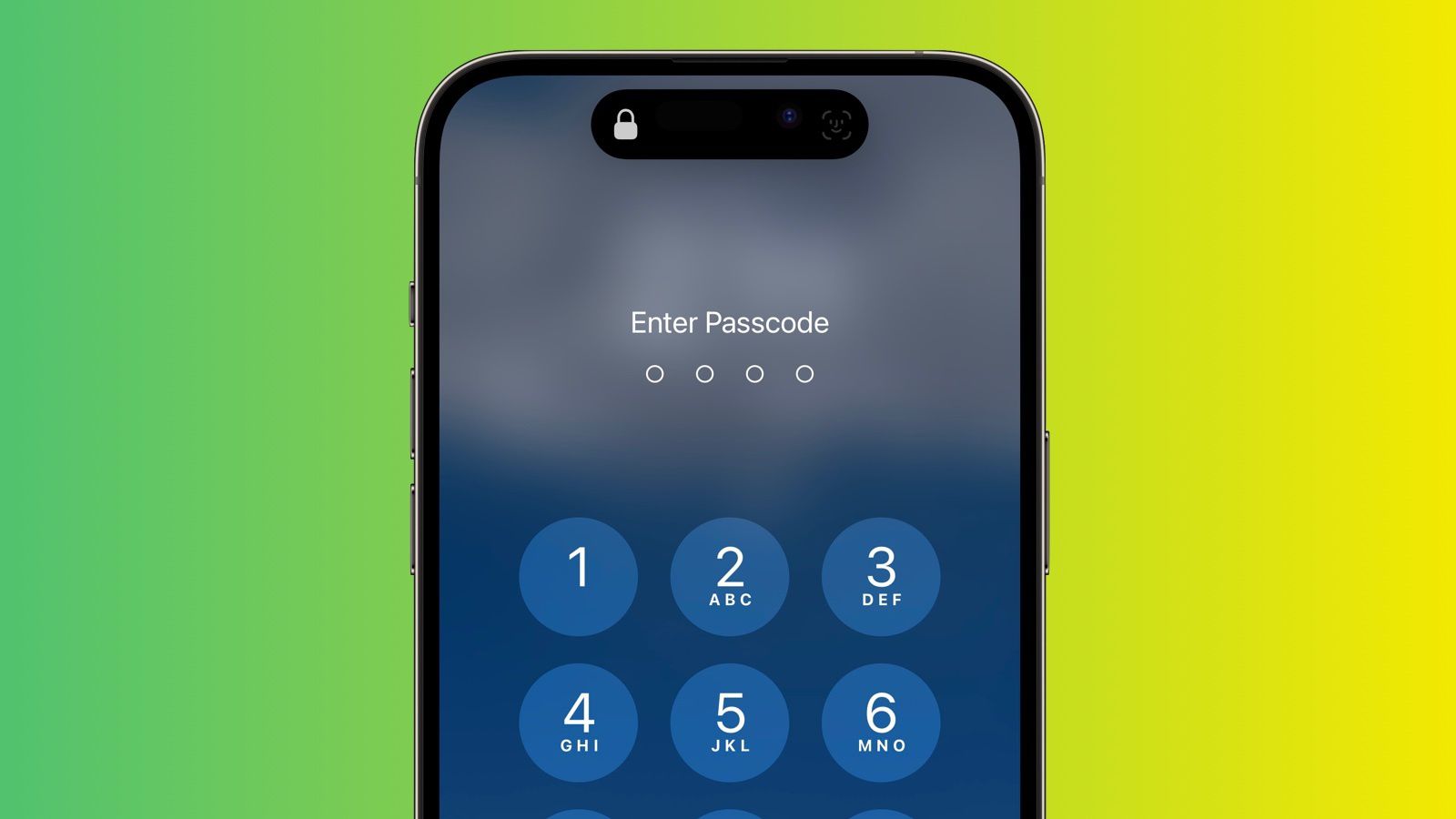
However, once or twice a month, I notice that I wake the iPad and it requests my passcode stating 'Passcode is required after a reboot'.
So it seems to be rebooting itself for no apparent reason - no background apps running, also checked to ensure it does not download or update automatically, etc
How can I track this down as to what is causing the reboot?
All set up and working fine - all software/apps up to date.
Not something I use very often to be honest, just purchased for a single 3D modelling app that I use on occasion - hence why I just went with the cheaper Air rather than a Pro.
However, once or twice a month, I notice that I wake the iPad and it requests my passcode stating 'Passcode is required after a reboot'.
So it seems to be rebooting itself for no apparent reason - no background apps running, also checked to ensure it does not download or update automatically, etc
How can I track this down as to what is causing the reboot?