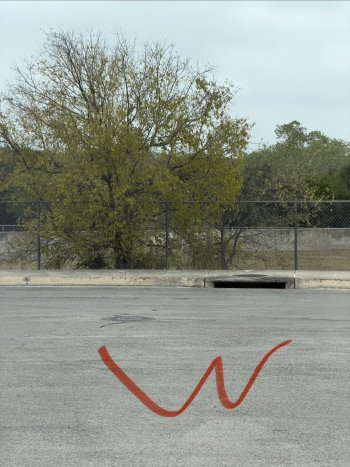
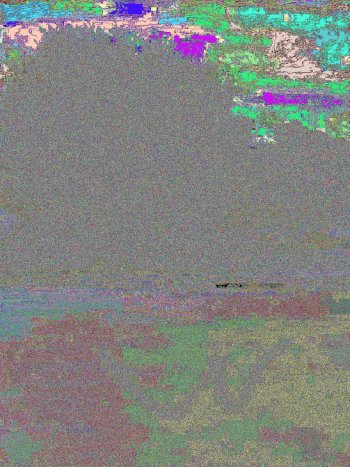
Yes, this happened to me recently. I had a photo that I used markup tools to circle something and sent it to my brother on Android, and he received a garbled image like what you showed above.
A friend just showed me he’s having the same problem sending an image after using the markup tools. He was on iOS 26.0.1, but has updated to 26.1 and it’s still a problem.
Just verified it’s still happening for me as well. I’m on iOS 26.1, took a photo, used markup highlighter on it, and sent to my daughter. It shows up fine on her iPhone on iOS 26.1, but is all garbled on her Apple Watch on watchOS 11.6.1. Sent the same photo to my friend who is having this problem (after he updated to iOS 26.1), and it was all garbled. I had him save the garbled image and send it back to me. I’ve attached the original and the garbled version.