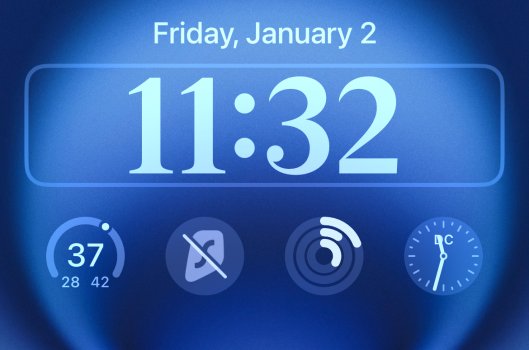
I don’t want to see the time every time I wake up my iPhone screen display.
I never ever want to see the time on the Lock Screen if I can help it.
There must be some sort of way.
If anything I only ever want to see the time from a watch face on my Apple Watch and not on my iPhone at all, damn this Lock Screen. I don’t want to see the time!
I never ever want to see the time on the Lock Screen if I can help it.
There must be some sort of way.
If anything I only ever want to see the time from a watch face on my Apple Watch and not on my iPhone at all, damn this Lock Screen. I don’t want to see the time!