Become a MacRumors Supporter for $50/year with no ads, ability to filter front page stories, and private forums.

veryevilash

macrumors member
Original poster
Sep 19, 2012
32
0
Hey guys,

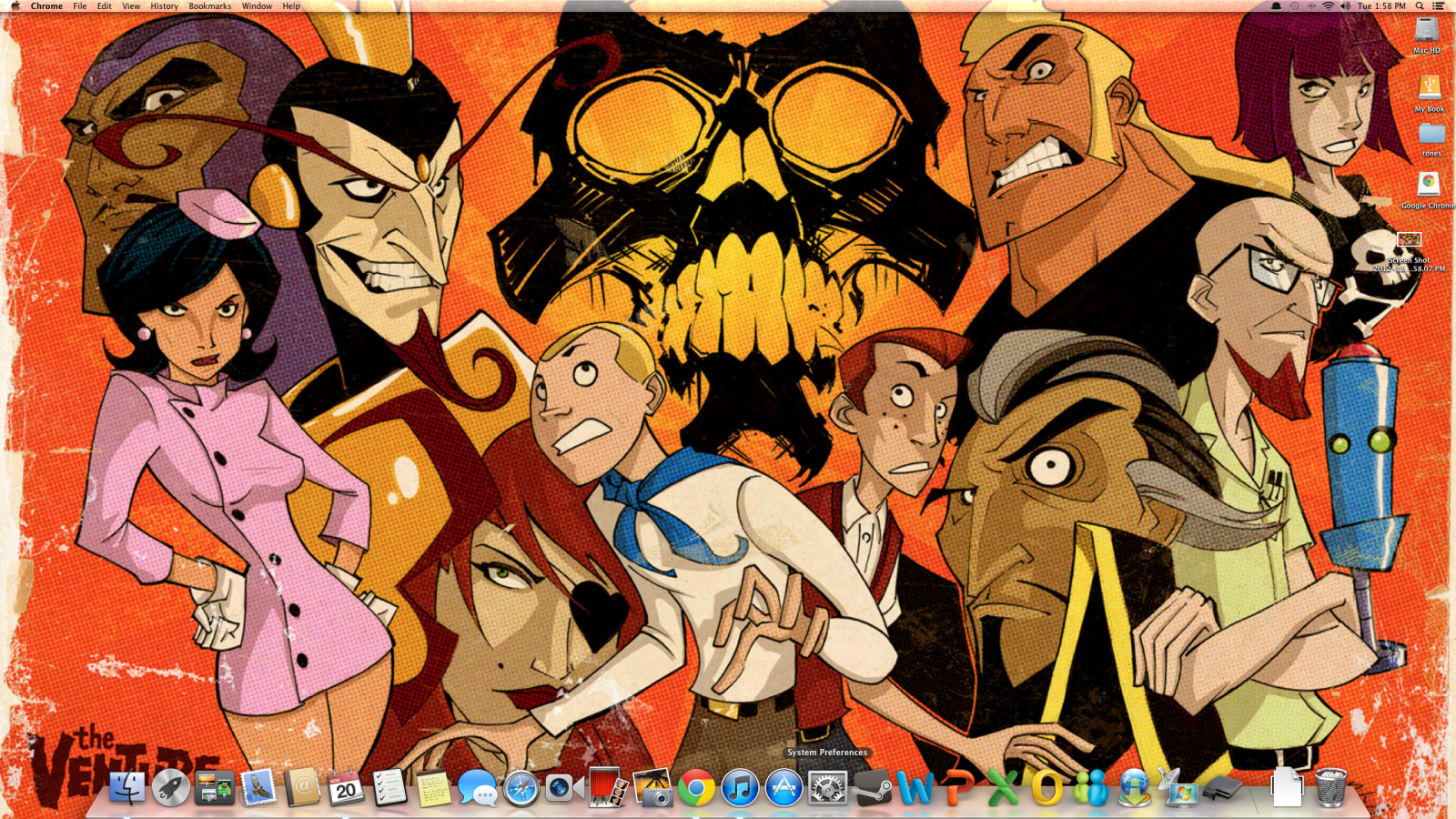
Im new to the mac but it seems like I'm missing like a 1/8" off the bottom of my screen. The indicator light is barely visible and when I move the mouse down there it almost disappears into the bottom of the monitor. Can I adjust this??

file:///Users/Mike/Desktop/Screen%20Shot%202012-11-20%20at%201.58.13%20PM.png
 
THANK You


This pic is exactly how my dock looks. Is this normal? Seems like it should show the indicator light and bottom of dock more.


98t7iw.png
 
Last edited by a moderator:
Looking at some videos on youtube it seems like other users docks are more visible than mine.
 
Oh, ok. I thought it just seemed weird that I could barely see the indicator light.

Yeah the indicator lights from 10.5-10.7 were changed in 10.8 and now display this way. I do prefer the old way though.

This photo is a good example between the two.
mountainliondock.jpg


And here is the old dock with indicator lights.
snowleoparddefaultdockt.jpg
 
Yeah those lights in Mountain lion kinda feels like awkwardly designed, as if they had no brilliant place to put them. Personally I would crop off that last edge and add some glowing light down behind the icon or something
 
Yeah the indicator lights from 10.5-10.7 were changed in 10.8 and now display this way. I do prefer the old way though.

This photo is a good example between the two.
Image

And here is the old dock with indicator lights.
snowleoparddefaultdockt.jpg

Yeah, the old way was a whole lot better.

I don't understand why they changed it...when I updated to Mountain Lion I thought for a second that they got rid of the indicators. Was pretty angry when I noticed they're just barely visible.
 
Register on MacRumors! This sidebar will go away, and you'll see fewer ads.