

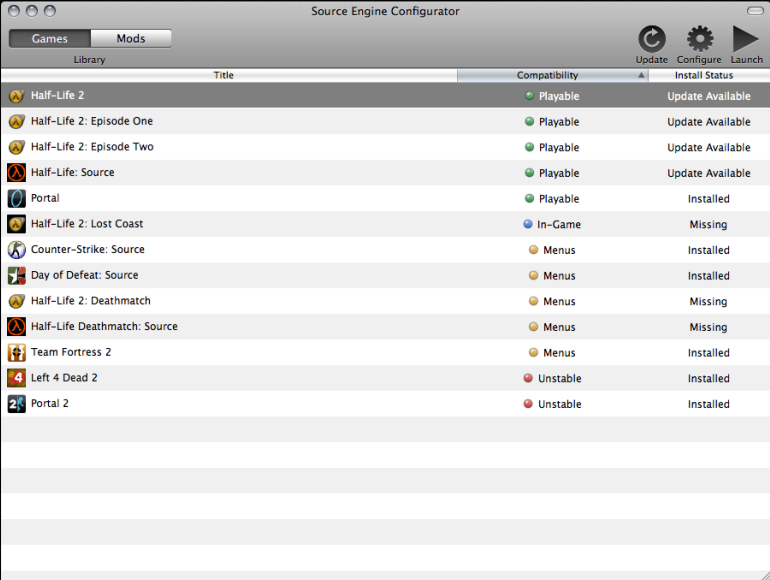
Source Engine Configurator is a work-in-progress port of Source Engine games to PowerPC Mac.
This launcher patches existing, legally purchased copies of some Source games into versions that run natively on PowerPC Macs. The engine runs natively on PowerPC with no virtualization or emulation tricks. 14 Source titles are officially supported.
This initial release should be considered an early alpha and a foundation for future work. OpenGL 2.0 is recommended - older Macs used a fixed function pipeline which is still very experimental.
Download from Macintosh Garden: https://macintoshgarden.org/games/source-engine-configurator-ppc
Requirements
- Your own legal copy of the supported games
- PowerPC G4 or G5 Mac (1.2GHz+ recommended, G4 experience is very poor currently)
- 512MB RAM (2GB recommended)
- ~35GB available space (for all games)
- Mac OS X 10.5.4 or higher
- Also works on the PPC Snow Leopard alpha
- Dual-processor G5 strongly recommended
Supported Games
- Portal
- Half-Life: Source
- Half-Life Deathmatch: Source
- Half-Life 2
- Half-Life 2: Episode One
- Half-Life 2: Episode Two
- Half-Life 2: Deathmatch
- Half-Life 2: Lost Coast
- Counter-Strike: Source
- Day of Defeat: Source
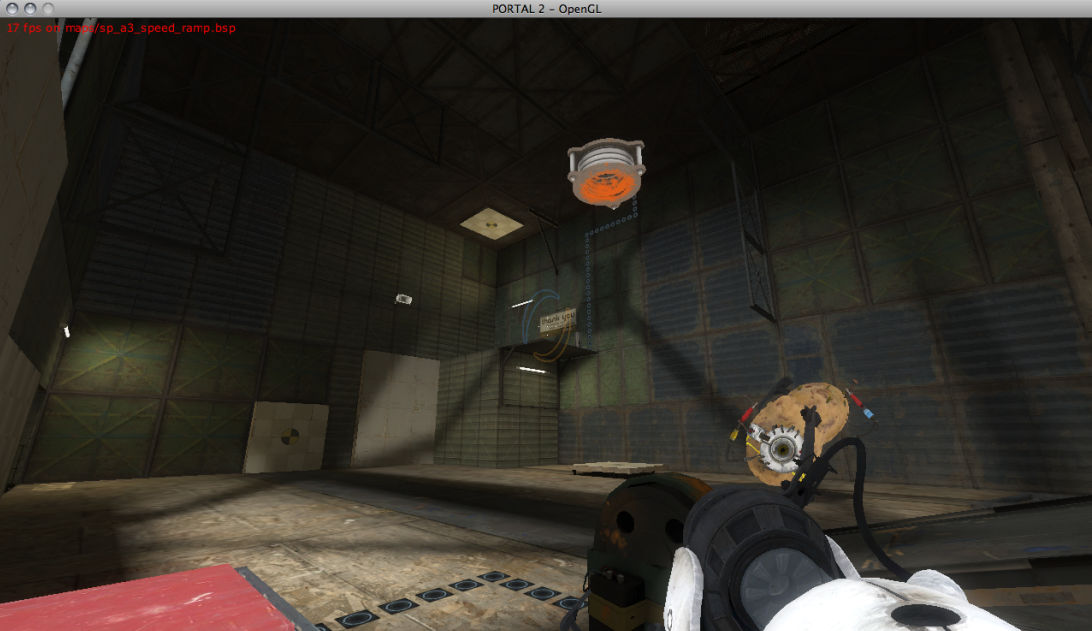
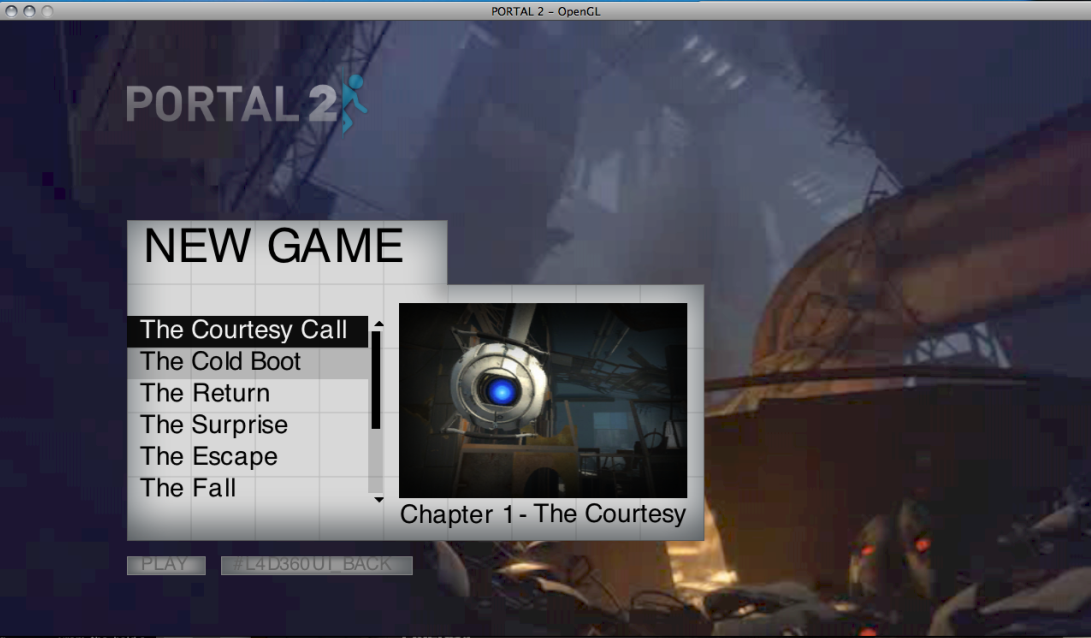
- Portal 2
- Left 4 Dead 2
- The Stanley Parable
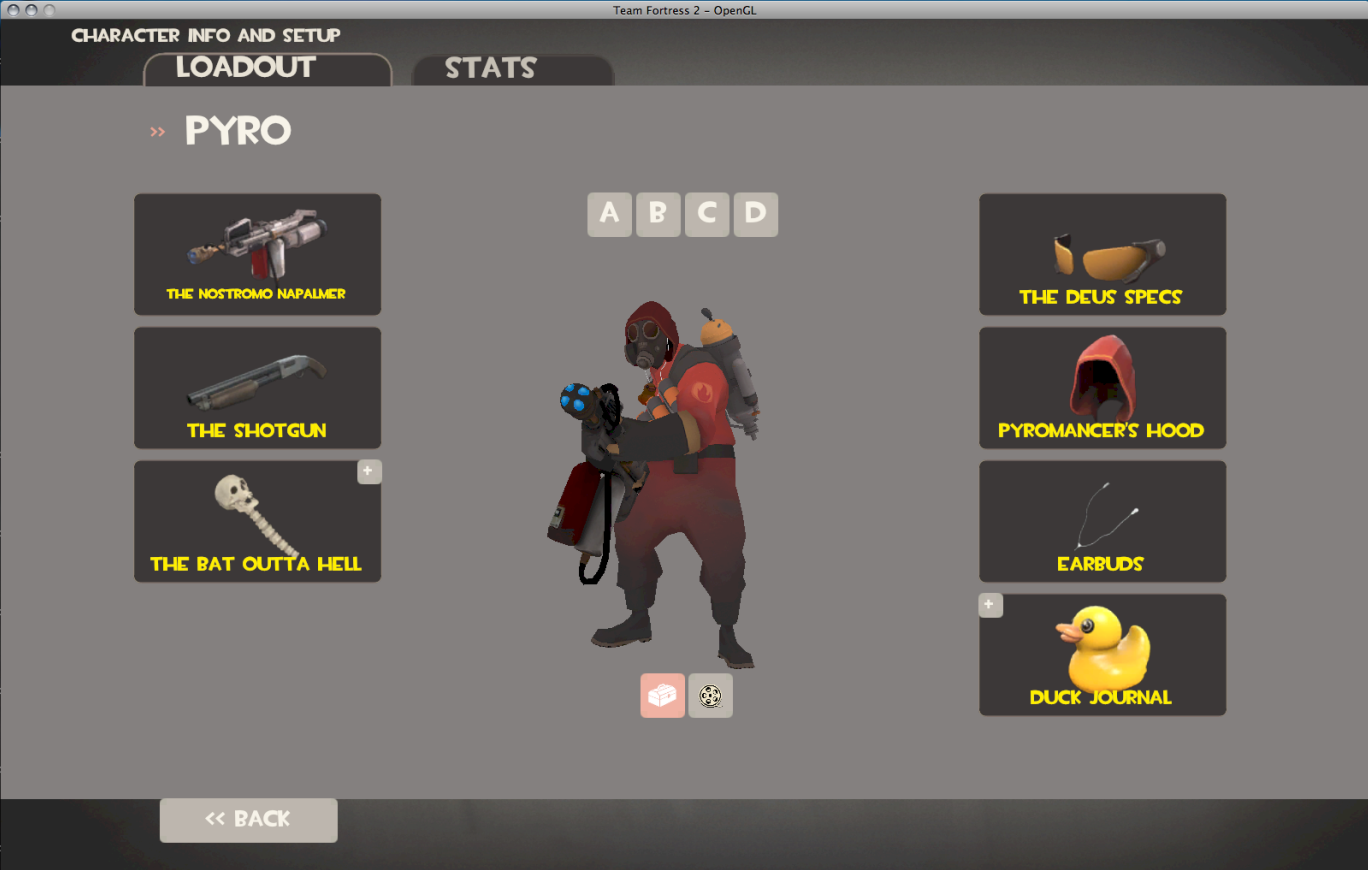
- Team Fortress 2
Not Supported
- Left 4 Dead 1
- CSGO
- DOTA 2
- Garry's Mod


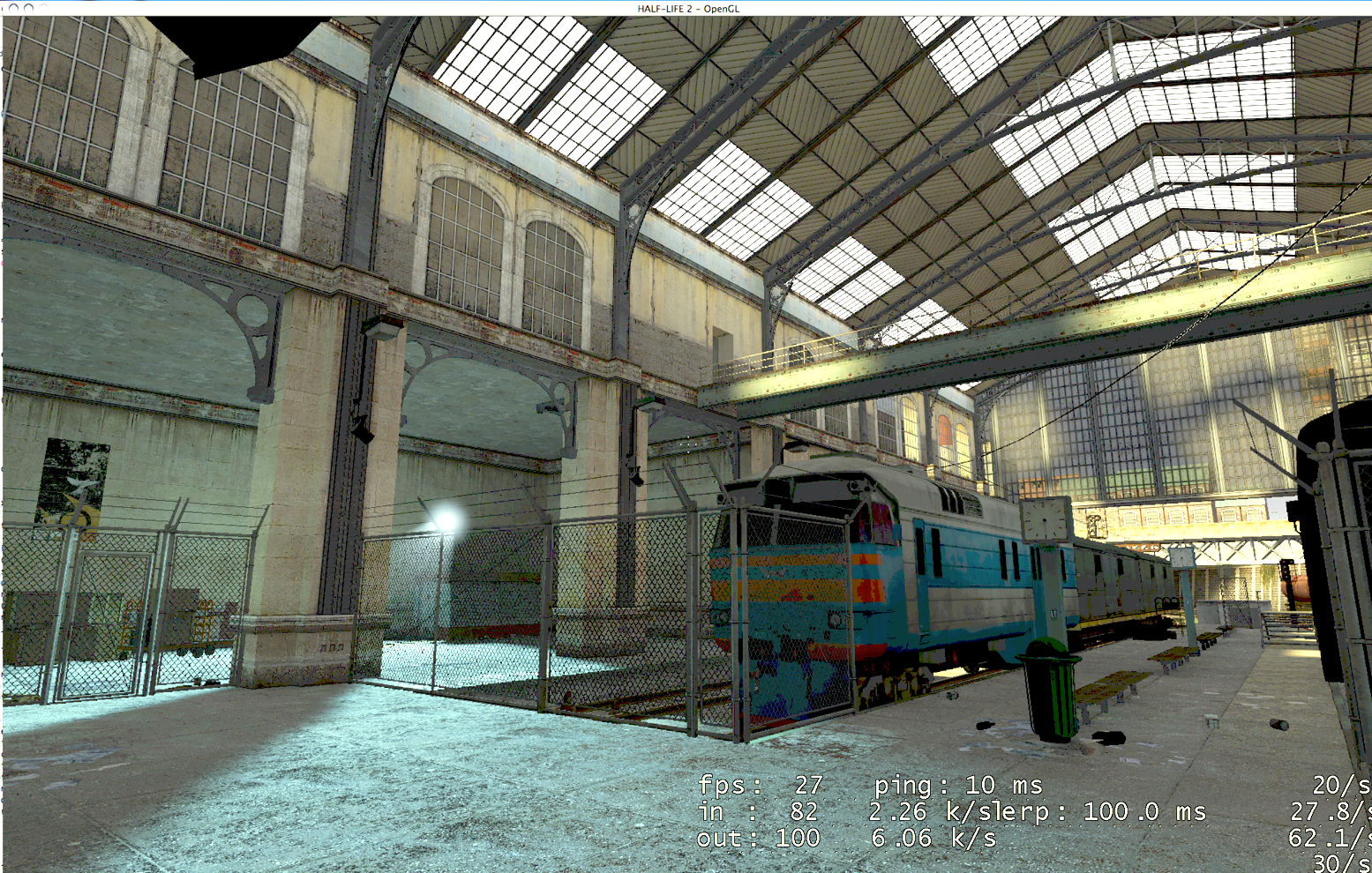
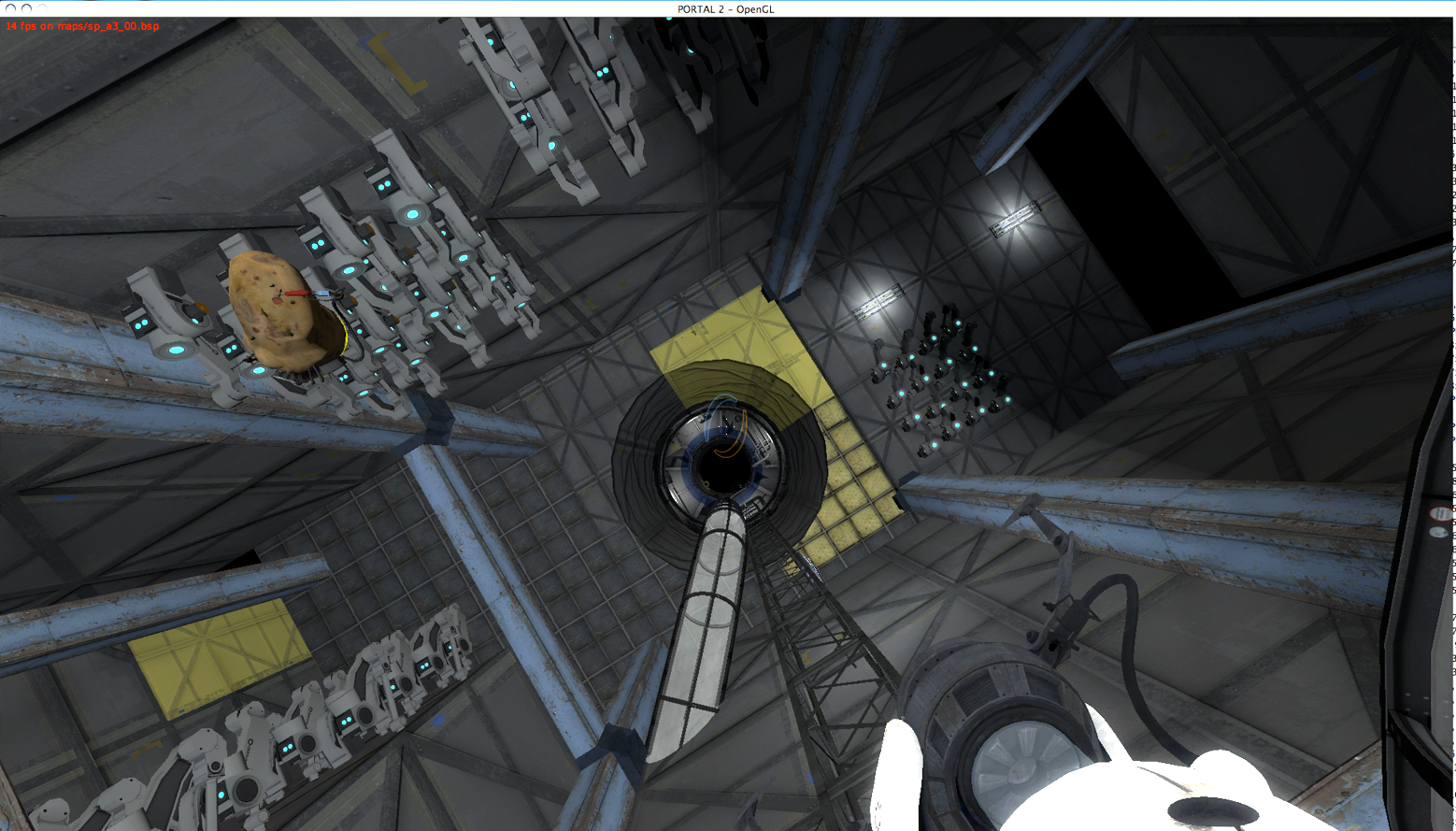
Gameplay Video
Half-Life 2: Chapter 3 Gameplay
(PowerMac G5 Quad, ATI Radeon X1900 512MB, High 1920x1200)
Installation
1. Copy your desired game(s) to the Mac
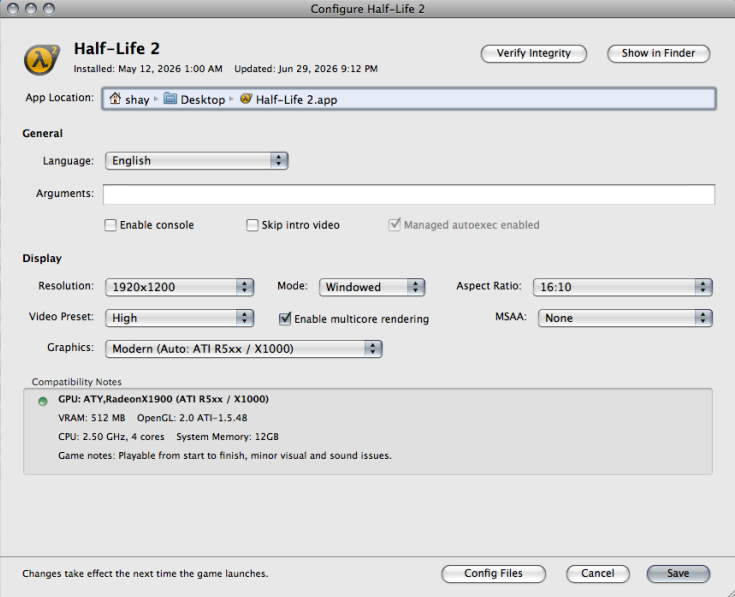
2. Choose a game from the configurator
3. Select the game folder and install destination
4. Follow the install instructions
5. Configure and launch the generated .app
The configurator manages each game install, allows you to change video settings, and also supports updates so that future fixes to the engine can be applied as a quick patch.
This project does not include game assets or Source Engine source code. You must provide legally purchased copies of supported games.
Please do not redistribute or sell this tool. It is released free of charge for non-commercial use.
The launcher has the ability to update games in place. Future fixes and performance improvements to the engine will be made available through Macintosh Garden - the new launcher version will check your games and show you which ones have updates available.
Roadmap/Goals
- Expanded list of tested/working Source mods (Portal: Prelude, etc)
- Native dedicated server support (HL2DM, CSS)
- Source SDK support (Hammer etc)
- Additional PPC optimization (optimized physics, rendering, etc)
- Networking interoperability (play on PC servers)
- Additional game support (CS:GO and L4D1 are possible)
This project is still heavily work-in-progress, but it already opens the door to running a large collection of Source Engine content natively on PowerPC Macs for the first time. Hope you enjoy and watch out for future updates!
This launcher patches existing, legally purchased copies of some Source games into versions that run natively on PowerPC Macs. The engine runs natively on PowerPC with no virtualization or emulation tricks. 14 Source titles are officially supported.
This initial release should be considered an early alpha and a foundation for future work. OpenGL 2.0 is recommended - older Macs used a fixed function pipeline which is still very experimental.
Download from Macintosh Garden: https://macintoshgarden.org/games/source-engine-configurator-ppc
Requirements
- Your own legal copy of the supported games
- PowerPC G4 or G5 Mac (1.2GHz+ recommended, G4 experience is very poor currently)
- 512MB RAM (2GB recommended)
- ~35GB available space (for all games)
- Mac OS X 10.5.4 or higher
- Also works on the PPC Snow Leopard alpha
- Dual-processor G5 strongly recommended
Supported Games
- Portal
- Half-Life: Source
- Half-Life Deathmatch: Source
- Half-Life 2
- Half-Life 2: Episode One
- Half-Life 2: Episode Two
- Half-Life 2: Deathmatch
- Half-Life 2: Lost Coast
- Counter-Strike: Source
- Day of Defeat: Source
- Portal 2
- Left 4 Dead 2
- The Stanley Parable
- Team Fortress 2
Not Supported
- Left 4 Dead 1
- CSGO
- DOTA 2
- Garry's Mod
Gameplay Video
Half-Life 2: Chapter 3 Gameplay
(PowerMac G5 Quad, ATI Radeon X1900 512MB, High 1920x1200)
Installation
1. Copy your desired game(s) to the Mac
2. Choose a game from the configurator
3. Select the game folder and install destination
4. Follow the install instructions
5. Configure and launch the generated .app
The configurator manages each game install, allows you to change video settings, and also supports updates so that future fixes to the engine can be applied as a quick patch.
This project does not include game assets or Source Engine source code. You must provide legally purchased copies of supported games.
Please do not redistribute or sell this tool. It is released free of charge for non-commercial use.
The launcher has the ability to update games in place. Future fixes and performance improvements to the engine will be made available through Macintosh Garden - the new launcher version will check your games and show you which ones have updates available.
Roadmap/Goals
- Expanded list of tested/working Source mods (Portal: Prelude, etc)
- Native dedicated server support (HL2DM, CSS)
- Source SDK support (Hammer etc)
- Additional PPC optimization (optimized physics, rendering, etc)
- Networking interoperability (play on PC servers)
- Additional game support (CS:GO and L4D1 are possible)
This project is still heavily work-in-progress, but it already opens the door to running a large collection of Source Engine content natively on PowerPC Macs for the first time. Hope you enjoy and watch out for future updates!
Attachments


Last edited:

