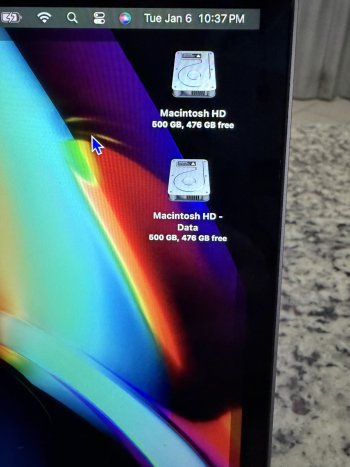
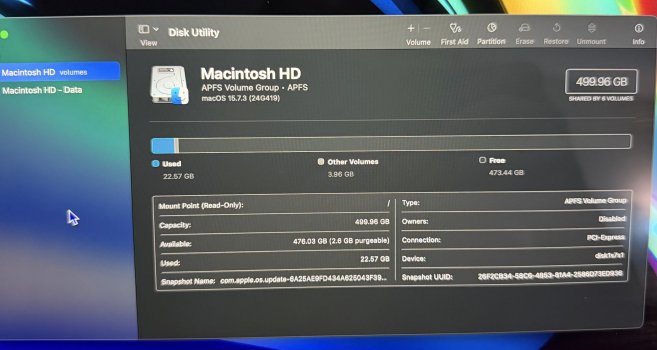
I just got the computer today. It is a 2020 13 inch Intel i7 the 10th gen version. It was on Big Sur when I got it. I put 15.7.3 on it using Mr Macintosh. Before that I erased the drive so it was clean. I just got done setting everything up how I like my settings. Shut it down and restart and that bottom one popped up after 5-10 mins. It appears to be a duplicate of my drive. In disk utility it shows it and it says there are 6 volumes shared. What did I screw up and do I have to start all over and how do I fix this. Both “drives” show all the apps and such. Thanks.


Got a tip for us?
Let us know
Become a MacRumors Supporter for $50/year with no ads, ability to filter front page stories, and private forums.
Two Macintosh HD drives showing up on my desktop.
- Thread starter AdamNC
- Start date
- Sort by reaction score