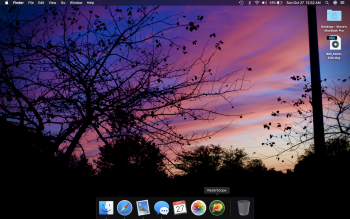
S steveh552 macrumors regular Original poster Jan 30, 2014 169 128 Oct 26, 2019 #1 I just realized that my applications icon on my launcher is missing and I was wondering how to restore it. Anyone able to help? Attachments Screen Shot 2019-10-27 at 12.52.06 AM.png 2.9 MB · Views: 246
I just realized that my applications icon on my launcher is missing and I was wondering how to restore it. Anyone able to help?
chscag macrumors 601 Feb 17, 2008 4,622 1,947 Fort Worth, Texas Oct 26, 2019 #2 steveh552 said: I just realized that my applications icon on my launcher is missing and I was wondering how to restore it. Anyone able to help? Click to expand... Open the Finder. Right click on "Applications" in the sidebar and select "Add to Dock". You're done.
steveh552 said: I just realized that my applications icon on my launcher is missing and I was wondering how to restore it. Anyone able to help? Click to expand... Open the Finder. Right click on "Applications" in the sidebar and select "Add to Dock". You're done.
S steveh552 macrumors regular Original poster Jan 30, 2014 169 128 Oct 27, 2019 #3 Thanks. It not quite the solution i was seeking, it does not open the way the original does (as in the swipe pages and such) and has an ugly icon but it will have to work I guess. I appreciate you taking the time to answer.
Thanks. It not quite the solution i was seeking, it does not open the way the original does (as in the swipe pages and such) and has an ugly icon but it will have to work I guess. I appreciate you taking the time to answer.
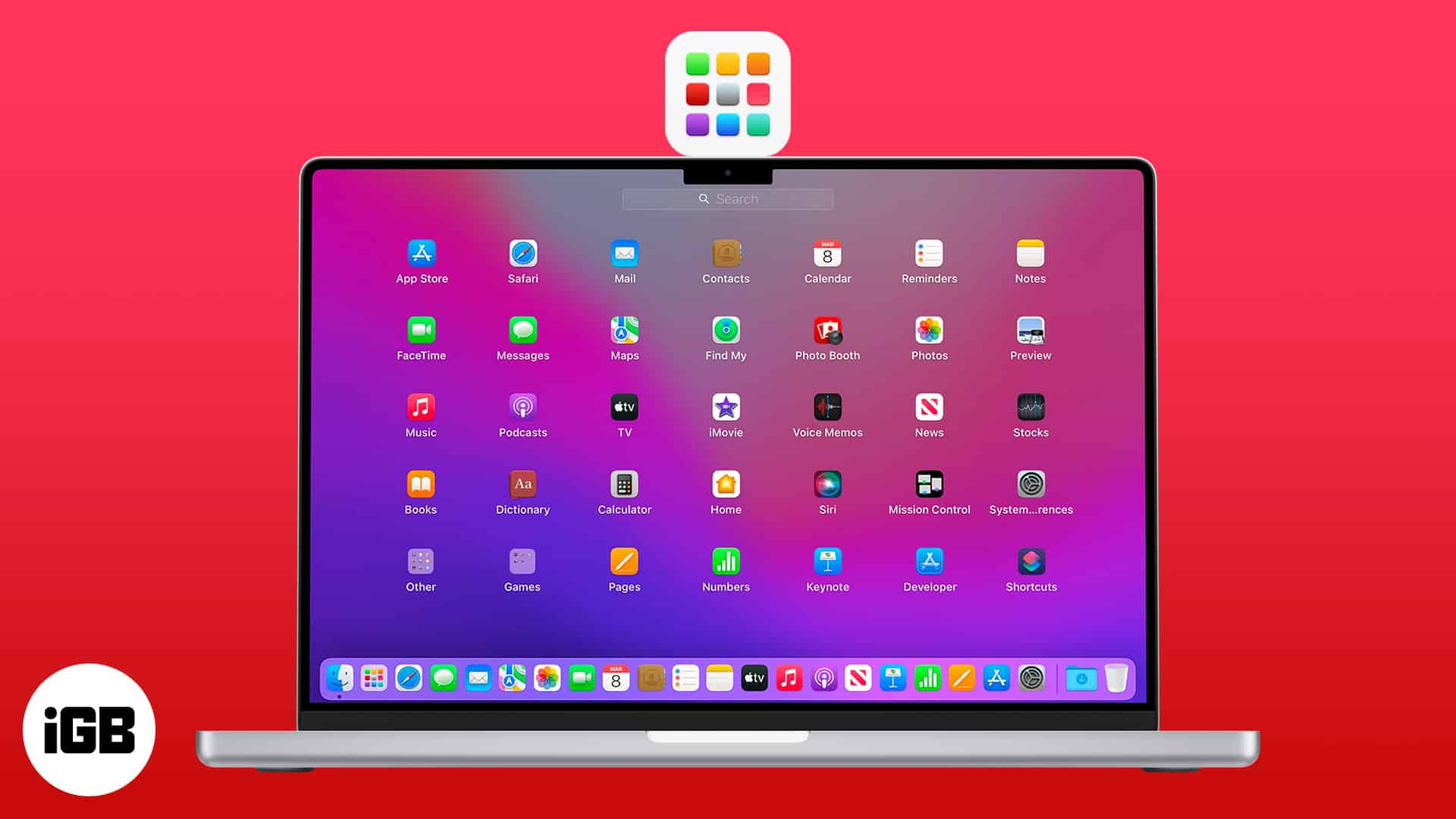
Mitthrawnuruodo Moderator emeritus Mar 10, 2004 14,923 2,049 Bergen, Norway Oct 27, 2019 #4 Is it the Launchpad you're missing?
S steveh552 macrumors regular Original poster Jan 30, 2014 169 128 Oct 27, 2019 #5 yes [automerge]1572205595[/automerge] I was able to figure it out. Thanks for those that replied. Last edited: Oct 27, 2019
VineRider macrumors 68000 May 24, 2018 1,508 1,412 Oct 27, 2019 #6 Was this the solution ? How to Use Launchpad on Your Mac: A Beginner’s Guide – iGeeksBlog Learn how to use Launchpad on Mac to find, organize, and access apps easily. Includes tips for macOS 26 users to restore Launchpad if missing. www.igeeksblog.com
Was this the solution ? How to Use Launchpad on Your Mac: A Beginner’s Guide – iGeeksBlog Learn how to use Launchpad on Mac to find, organize, and access apps easily. Includes tips for macOS 26 users to restore Launchpad if missing. www.igeeksblog.com
jbarley macrumors 601 Jul 1, 2006 4,023 1,897 Vancouver Island Oct 27, 2019 #7 steveh552 said: and has an ugly icon but it will have to work I guess. I appreciate you taking the time to answer. Click to expand... Right click on that "ugly icon" and change "Display as" to "Folder". Also my preference is to "View Content" is Grid.
steveh552 said: and has an ugly icon but it will have to work I guess. I appreciate you taking the time to answer. Click to expand... Right click on that "ugly icon" and change "Display as" to "Folder". Also my preference is to "View Content" is Grid.