Quite frankly that doesn't help me very much.
Can you be more specific?
In regards to lsof, in terminal you would run this command...
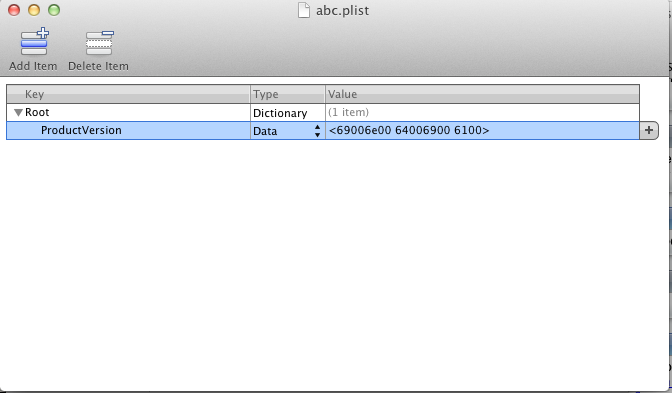
(This is assuming that your abc.plist is in the root directory, for which it seems to be from your screenshot, modify your path to the abc.plist if it is different)
This will search all open files. If the process that is creating abc.plist is running you will get a line (or possibly many lines) that looks something like this like this...
Code:
Photoshop 150 user txt REG 14,2 1054960 177261329 /abc.plist
Now in this fake line above, it says that it found the abc.plist which is shown in the last field, and that it is created by the process Photoshop, which is in the first field (again this is made up and for demonstration purposes). So if this works for you, the offending process will be in the first field.
The problem with lsof is that it will only be searching for active files, so if the process that created this .plist isn't running currently, it won't show up in lsof. I'm not sure if there is a way to trace it to it's origin or not if the parent process isn't running. If the above doesn't work and this .plist is always created at system startup, I guess you could set up a script to run this lsof command at startup and see if you catch the process in action.