I run an iMac with Windows 7 OEM installed and everything has been working fine for about a year now. Yesterday, however, my iMac suddenly shut itself down. After turning it back on I only see a black screen with a blinking cursor. I did find quite a lot of topics about this, but in my case this screen stays on forever. When I try to reboot with the Windows DVD in the driver my iMac spits it out after ~30 seconds.
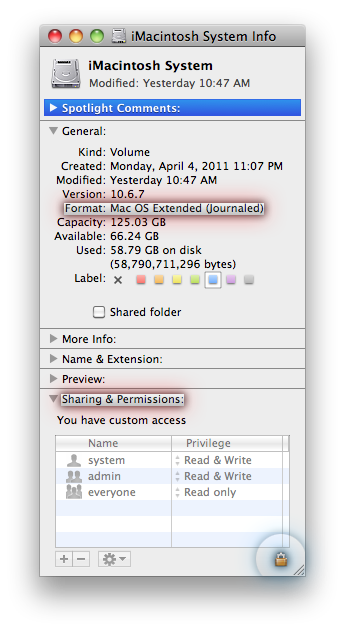
I have given up trying to fix Windows, but I would like to get the files on my Windows partition back. I already discovered I can open the files on said partition through Mac OS, but I can't edit, move, delete or copy them. Ideally I would like to copy all my files to an external hard drive and then run a clean install. How do I accomplish this?
I have given up trying to fix Windows, but I would like to get the files on my Windows partition back. I already discovered I can open the files on said partition through Mac OS, but I can't edit, move, delete or copy them. Ideally I would like to copy all my files to an external hard drive and then run a clean install. How do I accomplish this?