Become a MacRumors Supporter for $50/year with no ads, ability to filter front page stories, and private forums.
…Too late, I’ve pushed the nuke button and went Recovery, thinking Apple-iOS way.

But thank you very much for the link! (perhaps will need later!)
( I’m writing from iPad as my MacBook tries to install last OS from “start options“, and hope this time things will work!)
:rolleyes:
Did you have to erase the drive?
 
I hope I’m not mistaken: installing OS from Recovery partition just changes system volume; Data (user) volume should remain. It’s just the same as running the “12.1 installer“.
These new machines, disk file mechanism and system do this way…
 
I've done a recovery a couple of times over the years with Intel, but I heard there had been some changes with M1, so rather than mess about with that, I went for the boot drive option. If you weren't warned about data loss, then I'm sure you'll be good to go once it restarts.
 
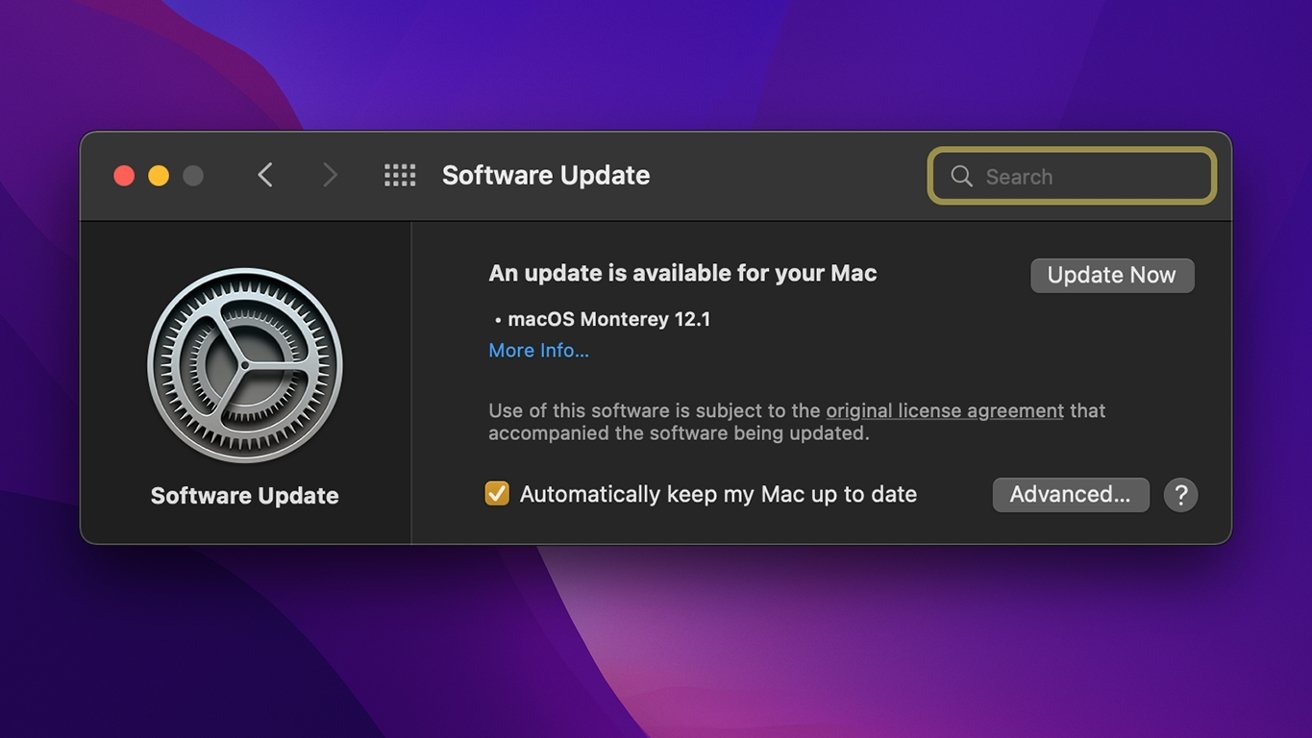
MISSION ACOMPLISHED:

Captura de pantalla 2021-12-15 a las 8.42.31 p. m..png


I did it from Recovery. I believe that making a bootable ext. install disk is just useful for using with several machines, to save time, as new M1 paradigm makes things in a new way.
After "recovering", MacBook seems the same as upgraded: all content, info, and settings are preserved.
✌️
 
  • Like
Reactions: Wolf1701
MISSION ACOMPLISHED:

View attachment 1929046

I did it from Recovery. I believe that making a bootable ext. install disk is just useful for using with several machines, to save time, as new M1 paradigm makes things in a new way.
After "recovering", MacBook seems the same as upgraded: all content, info, and settings are preserved.
✌️
👏👏👏👏👏👏👏
 
That is one of the fantastic things about Macs is that reinstalling the OS doesn’t wipe anything. You have to intentionally wipe the drive with Disk Utility to do that.
 
Register on MacRumors! This sidebar will go away, and you'll see fewer ads.