After deciding into buying a new Mac Mini early next year I'm now researching for a good monitor, hopefully a 32" monitor, which one you guys think is the best one for a graphic designer?, my budget up to 12-13k mexican pesos or as much a 15k mexican pesos. Any advice?

Got a tip for us?
Let us know
Become a MacRumors Supporter for $50/year with no ads, ability to filter front page stories, and private forums.
32" Monitor Buying Advice
- Thread starter apernett
- Start date
- Sort by reaction score
You are using an out of date browser. It may not display this or other websites correctly.
You should upgrade or use an alternative browser.
You should upgrade or use an alternative browser.

I'm not sure if this is good for a graphic designer but a couple of weeks ago I purchased a Samsung M7 32" 4K monitor and am very happy with it. It has a smart hub built in with a few apps similar to a Smart TV. It was $380, I got it at Best Buy but price matched it with Amazon.After deciding into buying a new Mac Mini early next year I'm now researching for a good monitor, hopefully a 32" monitor, which one you guys think is the best one for a graphic designer?, my budget up to 12-13k mexican pesos or as much a 15k mexican pesos. Any advice?

Cave Man
macrumors 604
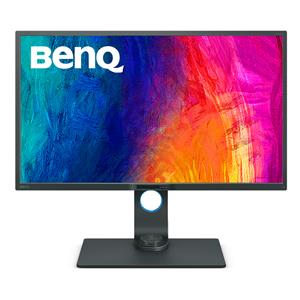
I've been very happy with my BenQ 32" UHD IPS display. Have one at work (i9) and one at home (M1 mini).
 www.adorama.com
BenQ PD3200U
BenQ PD3200U DesignVue Designer 32" 4K UHD IPS LED Monitor with Built-In Speakers
www.adorama.com
I've been very happy with my BenQ 32" UHD IPS display. Have one at work (i9) and one at home (M1 mini).
BenQ PD3200U
BenQ PD3200U DesignVue Designer 32" 4K UHD IPS LED Monitor with Built-In Speakers
I'm seriously considering that monitor just because of color fidelity but its price tag is a bit scary.

I've been very happy with my BenQ 32" UHD IPS display.
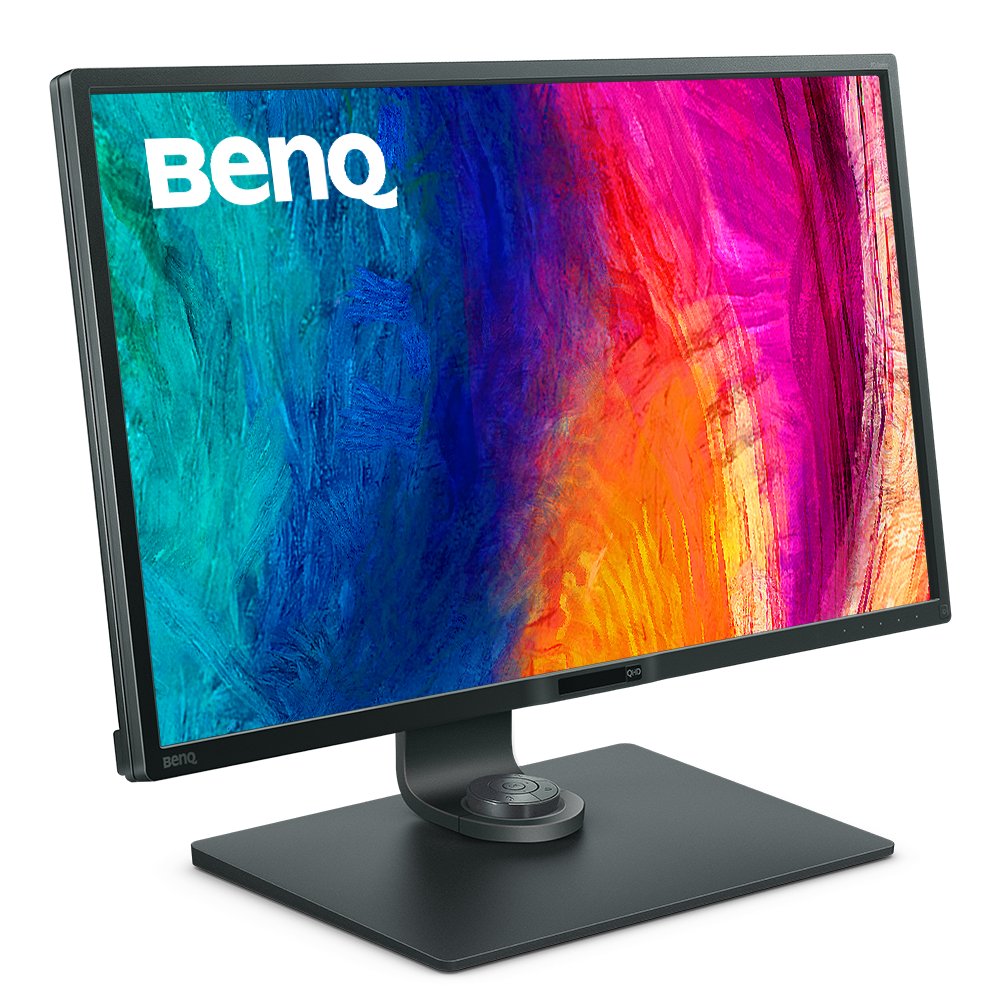
I've been using the QHD version of that same display for a year and a half on my 2018 Mini. Really happy with it. Lower resolution, so it's less expensive. The Intel UHD 630 integrated graphics on the 2018 Mini can have a hard time with scaled resolutions, so I wanted a screen with about 100 PPI at native resolution (2560x1440).
BenQ Creative Pro PD3200Q|32-inch 2K QHD sRGB Designer Monitor
PD3200Q covers 100% sRGB and 100% Rec.709 color spaces. Amazing Delta E ≤ 3 ensures superb accuracy.
www.benq.com
I've been using the QHD version of that same display for a year and a half on my 2018 Mini. Really happy with it. Lower resolution, so it's less expensive. The Intel UHD 630 integrated graphics on the 2018 Mini can have a hard time with scaled resolutions, so I wanted a screen with about 100 PPI at native resolution (2560x1440).
BenQ Creative Pro PD3200Q|32-inch 2K QHD sRGB Designer Monitor
PD3200Q covers 100% sRGB and 100% Rec.709 color spaces. Amazing Delta E ≤ 3 ensures superb accuracy.www.benq.com
I know benQ excels at color management, but how this model handles the task?

randywsandberg
macrumors member
I too have a new Mac mini. Not sure about graphic design but I bought a 32" LG monitor (LG 32QN55T-B) on sale a few months ago at Costco for $229 and absolutely love it. Great color, super clear text, thin bezels, and adjustable height. I think its regularly priced at $249 so in my mind it's still a steal of a deal. 🙂
Cave Man
macrumors 604
I do photography so its color is a high priority to me (plus the 4k for my Sigma sdQuattro and Fuji X-T4 files). With a mini, the display also gives you a USB3 hub and an SD card slot that are really beneficial.I'm seriously considering that monitor just because of color fidelity but its price tag is a bit scary.
I do photography so its color is a high priority to me (plus the 4k for my Sigma sdQuattro and Fuji X-T4 files). With a mini, the display also gives you a USB3 hub and an SD card slot that are really beneficial.
That SD slot is crucial. Beyond me why Apple removed it from the Mini 🙄
I too have a new Mac mini. Not sure about graphic design but I bought a 32" LG monitor (LG 32QN55T-B) on sale a few months ago at Costco for $229 and absolutely love it. Great color, super clear text, thin bezels, and adjustable height. I think its regularly priced at $249 so in my mind it's still a steal of a deal. 🙂
Will take a look at it. In fact, there's a Costco here in Cabo, will take a little trip over there just for chisme.
Cave Man
macrumors 604
Keep in mind that the LG 32QN55T-B is only 2k.Will take a look at it. In fact, there's a Costco here in Cabo, will take a little trip over there just for chisme.
Thanks for the tip!Keep in mind that the LG 32QN55T-B is only 2k.
randywsandberg
macrumors member
Indeed. It's QHD and at 32" paired with my new M1 powered Mac mini at 2560x1440 I can easily read and see everything on my screen without the need to wear glasses. And at the ripe old age of 60 that's saying something! 🙂Keep in mind that the LG 32QN55T-B is only 2k.