


Apple offers a Share Item Location feature in the Find My app that allows you to temporarily share the location of an AirTag-equipped item with others, including employees at participating airlines. This way, if you put an AirTag inside your bags, the airline can better help you find them in the event they are lost or delayed at the airport.
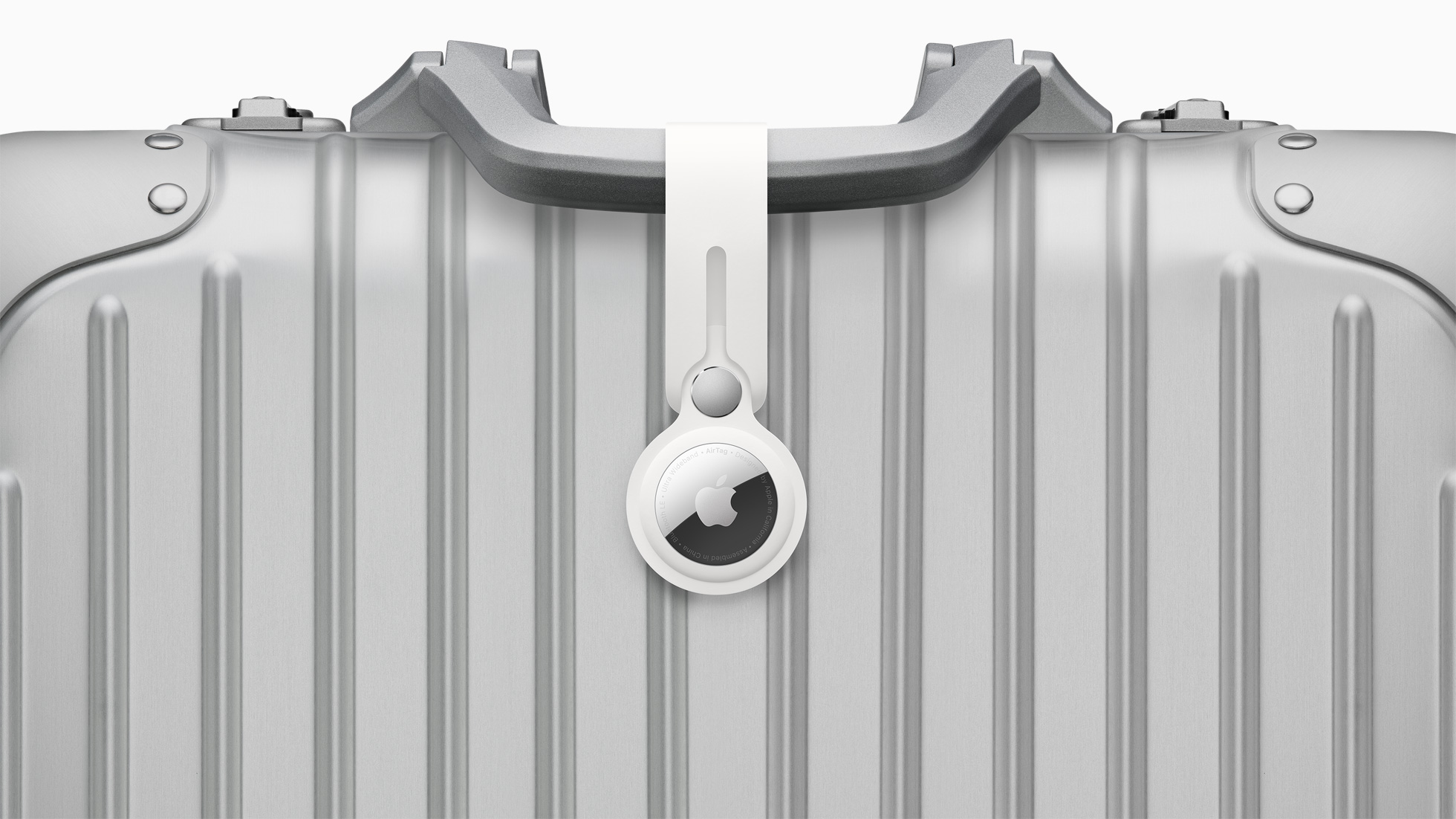
Given that Apple announced the AirTag 2 today, we have resurfaced a list of airlines that support the feature, but keep in mind that it also works with the original AirTag and third-party trackers with Find My support, such as those sold by Chipolo and Pebblebee.
Below, we have listed most of the airlines that support the feature:
- AJet
- Aer Lingus
- Air Canada
- Air France
- Air India
- Air New Zealand
- American Airlines
- Austrian Airlines
- Breeze Airways
- British Airways
- Brussels Airlines
- Cathay Pacific
- Condor
- Copa Airlines
- China Airlines
- Delta
- Eurowings
- Finnair
- Flair Airlines
- Iberia
- JetBlue
- KLM
- LATAM Airlines
- Lufthansa
- Pegasus Airlines
- Porter Airlines
- Qantas
- Saudia
- Singapore Airlines
- SunExpress
- SWISS
- Turkish Airlines
- United
- Virgin Atlantic
- Vueling
- WestJet
How to Use the Feature
iPhone, iPad, and Mac users can generate a "Share Item Location" link in the Find My app. Anyone they share the link with can then view a web page with a location of the item on a map. The page will automatically update with the item's latest known location.
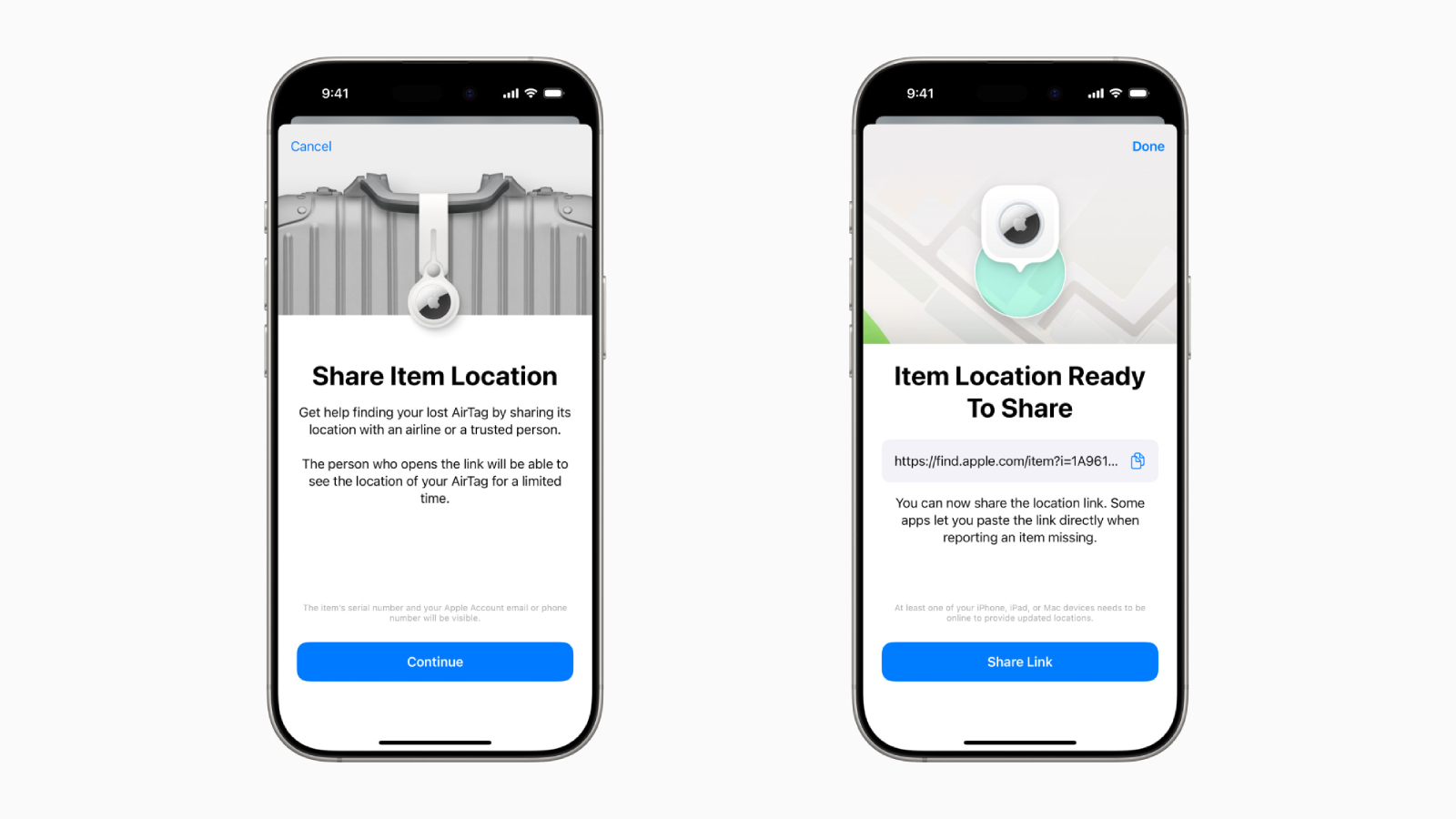
The item's location stops being shared "as soon as a user is reunited with their item," or automatically expires after seven days.
On the iPhone, the feature was introduced on iOS 18.2, but Apple says the AirTag 2 requires an iPhone running iOS 26.2.1 or later. If you are still running iOS 18.2 through iOS 18.7.4, you will need to use the original AirTag or a supported third-party tracker.
AirTag 2: Hands-On Photos
From the Tray Table's Zach Griff has shared some AirTag 2 hands-on photos.
Article Link: AirTag 2: These Airlines Offer Feature That Helps Find Your Lost Bags


