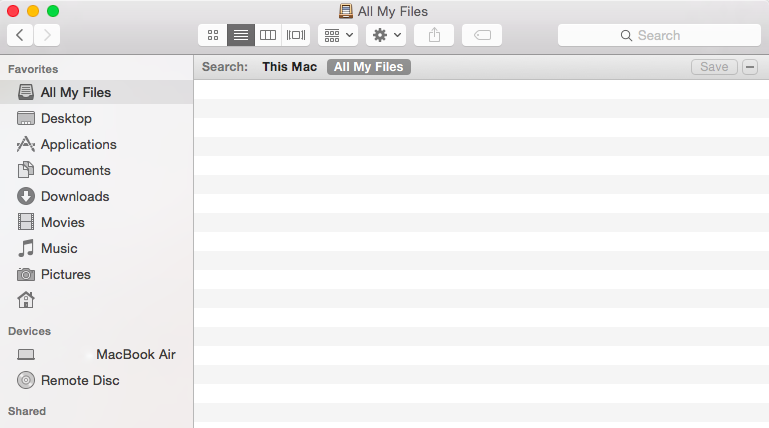
I reinstalled Yosemite recently after upgrading to El Capitan. Since the downgrade, the All My Files sidebar option in Finder always comes up empty. Is there something I can do to fix this back to the way it was? See image attached.
This may be a long shot answer to this ancient post, but if anyone is having this problem, check Spotlight's privacy settings and make sure none of your drives or volumes have somehow made their way into it. If they have, then highlight them, and then click the little minus sign at the bottom left.