

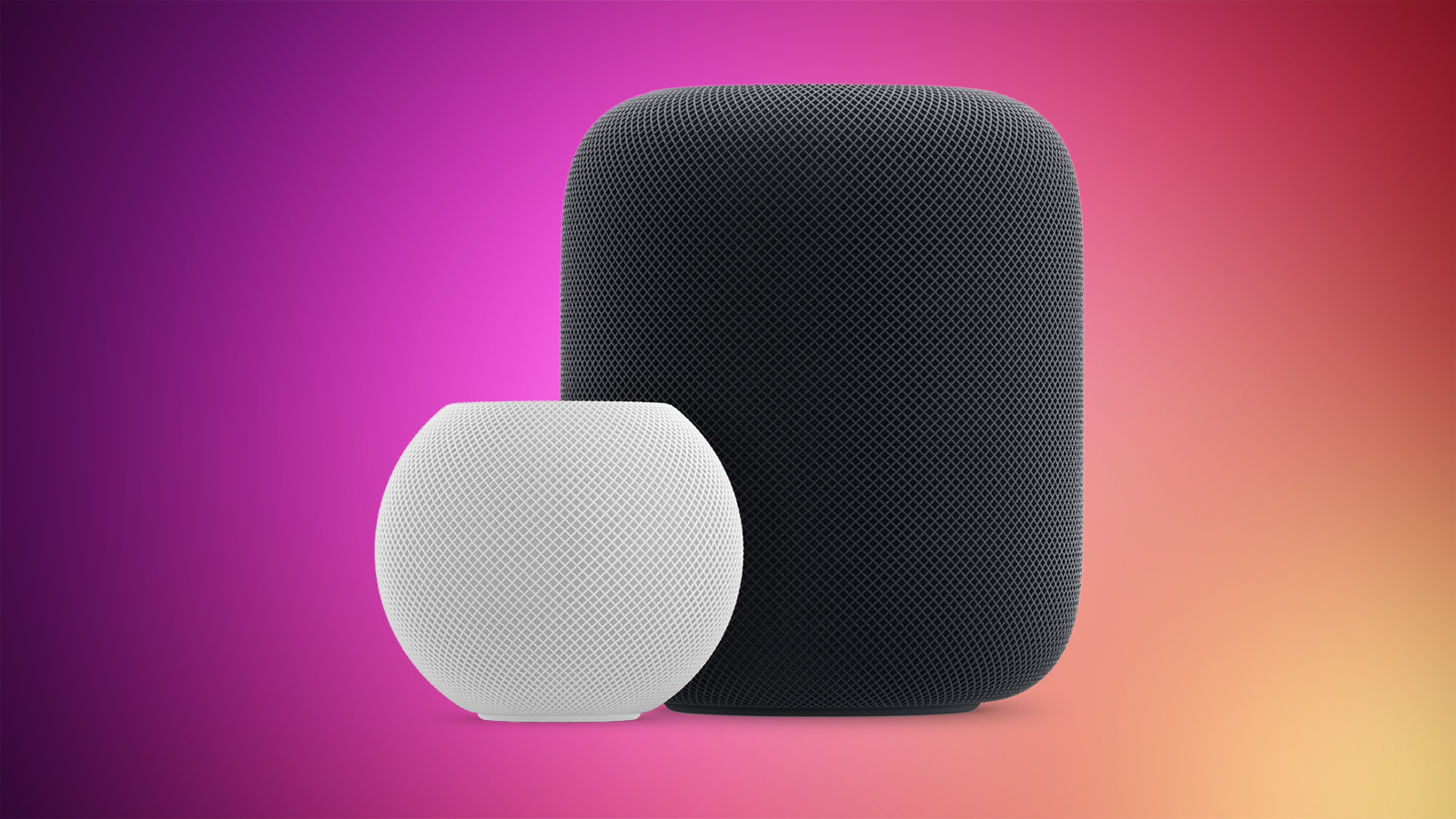
Apple today released the HomePod 17.1 software for the HomePod and HomePod mini, bringing support for Enhance Dialogue to additional devices.


They continue to add features to a "discontinued" product (eARC through Apple TV and now enhance dialogue)... My OG HP pair for $199 each is turning out to be one of my favorite Apple purchases ever.
I have Apple TV HD and HomePod minis both just updated - no option. Is this only for Apple TV 4K?
It’s so nice that the original HomePod is still getting updates.


I was looking forward to this, but I still don’t see the option. I have a pair of original home pods and the latest ATV 4K, and all are updated to 17.1. What am I missing?


I turned on a movie the other day and the sound was absolutely terrible, so I checked the settings, and enhanced audio was on by default I hated it. It practically muted all other sounds in the movie. I turned it off as soon as I could.


I genuinely think this is an accessibility feature more than anything. It’s really been over-hyped IMO. Yes, it’s there for those that need it, but the HomePods should, and do, reproduce a movie’s sound as the film maker intended.I turned on a movie the other day and the sound was absolutely terrible, so I checked the settings, and enhanced audio was on by default I hated it. It practically muted all other sounds in the movie. I turned it off as soon as I could.
Turns out that I apparently had NOT updated my HomePods after all. After updating, it works now.@JackG17
Are the homepods set as the default audio output of the Apple TV?. And are you sure that both the homepods (the two of them), and the Apple TV are on 17.1?.
If so, here is were the setting should be on the apple tv. If you still don´t see anything, reboot both the homepods and the apple tv.

Yeah but if it will help me convince my wife to turn off subtitles… it will be worth it. 😂I genuinely think this is an accessibility feature more than anything. It’s really been over-hyped IMO. Yes, it’s there for those that need it, but the HomePods should, and do, reproduce a movie’s sound as the film maker intended.

Turns out that I apparently had NOT updated my HomePods after all. After updating, it works now.
I'm on gen 1 HomePods, so I must have beta turned on, at least for the ATV? I would certainly hope it improves, but honestly I have found personally that sound quality varies a lot by steaming service. Netflix is particularly poor, in my experience.@SDJim
Interesting. All the reports that I have read say the homepods are so much louder and clearer with is on, but without drowning sound effects and music. Perhaps this public release is a new build and it has improved. I will test it tomorrow with my original homepods.
Since you tested it a few days ago were you using betas or do you have second gen homepods?.
I dont use betas, ever.
I'm on gen 1 HomePods, so I must have beta turned on, at least for the ATV? I would certainly hope it improves, but honestly I have found personally that sound quality varies a lot by steaming service. Netflix is particularly poor, in my experience.
