Become a MacRumors Supporter for $50/year with no ads, ability to filter front page stories, and private forums.
Yeah. And while they’re at it, they could offer the option to perform this indexing 2.0 also on external drives. That way, if you search for a document on Spotlight and it isn’t on your main internal drive, it can tell you where exactly is on an external drive.

Actually, there are already third party apps that do this, keeping an index of all the files in your external drives… but I’d like to see it done by Apple at the operating system level.

Wait, this already occurs - I use it every day.

Do you mean drives you detach but would still like to know where that content is, even when the drive is detached?

I like that idea.
 
The ignorance on MR knows no bounds.
It’s honestly a bit unhinged at this point. If you open the comments on literally any article here it’s just 90% people complaining. I swear it used to be a bit more balanced. I appreciate the parts of this forum where people help each other with buying advice or troubleshooting, but some this is honestly becoming pretty toxic at this point.
 
It doesn't explain anything of the kind. It just says "it might take hours or even days". Doesn't say why.

Reading between the lines, it seems to take longer if you’re constantly on your phone and have tons and tons of local email, iMessage, photos etc.

I tend to make a habit of just leaving my phone alone and plugged in for a few hours after every major update anyway.
 
  • Like
Reactions: ignatius345
I mean their explanation makes sense. I wouldn't have really expected anything different. It requires more power to do the indexing so doing it on battery would be a bad experience.
 
  • Like
Reactions: fatTribble
Indexing on any database is very CPU and disk intensive, and I applaud apple for not crushing the user experience during the spotlight indexing cycle. It's the same reason DBAs can't initiate indexing on a production system during normal business hours, it has a major effect on the user experience.
 
Do you mean drives you detach but would still like to know where that content is, even when the drive is detached?

I like that idea.
Separating the index from its volume would introduce a lot more complexity to synchronize any changes, for fairly little gain.

From a privacy angle, there are some implications to consider as well, so don't see that happening. Of course, these days you never know—Microsoft apparently thought Windows Recall was a great idea.

Windows Recall takes a screenshot of a user's desktop every few seconds, then uses on-device large language models to allow a user to retrieve items and information that had previously been on their screen.
a simple script tool called Total Recall demonstrated a bypass of Windows Recall security stealing all local data (which was stored unencrypted)
 
I’ve been finding that since I updated, after a while spotlight search ends up getting completely bricked until I restart my phone. Typing anything into the search bar doesn’t return any results. Just sits there.
 
Apple says indexing can take hours or even days depending on how much data you have stored. It completes more quickly when your device is not in use, and when it is connected to power and the internet.
I’m not sure why this isn’t considered a reasonable explanation by some.

If you have more data it will take longer.
If your device is not used a lot it will complete faster.

What sort of explanation would help?
 
Find Any File has been my go-to for a year and it is VERY quick for search. I don't know how long it would take to build an index after an OS update - don't believe it does any AI-type indexing, on photos e.g.


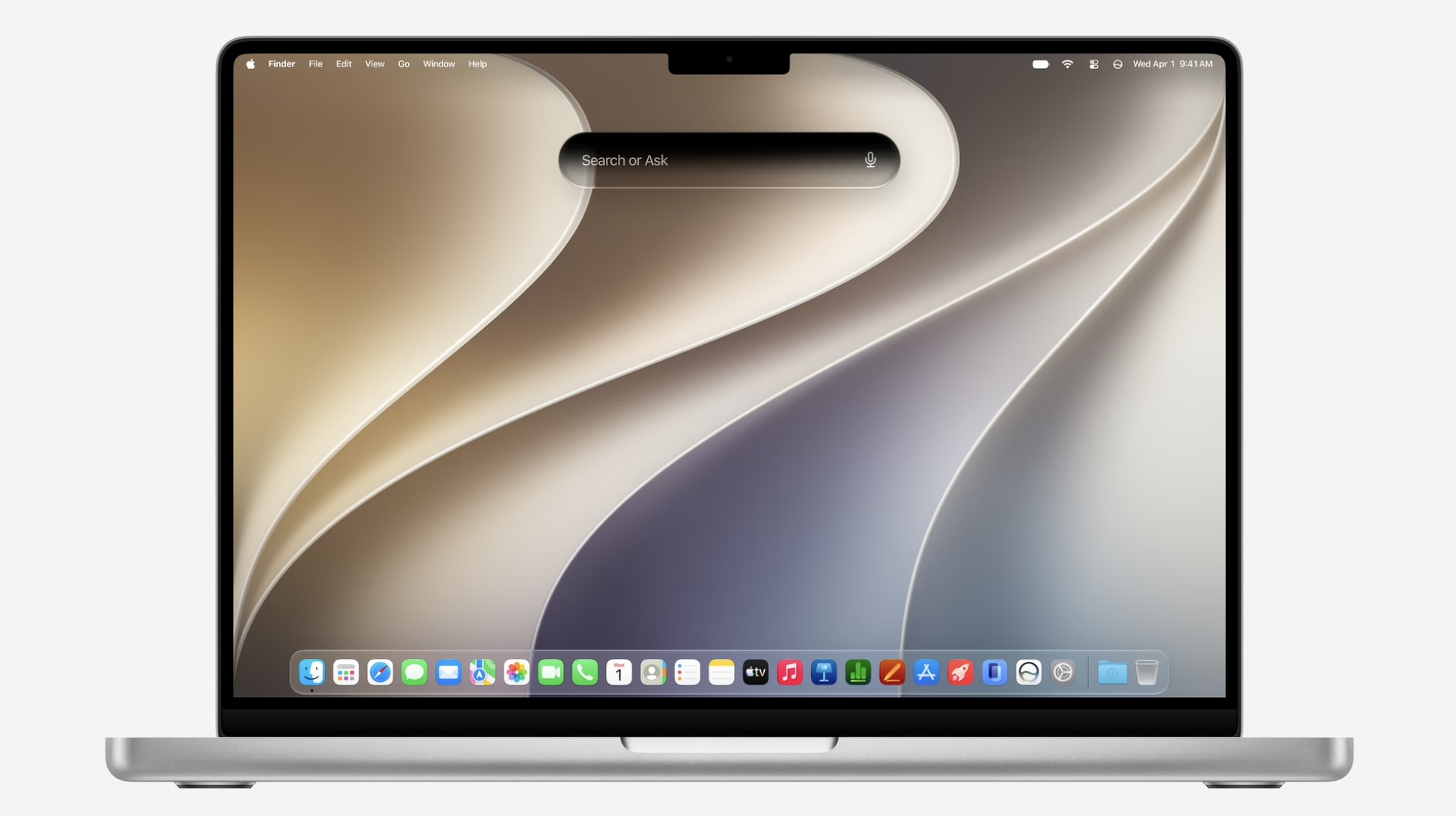
macOS-27-Search-or-Ask.jpg
For anyone who's experienced the lengthy post-update indexing process when trialing the beta version of iOS 27, macOS 27 Golden Gate, iPadOS 27, or visionOS 27: Apple has published a Spotlight support document that explains what's going on.

Apple says indexing can take hours or even days depending on how much data you have stored. It completes more quickly when your device is not in use, and when it is connected to power and the internet. Apple also confirms that the index is stored locally, remains private, and is not shared with Apple or any of your other devices.

Article Link: Apple Explains Why Spotlight Indexing Can Take Days After an Update
I already pay for iCloud. If there’s any option to opt in to use iCloud as my indexing storage and it would make responses faster, I’m all for it. I already trust iCloud with my personal files as is.
 
It’s honestly a bit unhinged at this point. If you open the comments on literally any article here it’s just 90% people complaining. I swear it used to be a bit more balanced. I appreciate the parts of this forum where people help each other with buying advice or troubleshooting, but some this is honestly becoming pretty toxic at this point.
I was thinking the same thing, so much negativity between helpful and informative posts.

I have been registered here since 2002 and it just seems so many can never be excited or satisfied about anything. There have always been obnoxious outliers who eventually went away, and we still have those who want to complain or speculate with posts about Apple lying and deceiving while having no evidence that that is the case.

Can Apple do better? Could they explain things better? Of course! And in my decades of using Apple stuff the trend is definitely positive for how well it works and how efficient it is. Even 5 years ago I would not have thought I would be able to do what I now do with ease.
 
It says why in the support article. So that emails can be downloaded from your email server to be indexed locally.

I think the problem is the MR post dropped key phrases from Apple's document. The full text of the bullet was:
your device is connected to the internet via Wi-Fi or Ethernet, in case email or other data needs to be downloaded for indexing.

Just saying the first part of that sentence without the qualifier or explanation is misleading.


My complaints about Apple's indexing are:
-OS should come preindexed: why is there still noticeable indexing after a clean install (pre user data) of these SSV?
-Honestly just get it over with -- run at 100% and get it done (or at least give the option to). Mac's internal SSD have been reading >3GB/sec for ~ 8 years and at least starting with Apple Silicon (or a 28c Mac Pro...) had enough CPU power to keep up assuming a reasonable algorithm. That's 10TB/hour.
-It's like a delicate flower -- almost any glitch seems to set off a complete reindexing
-The result often stink -- sometimes I give it the exact filename I want and it gives me everything but that or otherwise buries the exact match in a stack of superficially matching files. I often go to the Terminal just to do a search the old UNIX way. I recall it being more useful (despite less featured) in old Mac OS X but I have none such left to do head-to-head comparisons.

If this was V.1 or V.2 I'd say it's not a bad start. But really for something that's been around for ~ 20 years, the state of Apple's indexing functionality is pretty sad.


And for Apple to have to create a new support article for xOS 27 to deflect an issue that wasn't good in recent OS versions means it's not gotten better...
 
Last edited:
  • Like
Reactions: turbineseaplane
I have a 10 year old messages thread with over 20 thousand photos in it. my iPhone Air that I bought at launch, is still indexing almost a year later.
The indexing for Siri AI only started in June/July of this year with the iOS 27 betas.

btw, I agree with the "merge Apple IDs", I've been waiting for well over a decade for that!
 
  • Like
Reactions: anthony13
Haha I'm thinking the same thing. At any rate, it is annoying AF how long this can take.
My guess would be it has to be able to download the actual asset from the cloud to index it. Many of the files I have on my local disk really only exist in iCloud: photos, pdfs, etc. I has to download the real deal to do the indexing even if it done and stored locally.
 
In other words IT guys, leave a newly configured Mac on overnight after doing a Migration Assistant or iCloud restore, with the energy settings set to not sleep when the screen is off.
 
  • Like
Reactions: ignatius345
It’s honestly a bit unhinged at this point. If you open the comments on literally any article here it’s just 90% people complaining. I swear it used to be a bit more balanced. I appreciate the parts of this forum where people help each other with buying advice or troubleshooting, but some this is honestly becoming pretty toxic at this point.
It's really sad. I love coming here, I really do, but the constant negativity is exhausting. I realize you can't make everyone happy 100% of the time, but this place used to be the go-to place to enjoy Apple products and talk about them in a civil manner. I get depressed at almost every comment section these days, and I'm almost the point where I don't even want to comment sometimes. Like I said, it's sad.
 
I think the problem is the MR post dropped key phrases from Apple's document. The full text of the bullet was:


Just saying the first part of that sentence without the qualifier or explanation is misleading.


My complaints about Apple's indexing are:
-OS should come preindexed: why is there still noticeable indexing after a clean install (pre user data) of these SSV?
-Honestly just get it over with -- run at 100% and get it done (or at least give the option to). Mac's internal SSD have been reading >3GB/sec for ~ 8 years and at least starting with Apple Silicon (or a 28c Mac Pro...) had enough CPU power to keep up assuming a reasonable algorithm. That's 10TB/hour.
-It's like a delicate flower -- almost any glitch seems to set off a complete reindexing
-The result often stink -- sometimes I give it the exact filename I want and it gives me everything but that or otherwise buries the exact match in a stack of superficially matching files. I often go to the Terminal just to do a search the old UNIX way. I recall it being more useful (despite less featured) in old Mac OS X but I have none such left to do head-to-head comparisons.

If this was V.1 or V.2 I'd say it's not a bad start. But really for something that's been around for ~ 20 years, the state of Apple's indexing functionality is pretty sad.


And for Apple to have to create a new support article for xOS 27 to deflect an issue that wasn't good in recent OS versions means it's not gotten better...
I totally agree. The problem is it has become way more complicated than original search. Originally there was basically a simple text index along with file-system metadata (like filename) which would be enough, but someone decided "hey let's add a google search into the results!" which is stupid. Maybe grandma might find that helpful, but if I want to search the internet, I'll do that, if I want to find a file, same thing. I do often need to drop into terminal to do a Unix find. Windows 11 has the same stupidity. The other thing that's annoying is if you click on a found item, it doesn't show the file path without going to the view all. This is form over function. I mean on my Mac I probably have many hundreds of thousands of files (heck 120,000 photos!) and having unhelpful things like library files that don't match names as you note (and seemingly many copies from each version of python or java you have loaded)
 
Do you mean drives you detach but would still like to know where that content is, even when the drive is detached?

I like that idea.
Exactly, I didn’t explain myself properly.

If you want I can look up the name of that app… mind you, it’s not free and looks like a heavily AI assisted app, but here you go:


At least it has a fully functional free tier for the first external drive, so you can test it. If you do, please let me know.
 
It doesn't explain anything of the kind. It just says "it might take hours or even days". Doesn't say why.
Yes it says exactly why, brokenreader: "depending on how much data you have stored. It completes more quickly when your device is not in use, and when it is connected to power and the internet."
It doesn't explain anything of the kind. It just says "it might take hours or even days". Doesn't say why.
 
  • Like
Reactions: fatTribble
Register on MacRumors! This sidebar will go away, and you'll see fewer ads.