Become a MacRumors Supporter for $50/year with no ads, ability to filter front page stories, and private forums.
No thanks. With AI on the rise, it’s only a matter of time before the government scans all these digital ids. Perfectly fine with the extra 2.5 seconds it takes me to pull out my physical drivers license card to put in the airport scanner
You mean the digital id they have on their systems that was used to print your physical drivers licence? 🤭
 
Still waiting for my state to be on their radar...

1779913669670.png
 
I’m in CA, and have had this feature since 2024, but was never able to use it. At the airports, they request for your actual RealID.

RealID is a feature of your Driver’s License, and is required for travel whether it is digital or physical.

Even when flying in/out of PHX, ORD, LAX, they’ve always asked for your RealID.

My U.S. passport on my iPhone is a valid RealID and works fine in ORD, LAX, LAS, DFW, AUS and MCO. They ask for RealID, and one can simply tap on the reader and press the button approving the exchange of info.

Has anyone actually been able to use it? If so, for what occasion?

I have used it may times in many different airports to go through TSA check points. Easier than having to pull my wallet out of my pocket, pull my id out of my wallet and then hope I get it put back before I go through the metal detectors.
 
No thanks. With AI on the rise, it’s only a matter of time before the government scans all these digital ids. Perfectly fine with the extra 2.5 seconds it takes me to pull out my physical drivers license card to put in the airport scanner
You think your government issued ID has info on it the government doesn't already know about?
 
That's the difference between in theory and in practice. An individual TSA agent is not going to be reprimanded for going slowly because he and the traveler are working out the kinks with digital ID. He will get reprimanded if he isn't getting people through the checkpoint with the old-fashioned RealID that's already in place. Complicating matters is the facial recognition camera, which is part of the process though it is voluntary - it doesn't feel like it's voluntary.

Right but...as I understand it, these officially only work at the official TSA readers. So if you have it ready to go and just boop it on the reader like it's Apple Pay and the machine bloops and shows your picture and ID...I don't see how that's slowing anything up.

Unless the readers are not active and the whole thing is just something they never actually use.
 
If you live in a state that does not yet offer Apple Wallet IDs, you can now create a Digital ID based on your U.S. passport
I have been asked to provide my driver’s license 🪪 at the customer service desk at Walmart a few times when I was returning something in North Conway, North Reading and Newport so during those times, it would have been VERY convenient for me to have simply taken out my phone📲 and used this new authentication method, if Walmart HAD offered it as an option - on the customer service desk POS:
Apple today announced that iPhone users will be able to present a driver's license or ID stored in the Wallet app at participating businesses and venues starting later this year. Users will simply hold their iPhone or Apple Watch near the business's iPhone to verify their age and identity for things like alcohol, rental cars, and more
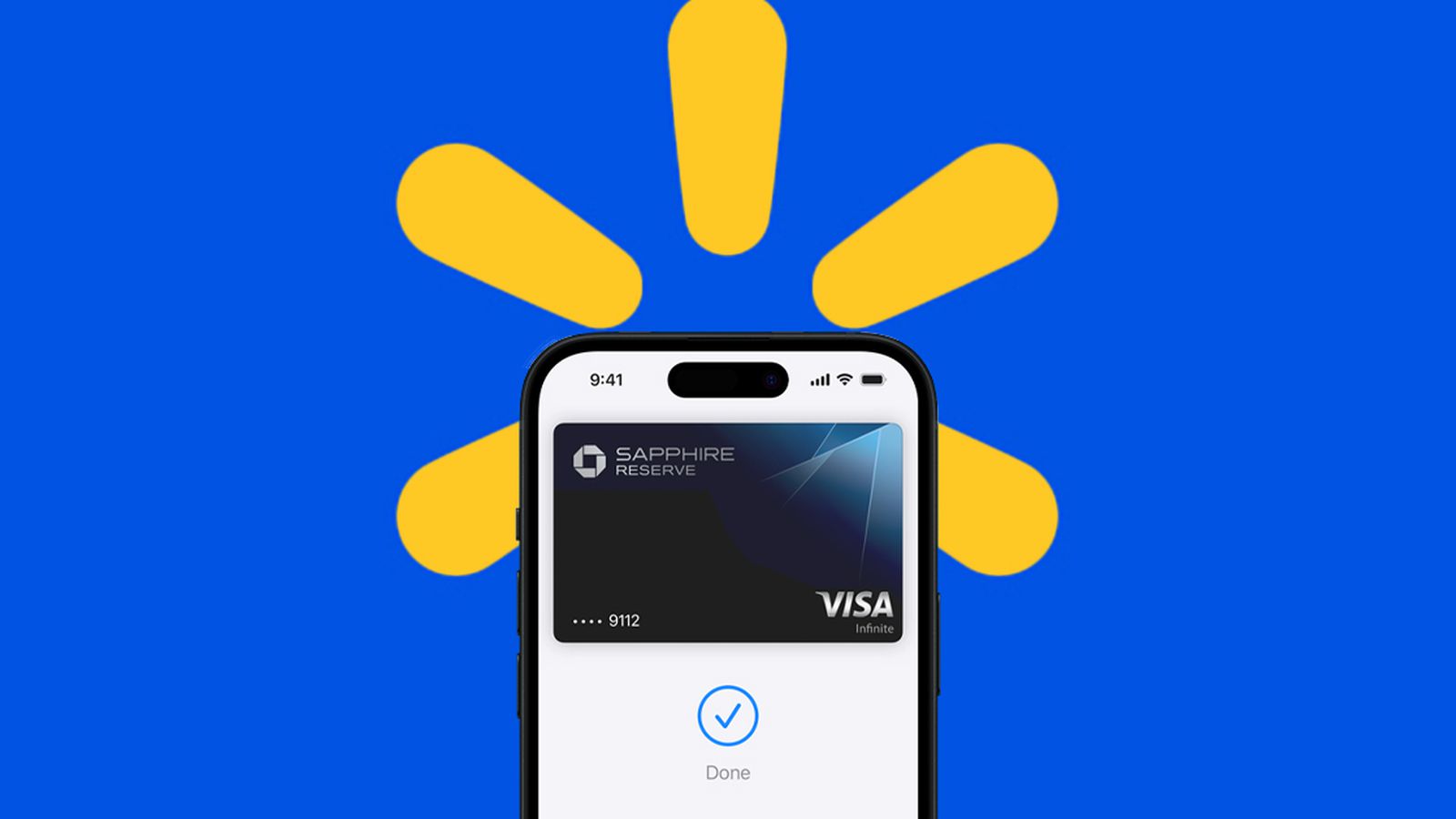
Walmart is the largest company in Arkansas and is headquartered in Bentonville so hopefully with having such a technologically savvy IT workforce (based in Arkansas) enough HQ staff (who are now able to add their Arkansas driver’s license 🪪 to their Apple 🍎 Wallet) go about advocating for the potential implementation of this new driver’s license 🪪 for businesses⬆️ feature…..to initially be piloted on a hardware/software infrastructure basis (in various local Arkansas stores) to work out the technical software kinks….with having their IT teams right there - within driving distance (which many companies now do for new/un-tested technologies) and then eventually expand the 🆔 feature nationwide and then maybe globally as well 🍎📲👌😎

Apple certainly has had a completely separate (but significant) ongoing incentive to coerce the world’s largest retailer (and last remaining Apple Pay holdout) to finally succumbing to Apple’s payment acceptance terms - by agreeing to the associated (and much higher) credit card interchange fees that Apple Pay accesses (through working out some kind of mutually beneficial deal)

A deal, which would lead Apple to be able to greatly expand on (the already immense real world practicality) Apple Pay and NFC currently offer to the iPhone user base - convenience, practicality (and ease of use)
All of which results in expanded functionality of the Apple 🍎 ecosystem - and the associated real world convenient, day-to-day practical use-cases we all enjoy.
Someday, we could eventually not even have to carry a physical wallet on a daily basis! Wouldn’t that be awesome 😎


Apple theoretically could (and should) use this⬆️ proprietary driver’s license 🪪 🆔 technology as probably their strongest negotiating leverage (with Walmart) to facilitate Walmart’s eventual acceptance - and hardware implementation of Apple Pay (throughout 10,974 stores worldwide)
There is a huge incentive for Apple Pay to be accepted at Walmart to, it just hasn’t happened yet:


No thanks. With AI on the rise, it’s only a matter of time before the government scans all these digital ids. Perfectly fine with the extra 2.5 seconds it takes me to pull out my physical drivers license card to put in the airport scanner
Wait till you find out who issued you your government issue ID.
 
  • Haha
Reactions: LordArchie
My state has the app but deleted it as a waste of storage space. This is a nifty technology that is already going obsolete. It started with global entry years ago from a kiosk that required scanning one's passport transitioning to facial ID. I have already experienced the same facial ID at TSA for a domestic flight departure. Had my Real ID license ready but the TSA agent just said, "Look at camera" and then, "Okay, good to go" and that was it.

It is like the ultra-super-nifty image system American Express had to digitally scan images of the signed credit card receipts. That way they could simply print copies in your monthly statement instead of sorting and inserting them in your monthly bill. That nifty technogy lasted a very short period until POS termials arrived and signing paper disappeared. For a while American Express was the company that still required one to sign paper while others like Visa had already moved past that.
 
Right but...as I understand it, these officially only work at the official TSA readers. So if you have it ready to go and just boop it on the reader like it's Apple Pay and the machine bloops and shows your picture and ID...I don't see how that's slowing anything up.

That is basically how it works, but then it brings up on the Apple device’s screen an explanation of what will be transferred and you have approve it. People do not know they have to do that and so the process can take a bit longer if they forget.

Unless the readers are not active and the whole thing is just something they never actually use.
From what I have experienced, they are active everywhere (having used them many times in many different airports).
 
  • Like
Reactions: CarAnalogy
Right but...as I understand it, these officially only work at the official TSA readers. So if you have it ready to go and just boop it on the reader like it's Apple Pay and the machine bloops and shows your picture and ID...I don't see how that's slowing anything up.

Unless the readers are not active and the whole thing is just something they never actually use.
On at least two occasions I noticed the compatible readers were moved around, or the TSA staff on hand didn't know where they were located. YMMV
 
On at least two occasions I noticed the compatible readers were moved around, or the TSA staff on hand didn't know where they were located. YMMV
From what I have seen, they are always in the same place, directly in front of every TSA agent, at every check point. I am curious how they were “moved around” and when you say TSA staff, you mean the agents checking ID, or the airport/airline paid people who filter travelers into the right check point lanes?
 
From what I have seen, they are always in the same place, directly in front of every TSA agent, at every check point. I am curious how they were “moved around” and when you say TSA staff, you mean the agents checking ID, or the airport/airline paid people who filter travelers into the right check point lanes?
AFAIK this is all a TSA matter that has nothing to do with gate or airline staff, plus I rarely go to the front counter unless I'm checking a bag which is rare. Specifically I'll refer to PHX Terminal 3, which is fairly new and handles most of the non American/Southwest flights. There is a single security entry on the 4th floor with 4 lines based on privilege/accessibility. General boarding line splits off into 3-4 TSA ID stations, which then feeds into 8 scanner lines. Of the 3-4 TSA ID stations, only 2 have the requisite readers installed. While in line I have heard discussions about moving the readers around or deactivating them for some reason. I try to go with the flow so I'll have both my phone and Real ID in hand. I fly again next month so I'll get to find out if anything changed.
 
Illinois is pushing for the ability to use Mobile ID in more places as well. They have a free app any store owner can download from the Apple App Store to begin using it to check ID with their iPhones.


They also say "While the Illinois Secretary of State Mobile ID Check App is an easy and free method of verification, businesses can use any ISO 18013-5 compliant reader."

and

"Where can I use Mobile ID?
Mobile ID provides an easy, private, and secure way for IL residents to present their DL or State ID state-issued credential in person at businesses and organizations with compliant Mobile ID readers and in select apps that require identity or age verification.
Starting off, you can use Mobile ID to verify your age and identity:
  • At Illinois TSA checkpoints and over 250 airports around the country (including O’Hare, Midway, and Lambert)
  • In person at select stadiums, restaurants, bars, and other businesses with compliant readers
  • In partner apps and websites that require age or identity verification"
They are supposedly getting police officers set up to start accepting them, but it has been said that we have to keep using our physical Drivers license for now until it is more widely accepted. I'm pretty sure I read a quote from Alexi Giannoulias (Secretary of State) somewhere that stated all officers were supposed to be able to accept it by the end of 2026, but I'm unable to find that quote again right now.

Illinois' website specifically says that there is no age limit for Mobile ID in Illinois, but so far I have been unable to add it to my children's devices (9 and 12). My oldest just turned 13 recently and I haven't had a chance to try again, but someone on Apple's support site said that Apple won't allow it until they are 13 for some reason. I will try to remember to check again soon and update this post.
 
Meanwhile WA state, home of Microsoft, Amazon, Ookla, and where Meta and Google have SIGNIFICANT footprints, continues to have its head up its ass when it comes to this tech.
 
I really wish that the states which support this would do better marketing and provide better information and affirmation to businesses regarding this matter. No one ever wants to accept a digital ID or even recognizes that it's a thing. Feds/ TSA only accept physical IDs and in most places it has to be RealID compliant or a passport. Private businesses and municipal agencies won't look at it because they either don't understand it, even though our state has had it for 4 years now, or haven't even heard of it. I appreciate Apple working with state agencies to make this a thing, but so far it's been totally worthless.
 
  • Like
Reactions: DblHelix
AZ has supported this for the longest but that doesn't mean you can use your digital ID much, if at all. Especially the case if you travel outside your state. There are nowhere near enough readers. This is after 4 years so you will be waiting too.
 
  • Like
Reactions: mlayer
I can confirm that I was able to add my 13-year-old's Illinois State ID to Apple Wallet last night.

At first I tried and it still didn't give me the option to add anything. Then I noticed the phone had not updated to iOS 26.5 yet. After I updated I was able to add their ID. I'm not sure if it is the fact they are now 13, something in iOS 26.5, or just rebooting the phone that made it work, but it did.

My 9-year-old does not have a State ID yet, so I haven't been able to try with them. I may take them to get ID this summer and if I do I will try again (they will most likely be 10 at that time).
 
Register on MacRumors! This sidebar will go away, and you'll see fewer ads.
