

Become a MacRumors Supporter for $50/year with no ads, ability to filter front page stories, and private forums.

MacRumors

macrumors bot
Original poster


16-inch-MBP-and-140W-Charger-Feature.jpg
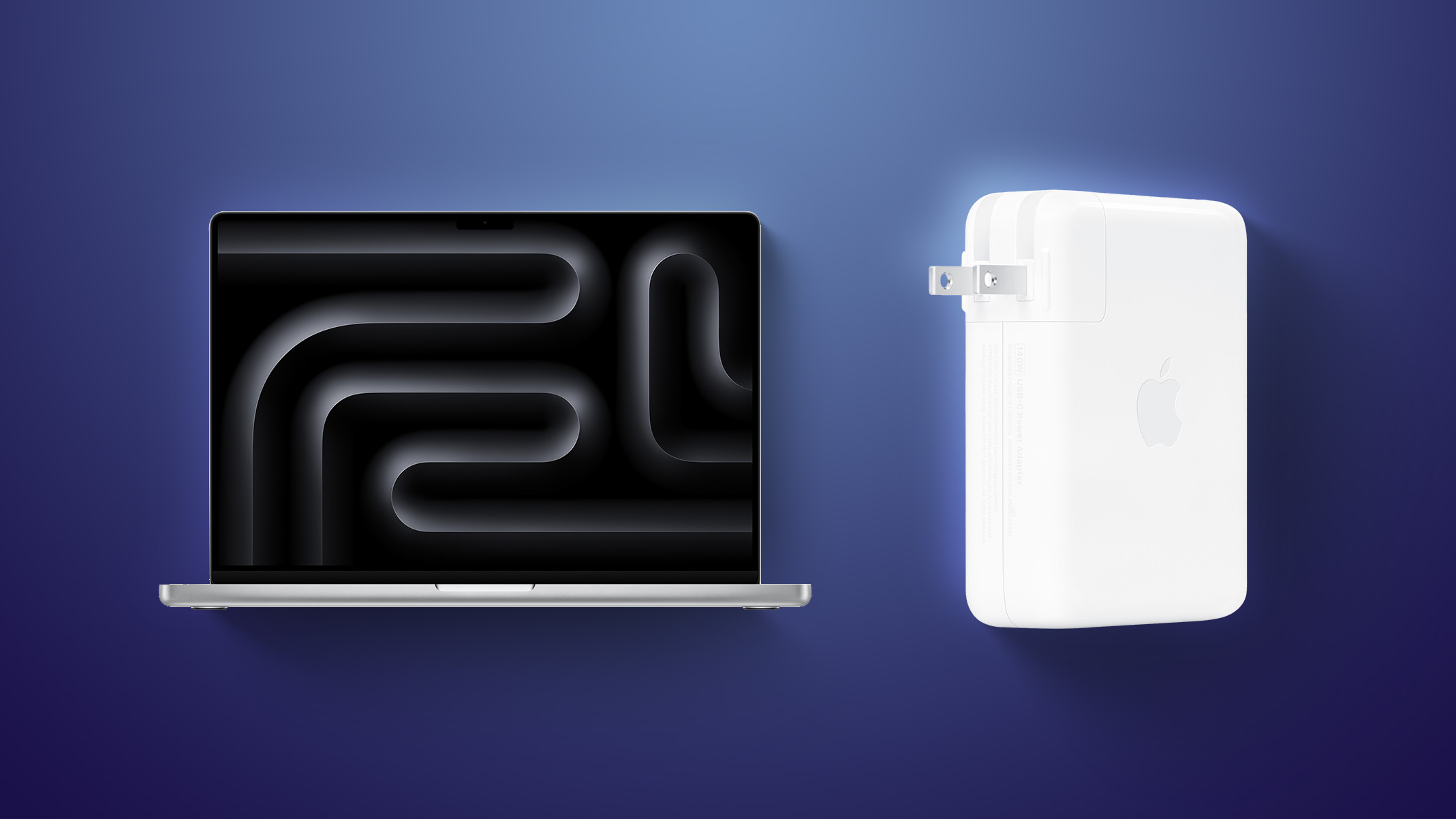
Apple today released a firmware update (version 1.4.90) for its 140W USB-C Power Adapter.

It is unclear what is included in the latest firmware, as Apple does not publish release notes for this. The update will be installed automatically over time when the power adapter is plugged in and connected to a Mac or other device. There is no way to manually apply the update.

Article Link: Apple Releases Firmware Update for 140W USB-C Power Adapter
 
This is a good thing. In the past, updates happened on the assembly line so you were just stuck with whatever mistake was made for the version you had.
I disagree: When it was hardcoded, the motivation was to get it right the first time or face the consequences of a costly recall. Now, just send it out in beta! We can push a fix whenever. Or... Just never fix it, unless enough people complain.
 
I disagree: When it was hardcoded, the motivation was to get it right the first time or face the consequences of a costly recall. Now, just send it out in beta! We can push a fix whenever. Or... Just never fix it, unless enough people complain.

You can disagree but that's literally how things happened (and still happen). Look at any single piece of hardware out there and you'll see version numbers. This is what they are.
 
Last edited:
I had no idea these charging blocks had undateable firmware. Do I have to connect via USB-C to get these to update or will MagSafe suffice?
 
  • Like
Reactions: dabotsonline
I don't think it's been charging the new M5 Pro laptops at the full 140W, mine has been around 110-118W, could it be something to do with that? Just a guess.
 
So I have a 140w Apple power adapter. I often use it to charge other things as my Apple Studio Display powers my MacBook.

Plugged it directly into my MBP (clamshell mode) via an Anker USB C cable and it refused to display in System Information.

Used the Apple MagSafe cable to the 140w brick and:

1788902638696.jpeg


And now we wait I guess.

Edit: I was able to update the firmware via MagSafe (took about 10 mins).
 
Last edited:
  • Like
Reactions: Moganmade
Register on MacRumors! This sidebar will go away, and you'll see fewer ads.