

Become a MacRumors Supporter for $50/year with no ads, ability to filter front page stories, and private forums.

MacRumors

macrumors bot
Original poster


Just ahead of the launch of the AirPods Max 2, Apple has released new firmware for the headphones. The updated firmware is version number 8E251.
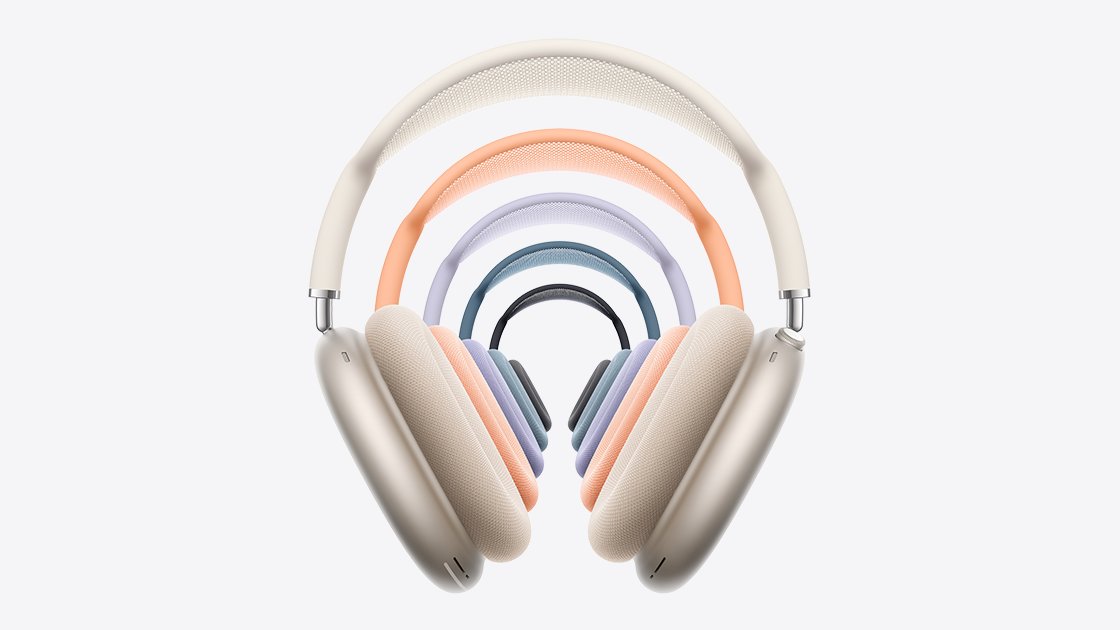
AirPods-Max-2-Design.jpg

The AirPods Max 2 include the H2 chip, an upgrade over the H1. The H2 brings several new features like Live Translation, Adaptive Audio, Loud Sound Reduction, Voice Isolation, and more. The new firmware likely optimizes some of these new features.

Customers who buy the AirPods Max 2 can follow Apple's steps to get the new firmware.

To get the new firmware, make sure your AirPods are in range of your iPhone, iPad, or Mac and are connected via Bluetooth. From there, connect the Apple device to Wi-Fi, then connect the AirPods Max to power with a USB-C cable. Keep the AirPods Max in Bluetooth range of the Apple device, and wait at least 30 minutes for the firmware to update.

From there, reconnect the AirPods to the Apple device, and check the firmware version to see if it's updated. Apple says if the firmware doesn't install, to restart the AirPods Max and try again.

Article Link: Apple Releases New Firmware for AirPods Max 2
 
  • Haha
Reactions: Z-4195
Good to know. Day 1 software updates/firmware update in this case is quite common. Would have liked to know what exactly is changing.
 
  • Like
Reactions: mganu
Plugging it in and waiting a bit is a magical incantation? TIL.

You plug it in and hope it will perform the firmware update at some point over the next 30 minutes, and if it doesn't, you restart it and hope that it does it the next time.

I'm glad you're OK with this insanity, but personally I feel like a firmware update should be applied when I ask for it to be applied, instead of waiting around a random amount of time after connecting things in a certain order and giving the sign of the cross.
 
You plug it in and hope it will perform the firmware update at some point over the next 30 minutes, and if it doesn't, you restart it and hope that it does it the next time.

I'm glad you're OK with this insanity, but personally I feel like a firmware update should be applied when I ask for it to be applied, instead of waiting around a random amount of time after connecting things in a certain order and giving the sign of the cross.
personally, I've never ever thought about firmware updates on my AirPods. That's probably how most people feel, I'm willing to bet most people don't even know they get updates. I can understand the frustration of not being able to manually push it though or check for them.
 
  • Like
Reactions: Shifts
It’s insane that we’re this far into AirPods and doing a firmware update requires magical incantations and incense.

Be thankful that you don't need to use a computer, download some type of "Updater" application from some cryptic website, connect the AirPods Max via a USB 2.0 cable, and walk through a multi-step "installer" process while praying that it goes smoothly.

That's how it was to update similar devices in the past, and still is for many non-Apple devices.

Apple has defined the Gold standard for device updates.
 
Plugging it in and waiting a bit is a magical incantation? TIL.
I think it mostly “works” for folks that can’t be bothered with updating stuff. One day when they’re curious, they check to realize it’s already updated and they have no idea when it did.

For folks very focused on ensuring all their devices are running whatever the latest released version is… and they can’t wait for it to “just happen”, it can be a stressful time.
 
  • Like
Reactions: btrach144
personally, I've never ever thought about firmware updates on my AirPods. That's probably how most people feel, I'm willing to bet most people don't even know they get updates. I can understand the frustration of not being able to manually push it though or check for them.
Normally I’m not waiting either. I have auto updates turned on everywhere.

But sometimes you have been waiting for a fix. For a long time. And they released it. And it should be possible to hit a button that says Apply Update.
 
Be thankful that you don't need to use a computer, download some type of "Updater" application from some cryptic website, connect the AirPods Max via a USB 2.0 cable, and walk through a multi-step "installer" process while praying that it goes smoothly.

That's how it was to update similar devices in the past, and still is for many non-Apple devices.

Apple has defined the Gold standard for device updates.
Exactly that.
 
My wife’s updated and she did nothing?!?

I’ve been trying to manually update mine and I’m stuck on 246!
 
Doesn't the UPS guy know I have been waiting all day for my pastel purple headphones? 🤣 Chop chop!

Edited to add: Got my Purple AirPod Max 2. Lovely color although a dark purple would have been even better. Tried updating connected to my Neo. That didn't seem to do anything so, connected to my iPhone via USB-C and it was almost instant.
 
Last edited:
  • Haha
Reactions: btrach144
I'm on the last firmware. Conversation Awareness does not work at all.
Three hard reset and no change.
Appointment at the Apple Store later today.
 
  • Like
Reactions: antm22
Never understood why air pods don’t have same software updates option like on iPhones or an app for all software updates
 
I'm on the last firmware. Conversation Awareness does not work at all.
Three hard reset and no change.
Appointment at the Apple Store later today.
Did you ever get an answer at the Apple Store? Conversation awareness does not work for me at all either and I am considering exchanging the headphones but I’ve seen a few other people on Reddit also report the same and that an exchange didn’t help.
 
Register on MacRumors! This sidebar will go away, and you'll see fewer ads.