


Become a MacRumors Supporter for $50/year with no ads, ability to filter front page stories, and private forums.

MacRumors

macrumors bot
Original poster
Apr 12, 2001
70,804
42,780


Apple today released new firmware for the Magic Keyboards designed for the iPad Pro and iPad Air. The firmware for the M4/M5 iPad Pro model has a version number of 0750.0220.0304, up from the prior 0680.0220.0301 firmware, while the firmware for the M3 iPad Air model has a version number of 0400.0140.0303, up from 0350.0135.0303.
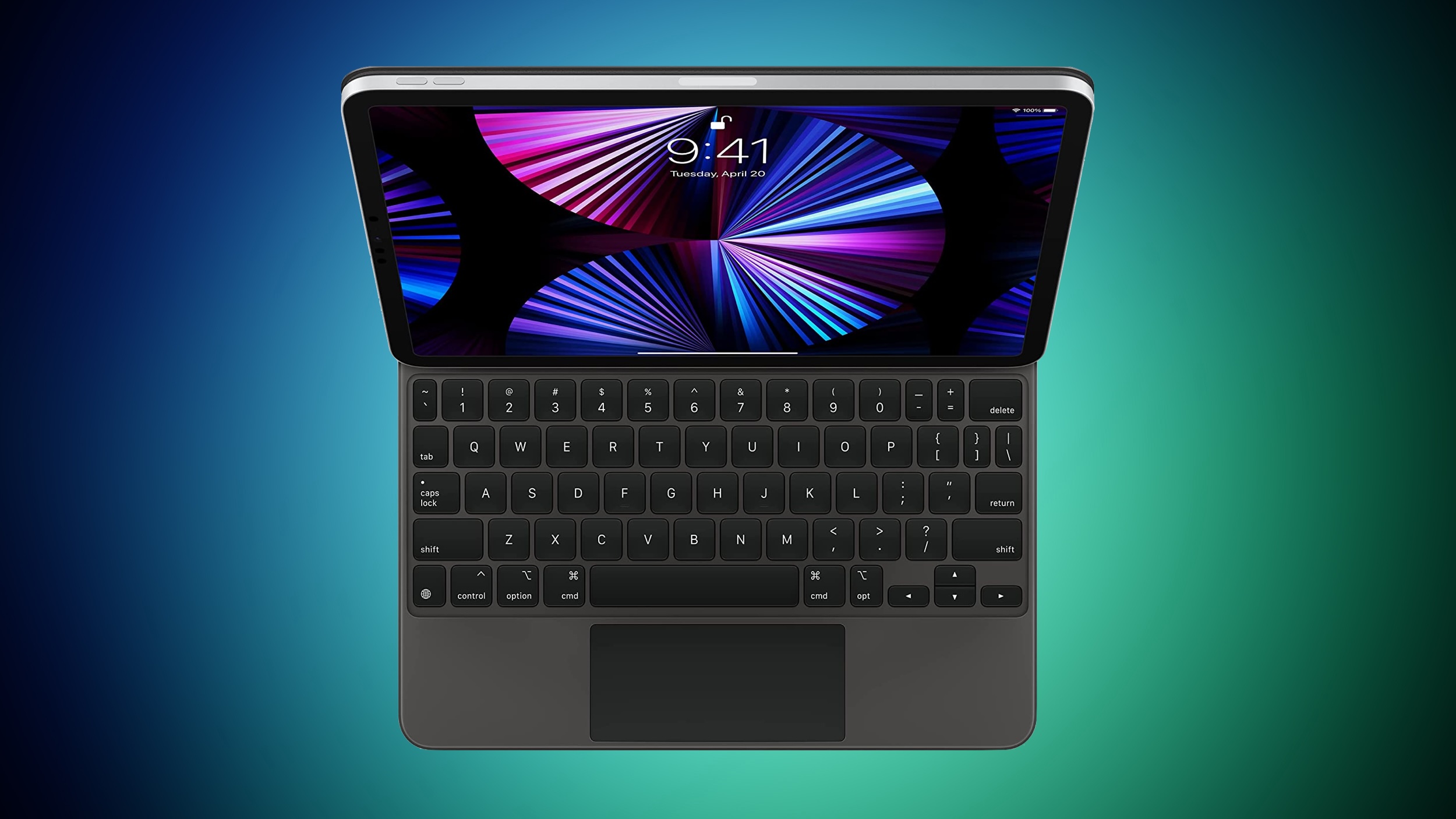
magic-keyboard-green.jpeg

The new firmware is available for both the 11-inch and 13-inch iPad Pro Magic Keyboard options that Apple sells for the M4 and M5 iPad Pro models, as well as the version that Apple sells for the M3 iPad Air.

Apple overhauled the Magic Keyboard in May 2024 alongside the launch of the M4 iPad Pro. The updated keyboard has the same floating cantilevered design as the prior version, but it includes a dedicated row of function keys, along with a larger glass trackpad.

Magic Keyboard firmware updates are infrequent, and there is no method for manually refreshing the software. New firmware is installed automatically when the keyboard is attached to an iPad Pro that is connected to the internet.

You can check the firmware version of your Magic Keyboard by opening up the Settings app and going to General > About > Magic Keyboard.

Article Link: Apple Releases New Firmware for iPad Pro and iPad Air Magic Keyboards
 
Last edited:
This makes the keyboard truly the keyboard for pros.

But seriously, why can't Apple just have a simple "update firmware" button?

Also, I'm not seeing the stated version number with my M4 iPad Pro (11 in). I see 0750.0220.0304.
 
Last edited:
Hope it fixes the annoying issue where you can't type into the Spotlight text field for some reason when you first start typing. The workaround is to type command + space again. Always works the second time. Feel like it started sometime in the macOS 26 betas and has continued on to 26.2
Not saying it is a non issue, but mine has never done that. Everyone has different issues.
 
  • Like
Reactions: SFjohn and Tagbert
Hope it fixes the annoying issue where you can't type into the Spotlight text field for some reason when you first start typing. The workaround is to type command + space again. Always works the second time. Feel like it started sometime in the macOS 26 betas and has continued on to 26.2
I think this may be a software issue, not hardware. I have the same problem on my Logitech Combo Touch.
 
I see a weird issue where the keyboard acts like the command key is pressed when it isn’t - so clicking a safari link opens a new tab etc

But maybe not, but I guess it’s solving something.
 
I see a weird issue where the keyboard acts like the command key is pressed when it isn’t - so clicking a safari link opens a new tab etc

But maybe not, but I guess it’s solving something.
I think that is a software issue. Usually closing and reopening Safari fixes that for a while.
 
This makes the keyboard truly the keyboard for pros.

But seriously, why can't Apple just have a simple "update firmware" button?

Also, I'm not seeing the stated version number with my M4 iPad Pro (11 in). I see 0750.0220.0304.
Same here on my M5 13”. (keyboard originally purchased with for my M4 13”) Same version update on my M5 11” keyboard.
 
Is anyone here actually seeing the 1872.x version referenced in the original post? If so, what is the hardware version of your keyboard — is it different from the 0007 I'm seeing for mine?
 
Same here on my M5 13”. (keyboard originally purchased with for my M4 13”) Same version update on my M5 11” keyboard.
Same keyboard version number 0750.x.x on my m5 13” IPP. I’m running the beta 26.3b2…
 
My M4 iPad Pro Magic Keyboard also shows 0750.0220.0304. HW version 0007. Seems that the article's numbers are wrong.
 
Register on MacRumors! This sidebar will go away, and you'll see fewer ads.