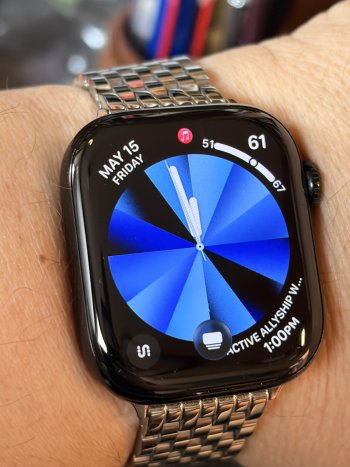
Apple today released watchOS 26.5, the fifth major update to the watchOS 26 operating system that came out in September. watchOS 26.5 comes a month and a half after Apple released watchOS 26.4.

watchOS 26.5 can be downloaded for free on an iPhone running iOS 26.5 by opening up the Apple Watch app and going to General > Software Update, or initiating an update in the Settings app on the watch. To install the new software, the Apple Watch needs to have at least 50 percent battery and it needs to be placed on a charger.
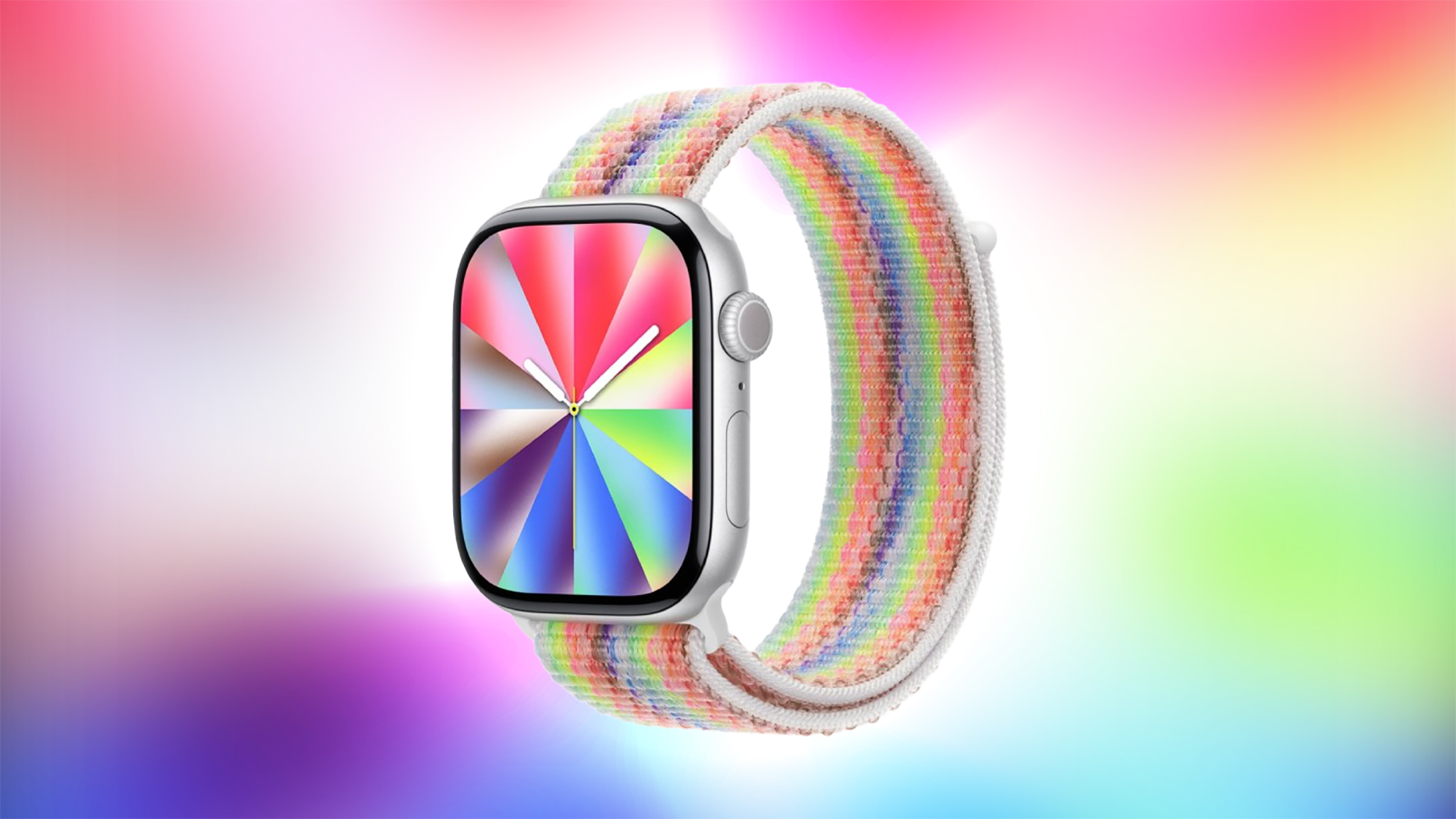
watchOS 26.5 adds a new Pride Luminance watch face. It also fixes a bug with dual SIM iPhones and an issue that could cause audio alerts to fail to play in the Workout app. Apple's release notes for the update are below.
More on the features in watchOS 26 can be found in our watchOS 26 roundup.This update includes the following enhancements and bug fixes:
- Pride Luminance watch face that dynamically refracts a spectrum of colors, is available to add from the Face Gallery
- Fixes an issue where Messages on Apple Watch may use SMS instead of iMessage when paired with a dual SIM iPhone
- Fixes an issue where Workout app audio alerts could fail to play if the phone was not nearby Apple Watch
For information on the security content of Apple software please visit this website: https://support.apple.com/100100
Article Link: Apple Releases watchOS 26.5 With New Pride Luminance Watch Face