
I have recently been having a problem with having no sound on a majority of the movies that I've put into iTunes. I use Handbrake with VLC to rip them and convert them to the appropriate file.
The sound works fine when I play them on my iMac, and they will actually stream to my TV utilizing the Apple TV, but there is no sound on almost all of them.
It seems like this only started occurring after a recent Apple TV software update, but I have found nothing conclusive. This is a real pain.
Any known workarounds? Any ideas/thoughts as to a possible fix?
The sound works fine when I play them on my iMac, and they will actually stream to my TV utilizing the Apple TV, but there is no sound on almost all of them.
It seems like this only started occurring after a recent Apple TV software update, but I have found nothing conclusive. This is a real pain.
Any known workarounds? Any ideas/thoughts as to a possible fix?
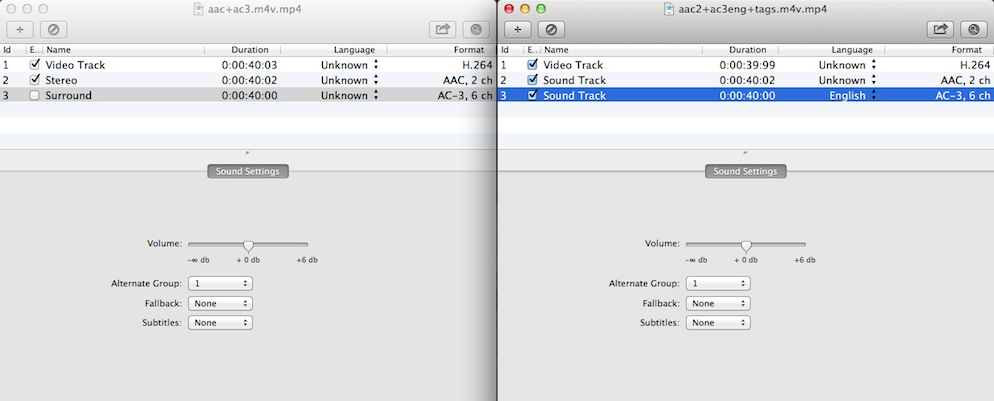
 TV preferences. If you selected DD surround as On or Auto, it will automatically play back AC3 track, if present.