
jarman92
macrumors 68020
I know it’s just a phrase, but “set to launch as soon as this year” is very funny considering this thing has allegedly been “set to launch” for more than two years already.


Apple forces loyal customers (like me) to keep a 50GB iCloud plan to record any amount of video with one Circle View camera, so I wouldn't put anything past them.


By deleting any video captures regularly I could get by easily. I have an iPhone, an iPad and a Mac and could get by easily with 5GB iCloud along with my local storage.How are you a “loyal customer” if you don’t want even the lowest level of iCloud subscription? And how do you expect to record video without any storage? 🤨
Citation needed.The reason they killed HomeHub support on the iPad folks.
You know this is just a rumor, right? 🤔For a lazy product that will just reuse the same UI found across the rest of your devices.

Me either, and what it’s actually competing with is my old iPad that I just have laying around.

By deleting any video captures regularly I could get by easily. I have a iPhone, an iPad and a Mac and could get by easily with 5GB with my local storage.

Some were handed down, one was repurposed as a home automation display (HomeAssistant). My kid doesn’t seem to use the handed down one presently. What’s your point, though? That no one should ever have an old device lying around?Why didn’t you trade it in at Apple?

Yep, this is a big stumbling block. If a person is the type to use Apple devices running smarthome devices and music in their home with HomePods, AppleTV, HomeKit, Airplay compatible devices etc, it's very likely they have older iPhones lying around after updating to a later model etc, and this is how those older iPhones get repurposed to get more value out of them.Based on what we have seen in rumors so far, I just don’t see the appeal. Looks like functions we can already do with our personal devices, except now we have to get up and go to this device to do them. And we can each customize widgets in our own devices how we see fit, so why bother with a “shared” device? Looking at Notes and Calendar for example, if everyone in the household is fine with sharing that stuff, I guess it’s ok, but it all seems like extra work since we can already share such things through our personal devices.

They wouldn't have to incur anything if Apple permitted saving the HomeKit video locally but they don't.I don’t see how you occasionally purchasing Apple hardware has anything to do with whether Apple should incur indefinite, ongoing costs to process your HomeKit video.
So spending $thousands on Apple devices over the years doesn’t qualify as “loyal customer” unless you also go all-in on services?How are you a “loyal customer” if you don’t want even the lowest level of iCloud subscription? And how do you expect to record video without any storage? 🤨

Samsung has it now on their smart fridge, it will come to the always on displays on the apple also. Just it will be commercials for apps and games. I see the widget having a rolling commercial. Like Top game! Etc. Commercials is in apple maps now. There is a too small market for a device like this if not having a commercial side as an income source. But that is my take, we will see. I hope it will be a clean product.

And using spare parts to sell a new product that we think you’re going to love.The only drive for this type of product is commercials showing all the time. No thanks.

2016 again 😂😂🤌🏻
Apple is working on a home hub that incorporates Siri AI, and it's set to launch as soon as this year. The home hub will use a Widget Gallery that lets users select the content they want to appear on the device's home screen.
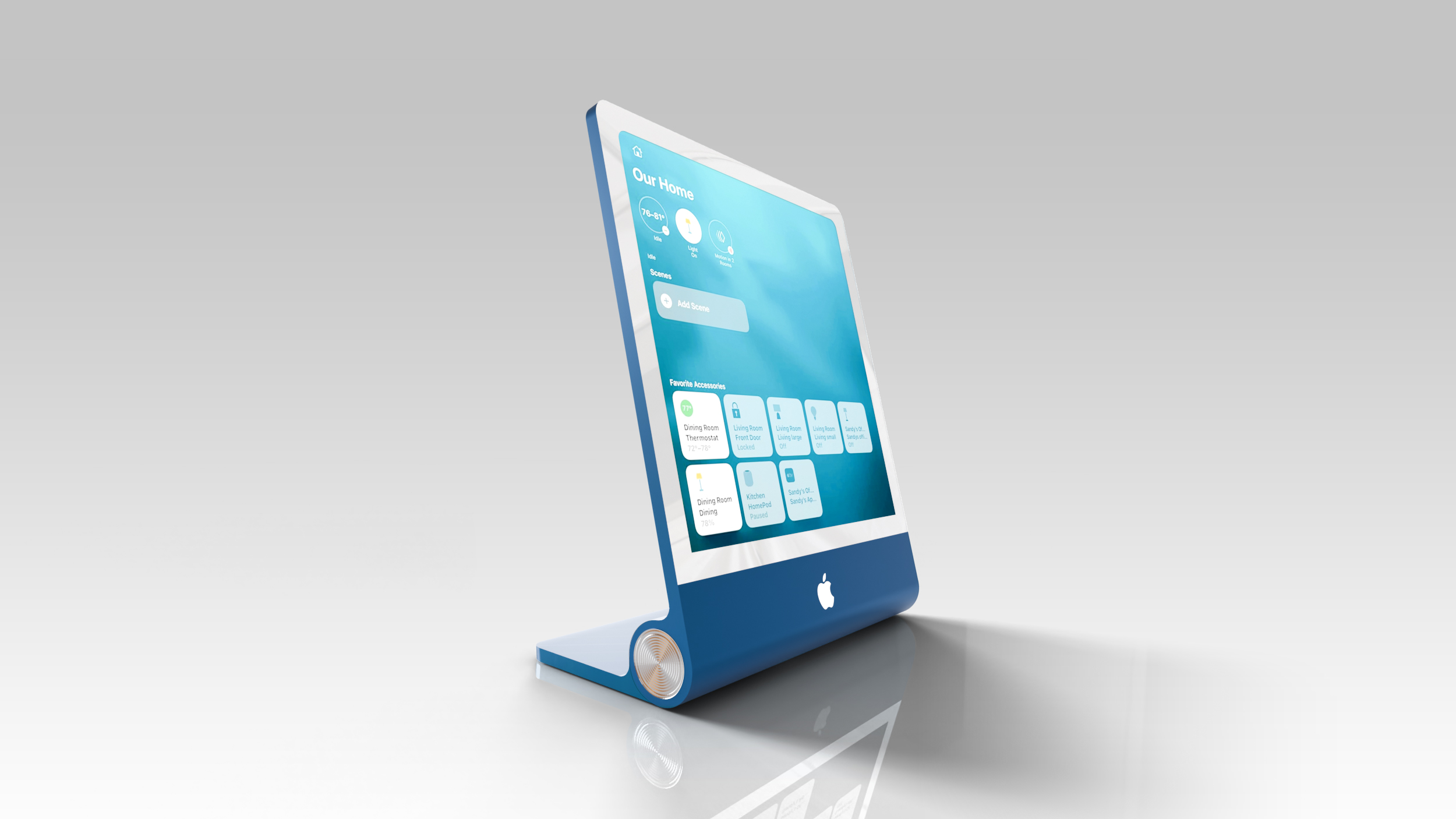
Mentions of the Widget Gallery were found in macOS Tahoe 26.7, an update that leaked a long list of unreleased Apple products. The strings were found in a file named PosterKit-J490, and J490 is the codename for the home hub. PosterKit is Apple's framework for Lock Screen customization, and the hub's home screen could have many of the same options for icons, widgets, and clock faces.
Apple already uses the Widget Gallery on iPhone, iPad, and Mac for adding widgets to the Home Screen and Lock Screen of those devices, and the home hub will have a similar mechanism.
Based on the code, widgets installed on a linked iPhone will be suggested on the home hub, much like how iPhone widgets are available on a Mac without an app being installed. It looks like third-party app widgets may be supported in addition to Apple's own apps. iPhone app widgets displayed on the home hub will have information mirrored from the iPhone.
All users in the home will be able to see the widgets installed on the home hub, but content in widgets will only be visible when the primary linked device is in the home for privacy protection.
A Smart Stack will automatically rotate through widgets to show relevant information throughout the day, and users will also be able to flip through the different Smart Stack options. Apple already has Smart Stack on its other devices, including the Apple Watch.
The home hub isn't expected to have its own App Store, but it will support Apple apps like Safari, Apple News, Apple Music, Notes, Calendar, Photos, and Home. Tapping on an installed widget from the home screen could launch a full app with more information.
Apple's hub is expected to have a 7-inch square display with options to put it on a base or mount it on the wall. More information about the device can be found in our guide.
Article Link: Apple's Home Hub Will Have a Widget Gallery With iPhone Widget Support

HomeHub is the service that runs all the home devices. They can call their new product that but the name is already taken.What’s the point of a homehub? Just use an iPad?
They wouldn't have to incur anything if Apple permitted saving the HomeKit video locally but they don't.
Again, I could get by easily with 5GB.


