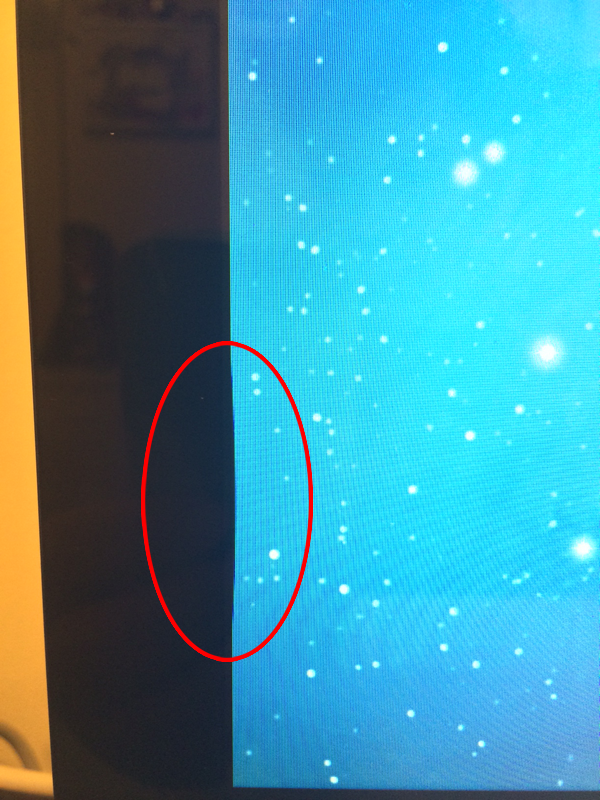
I don't think it's a burned issue...
Especially, because I had nothing round on that part of the screen that could burn into, and if I turn the screen off for overnight and back on, the dark spot is exactly on the same place.
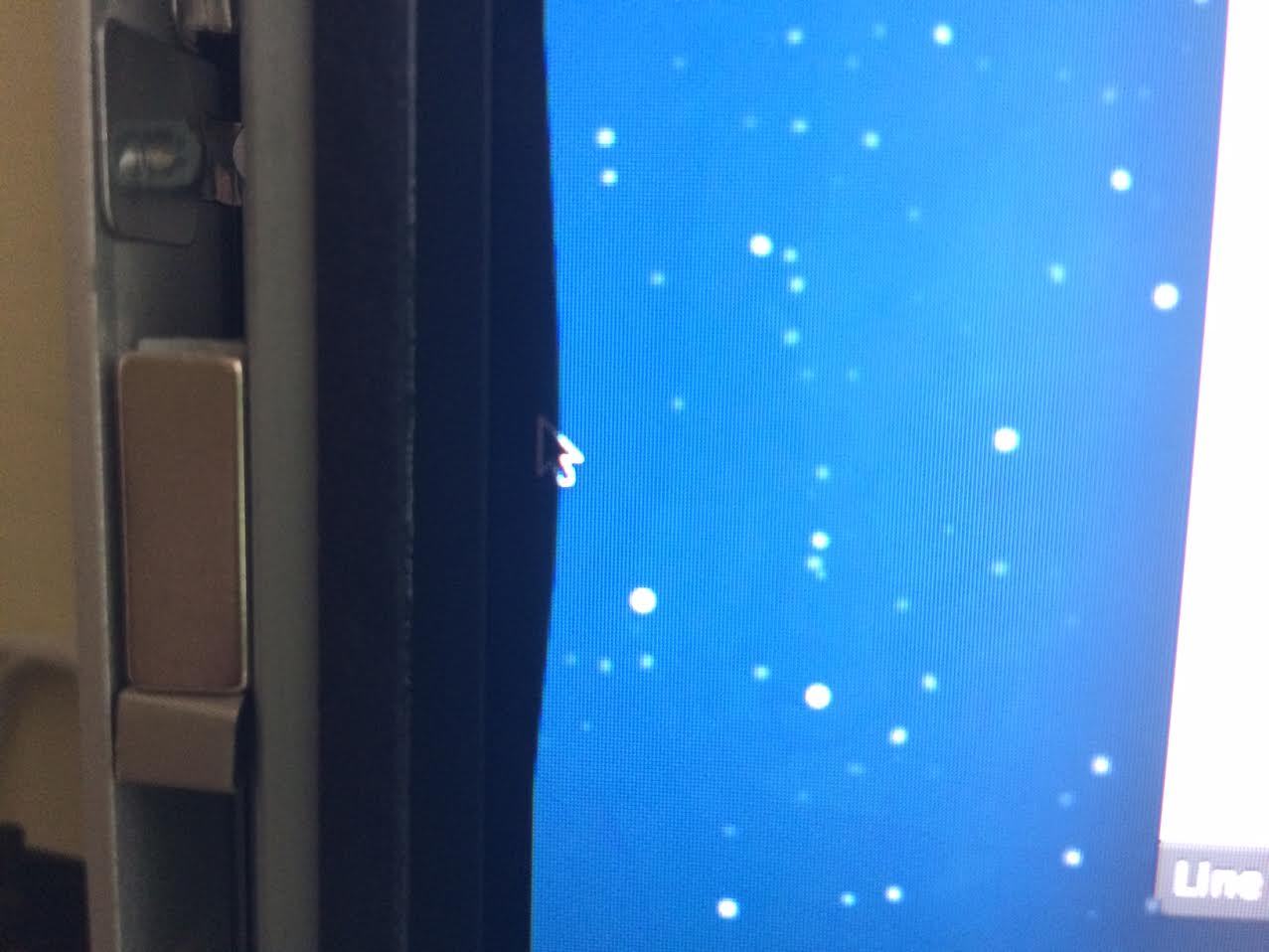
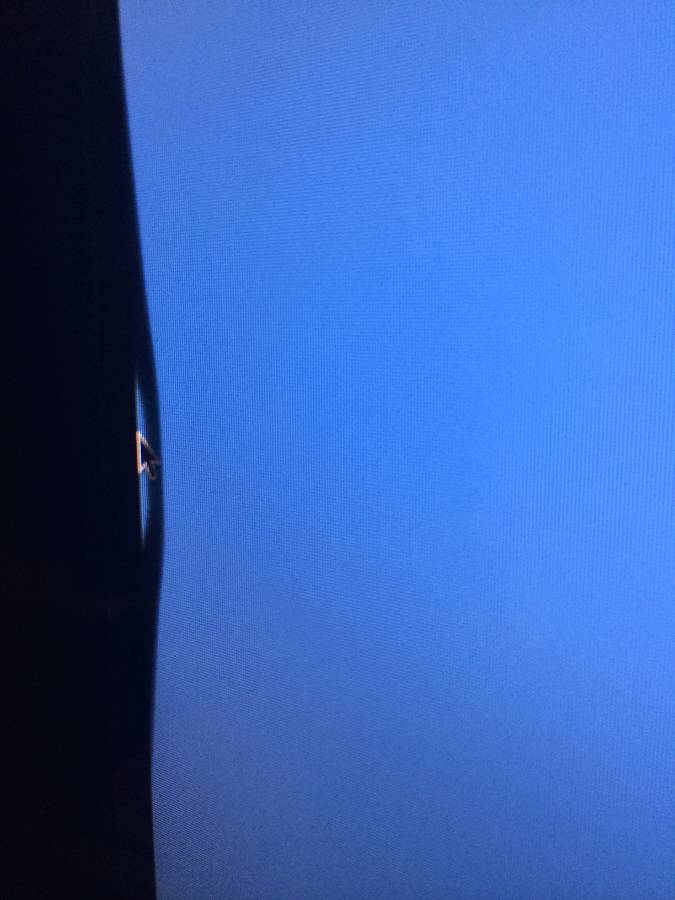
I've took another picture of it in a different angle, and that makes me think your first comment, that the screen is somehow separating from the glass or so?
If I Look it on the side, this is how it looks like:
I don't think it's a burned issue... Especially, because I had nothing round on that part of the screen that could burn into, and if I turn the screen off for overnight and back on, the dark spot is exactly on the same place.
As I couldn't confirm this issue without re-seeing the pictures I quickly remove that responds. Regarding the "display burn in pixel retention issue" which I removed it would continue to be there after having the machine off.
Anyway that issue is less likely and is one of the reasons I removed it from my response quickly afterwards.
The issue on thinking of can't happen on your generation of iMac as your display and the front glass a separate. 2012-13 models the glass and display are one and I've seen some issues with the lamination process.
That's why I removed it the moment I realise you had a 2011 model.