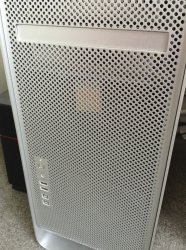
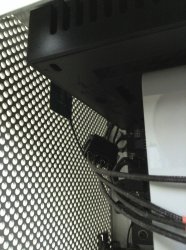
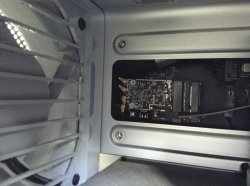
I solved the problem in a different way on my Mac Pro 3.1 Mac Pro by running an external bluetooth connection. I simply unplugged the internal Mac BT antenna wire and connected a purchased blue tooth wire to a hole I drilled in a PCI slot blank and hooked up a external blue tooth antenna. Both were available cheap on Amazon. It was much easier to do after I removed the BT Mac Pro card, attached the antenna wire and then reinstalled the card.
All bluetooth devices work like a charm now, especially my magic mouse which was the one having the biggest problem. Pointer is smooth as butter now 🙂 No need for USB devices and drivers, even though it's an easier solution than diving into your Mac Pro.
All bluetooth devices work like a charm now, especially my magic mouse which was the one having the biggest problem. Pointer is smooth as butter now 🙂 No need for USB devices and drivers, even though it's an easier solution than diving into your Mac Pro.