


Bluetti's Elite 10 Mini Power Station is larger than your average iPhone or iPad power bank, but it's still small enough to be portable. It's ideal for camping, day trips, barbecues, or to have on hand in case of a power outage. It's also a design that works well on a desktop thanks to the included ports.
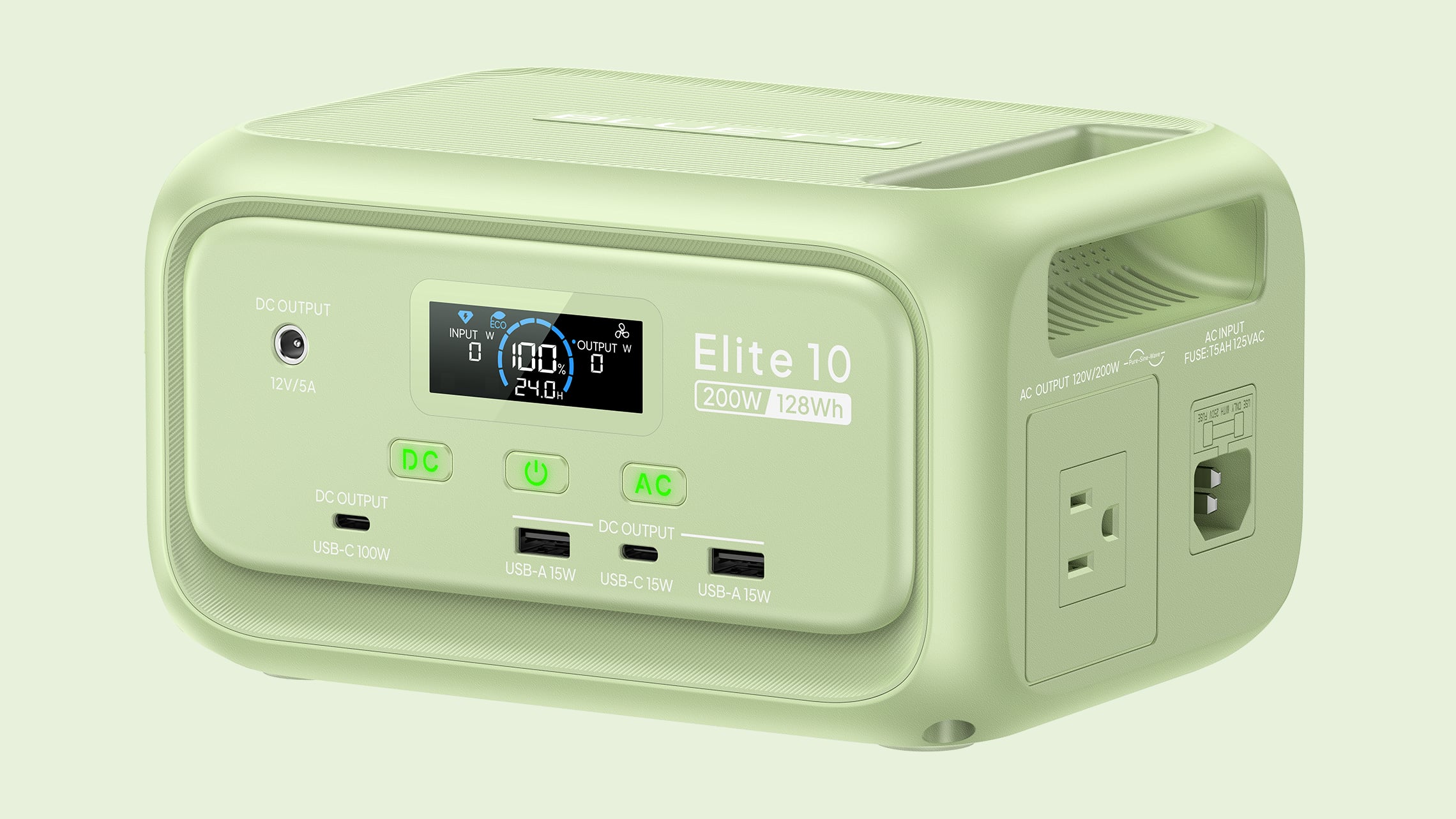
The Elite 10 has a 128Wh capacity, which is enough to charge a MacBook Neo almost three times, a MacBook Pro 1.5 times, or a MacBook Air twice. It can charge an iPhone or an iPad multiple times, and it supports charging multiple devices at one time too. It can power devices that draw as much as 200W and it has 300W surge capacity with 400W lifting power, so it's more than adequate for Apple products. You can plug in anything that is under 200W, so it's not going to work for things like blow dryers or heaters, but it can power all kinds of small electronics.
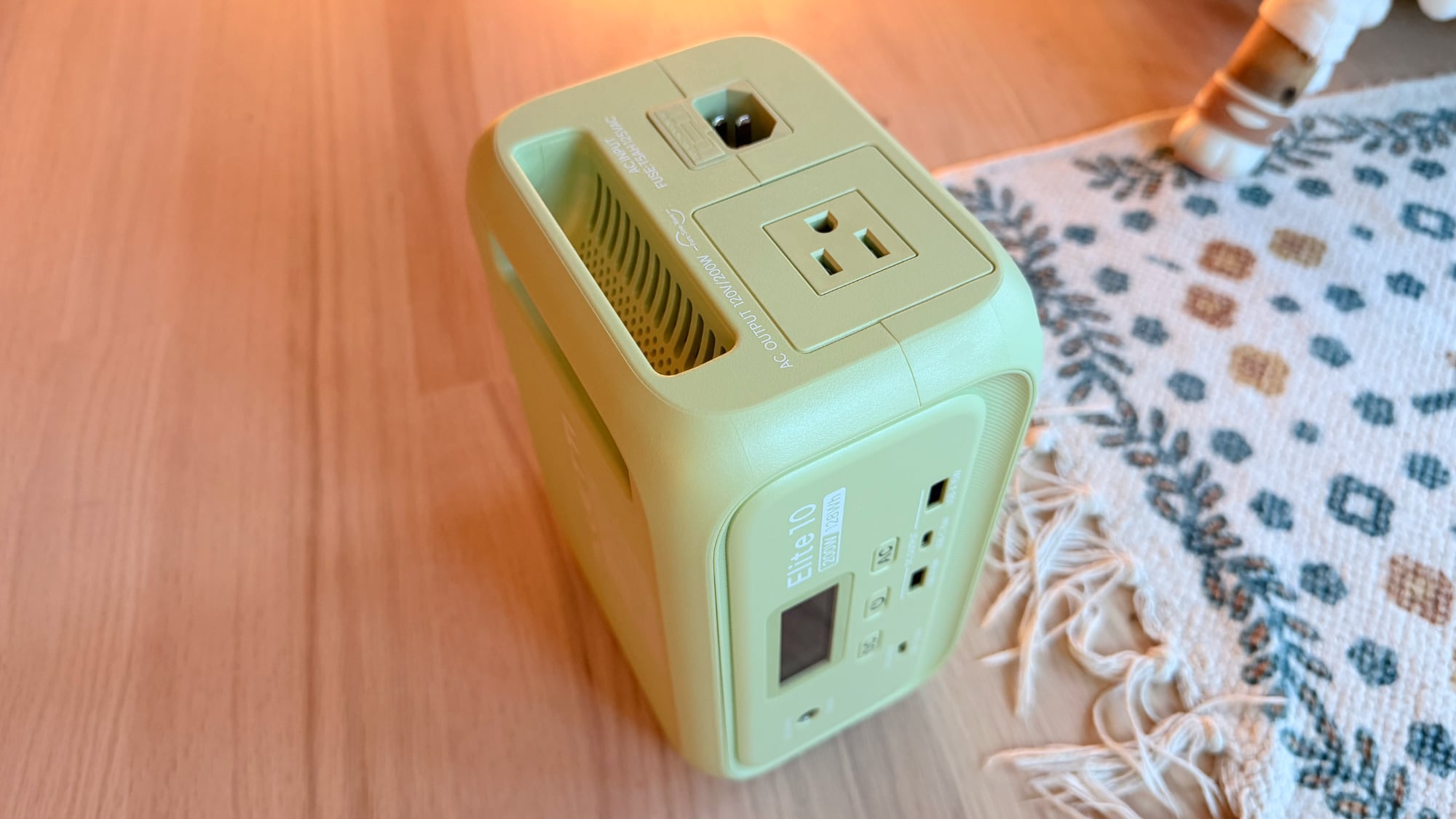
There's a single AC outlet on the right side of the charger, plus two USB-A ports, two USB-C ports, and a 12V DC port at the front. One of the USB-C ports offers up to 100W charging, so you can charge a Mac, iPad, or iPhone directly with that port without the need for a power adapter. The other USB-C port is 15W, as are the two USB-A ports. As with other Bluetti chargers, you need to press the AC or DC buttons to turn on power to the ports, a feature that prevents unnecessary power draw in standby mode.
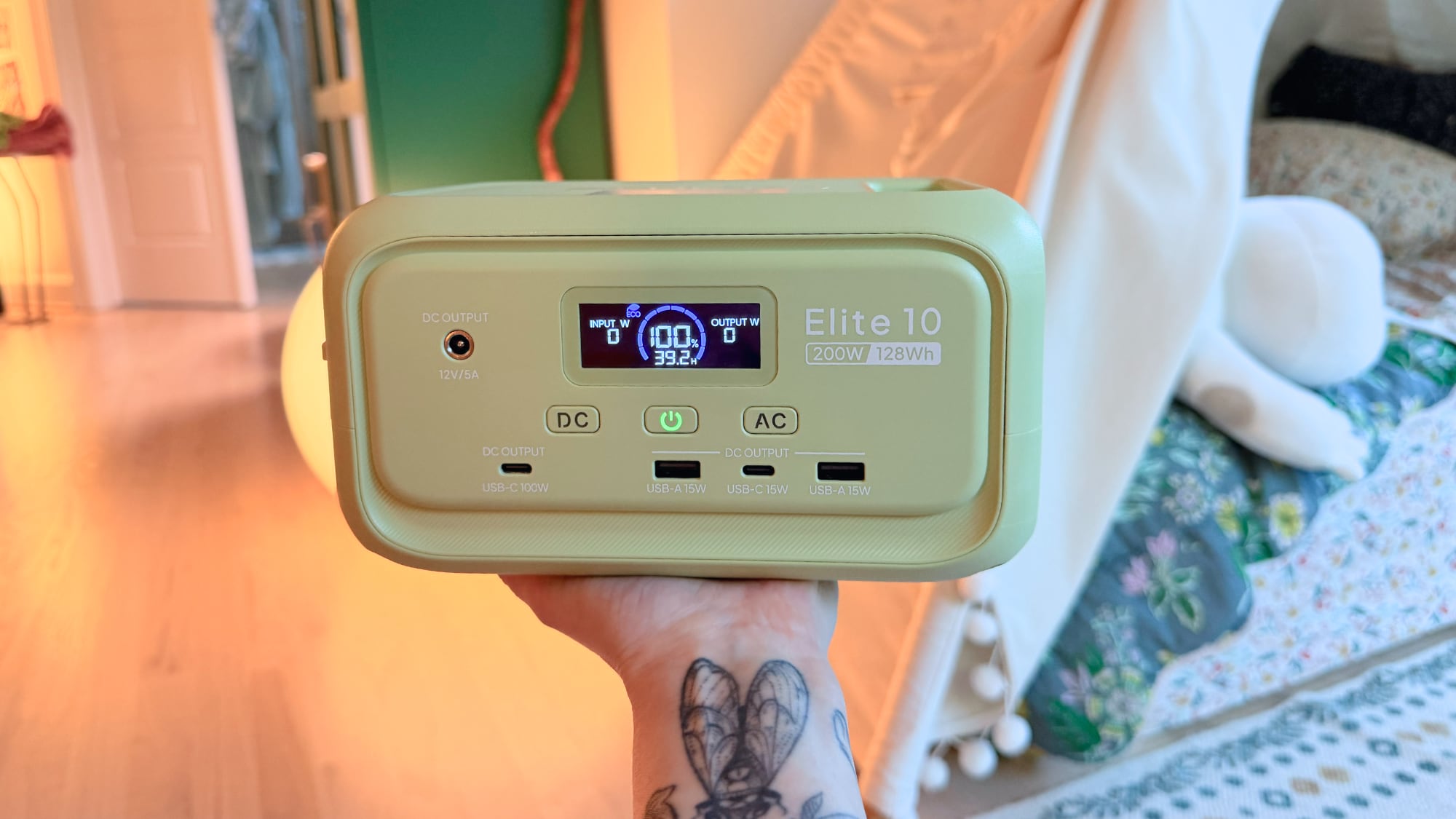
Bluetti sells the Elite 10 in a standard gray shade or a light green that's a fun match with the bright colors of the MacBook Neo. It's made from plastic, but it's weighty and feels durable. The Elite 10 is 7.9 inches long, 5.8 inches wide, and 4.3 inches tall, so it's not something you're going to want to carry around in a backpack as a daily charger, but it is small enough to keep in the car for emergencies, and at four pounds, it's not too heavy to bring on a trip to the park or the beach.
There's a carrying handle at the top of the Elite 10, and it has built-in fans to keep it cool. The fans are barely noticeable unless you're drawing power at full capacity, and even then, they're quiet. An LED display lets you know the Elite 10's capacity, how much power is being sent to a device, and how much longer the battery will last. Alternatively, you can use the Bluetti app to see that information.
There is a built-in LED light strip at the back that offers cold light, warm light, and a flashing emergency light that can stay on for up to 50 hours. The light is bright enough to light up a tent or a small space. I'm a fan of the LED strip in the Elite 10 because it's a feature that not too many power stations offer.
I've been testing the Elite 10 since December 2025, and I have no complaints. It's worked as intended, and it's a charger that I like to keep on my desktop. I've also brought it outside to charge up smart bird feeders, and it's come on day trips. I did most of my testing of the Elite 10 back in December, but I wanted to see how it would work as a power station that's just tucked away until it's needed in an emergency.
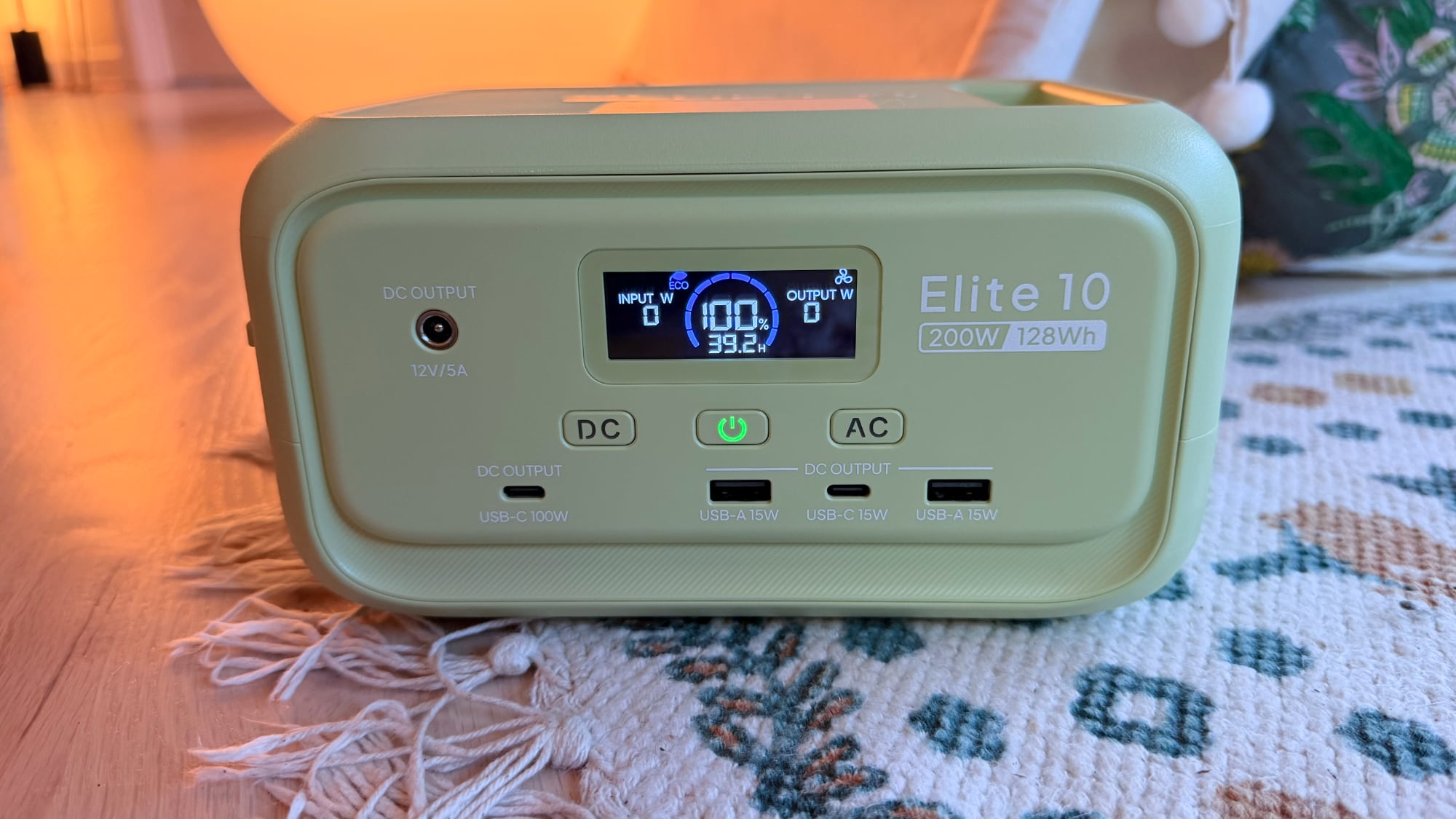
I charged it to full in January, made sure it was off, then stuck it in my closet and left it alone. I was curious about whether it could hold a charge across multiple months, and it does. When I pulled it out of the closet on May 15, it was still at 100 percent charge. It's not ideal to leave a battery at a 100 percent charge for long periods, but if you charge it up and forget about it until a power outage, it's still good to go. Draining it to about 90 percent and then checking in on it every six months or so should be enough if you just want an in-case-of-emergency device that you don't have to think about often. Bluetti says that the LiFePO4 battery inside will last for over 3,000 cycles while remaining above 80 percent total capacity.
UPS mode is supported for uninterrupted power during an outage. You can plug the Elite 10 into a power source and then plug in a computer or router. If the power goes out, it takes 10ms for the Elite 10 to provide power to your computer or router, so your device won't shut off. When you're using it for that purpose, it supports 350W max bypass charging, so it will work for some PC setups. I tested with my router and with a light, and it did swap over as quickly as advertised.
The Elite 10 can be charged with a standard outlet (and a charging cable is included), a car (adapter sold separately), or up to a 100W solar panel. It supports simultaneous AC + solar charging too at up to 150W. With AC power, it can charge at 150W, reaching 100 percent in just over an hour.
Bluetti says that the Elite 10 is in the airline-approved range for carry-on batteries, but I'm not sure I'd try to bring it on a plane. The last few times I've flown in the U.S., flight attendants have been wary of portable batteries and there's now a rule that they must be visible and in reach at all times.
Bottom Line
If you're looking for a portable charger that's still big enough to power multiple iPhones, a couple of iPads, or a MacBook and an iPhone, the Elite 10 is a good option. It's light enough and small enough to bring on short trips, and it's also ideal for keeping in the car or on hand for power outages.
How to Buy
Bluetti's Elite 10 Mini Power Station can be purchased
Article Link: Bluetti Elite 10 Mini Power Station Review: Small, Capable, and Apple-Friendly


