Become a MacRumors Supporter for $50/year with no ads, ability to filter front page stories, and private forums.

Ih8reno

macrumors 65816
Original poster
I found a way to install leopard in my second hard drive in my Quicksilver. However when I change the startup disk from Tiger on one hdd to Leopard on the other it just boots back to Tiger. Is there a workaround or can you only change startup from the same hdd.
 
I found a way to install leopard in my second hard drive in my Quicksilver. However when I change the startup disk from Tiger on one hdd to Leopard on the other it just boots back to Tiger. Is there a workaround or can you only change startup from the same hdd.

Hold Option at boot and select the drive. Make sure the jumper settings are correct.
 
Well I pressed option but doesn't give me the choice or see the drive it seems.
 
The hd (leopard) is set to slave. I tried both as master but it doesn't boot or see the drives. I tried booting with just the leopard as master and it works. Anything else I should try?
 
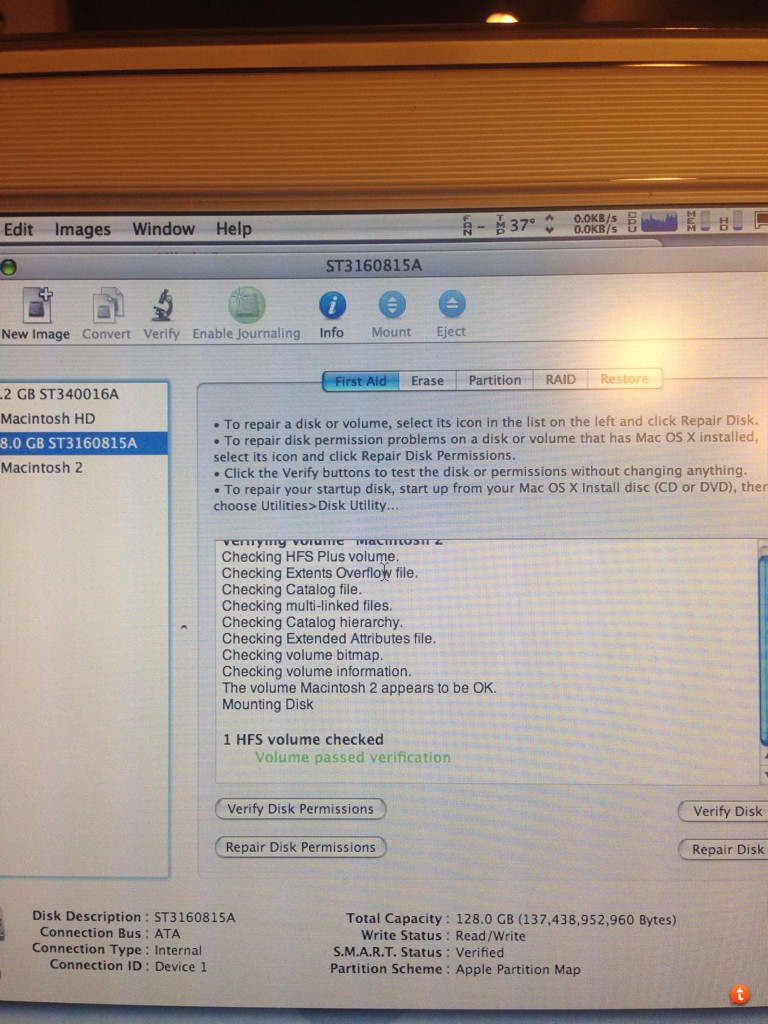
7abu5u9u.jpg


This is what I see

----------

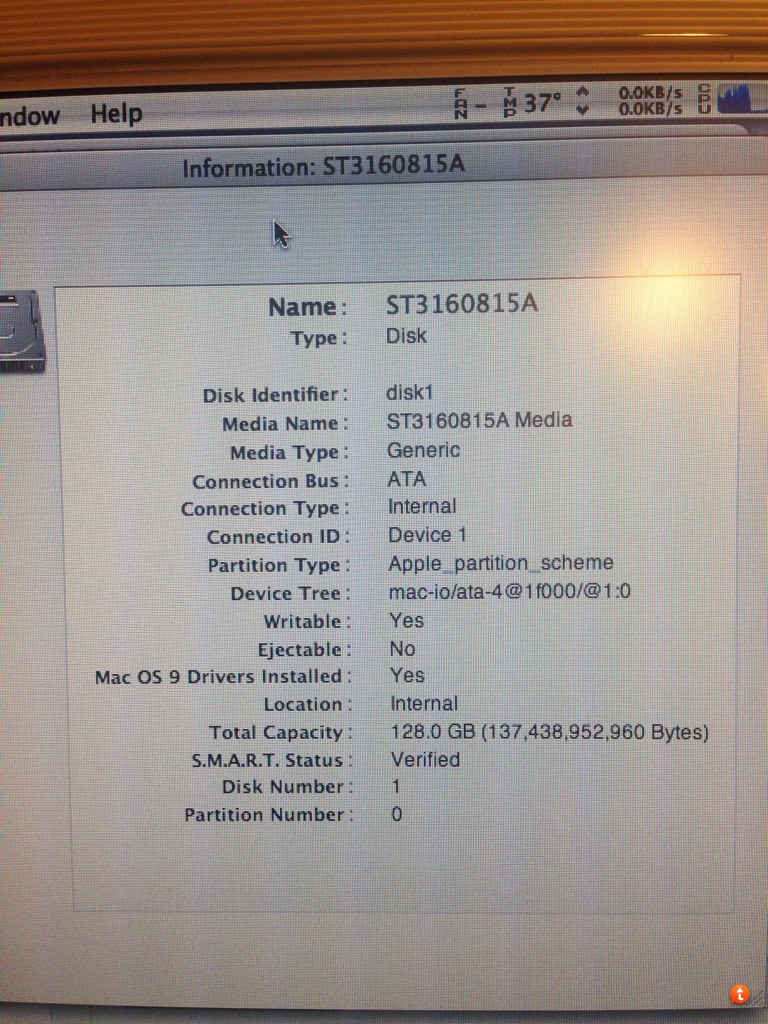
qu8uby7a.jpg
 
Your Quicksilver may not be able to boot from the drive because it may lack big drive support. In a machine other than that Quicksilver, repartition the drive so that the first partition with Leopard on it is less than 127GB.
 
I've actually just got it to run by moving the master/slave in the back of the leopard drive to the middle. Then tried Changing to Tiger, then back to leopard. Now it's stuck only booting a tiger again.
 
I've actually just got it to run by moving the master/slave in the back of the leopard drive to the middle. Then tried Changing to Tiger, then back to leopard. Now it's stuck only booting a tiger again.


Which bus are the drives connected to?
 
Register on MacRumors! This sidebar will go away, and you'll see fewer ads.