Become a MacRumors Supporter for $50/year with no ads, ability to filter front page stories, and private forums.

wildwizard99200

macrumors member
Original poster
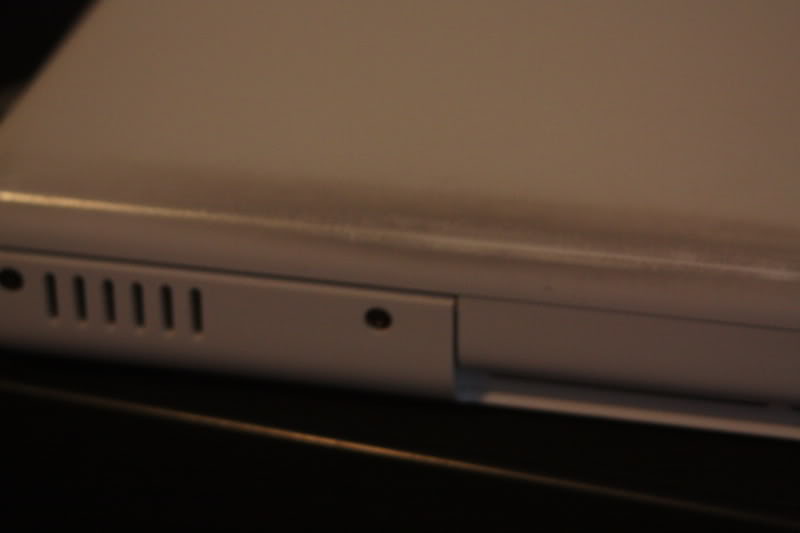
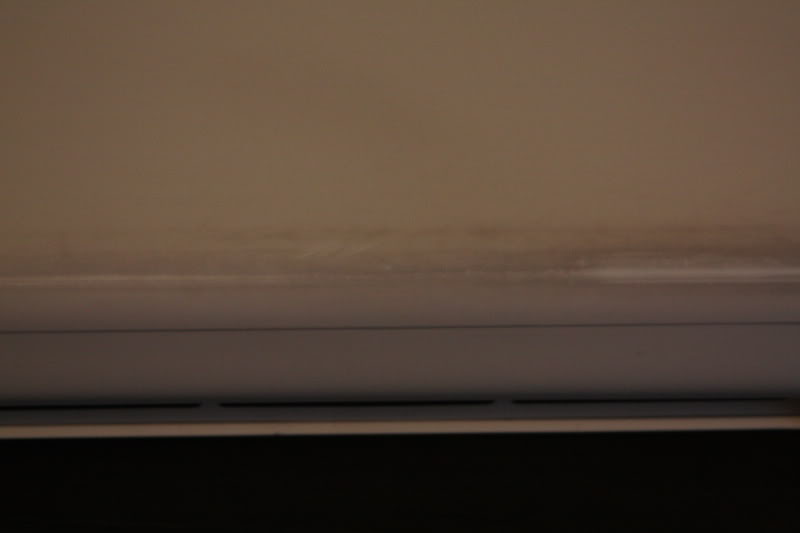
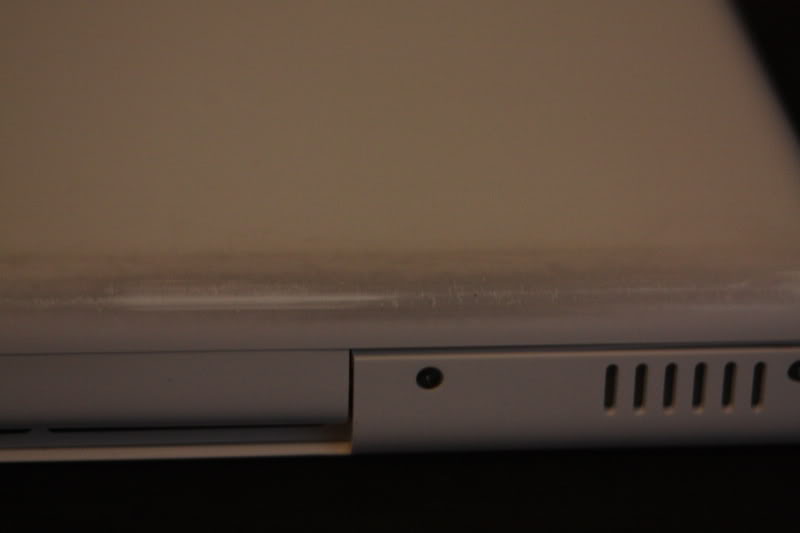
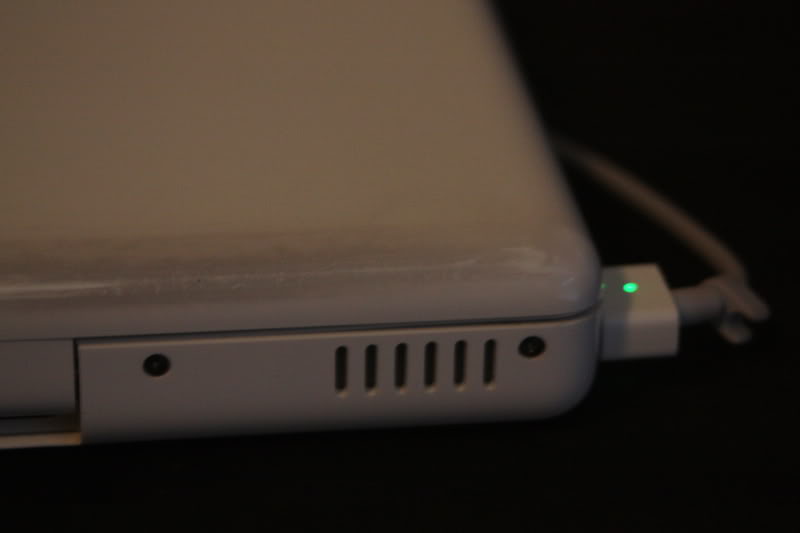
I was just looking at the lowest bottom of my laptop and I noticed that it is starting to look scorched. Right now it is gray and I can't rub it out with my finger. Anyway to remove this or is it a way of saying "I do semi-intensive stuff on my macbook, check out the friggin burn marks?"

Thanks!
 
IMG_1067.jpg

IMG_1068.jpg

IMG_1069.jpg

IMG_1070.jpg

IMG_1071.jpg

sorry for making this so big >.>;;
 
when i went into the apple store. the genius told me to use those magic erasers from mr clean. he said to only use it on the kayboard side of the computer. and not on the mouse pad.
 
How old is it?

My understanding is that Apple will still fix it even if it is out of warranty.

It is 3/4 of a year old. Still in warranty. So I will drop it by the Genius bar when I stop in to get them to fix my palmrest and my arrow key. =) Thanks!
 
when i went into the apple store. the genius told me to use those magic erasers from mr clean. he said to only use it on the kayboard side of the computer. and not on the mouse pad.

did you use the magic eraser? i don't have a white macbook, but i would be too afraid to use the magic eraser. though it is mild, it still uses an abrasive to get the job done. I'd be too worried about rubbing the shine off my baby.
 
Totally normal. Take a ever so slightly damp cloth and rub like your life depended on it. Should come away.

hmm.. i dunno... i wouldnt want the geniouses to think i did it..

i would just leave it til you can show someone.
 
Register on MacRumors! This sidebar will go away, and you'll see fewer ads.