I have an app on my iPad and I can't find the folder it's in. I can open the app by using the search, but I'd like to know where it's hiding. Is there a way to do this.

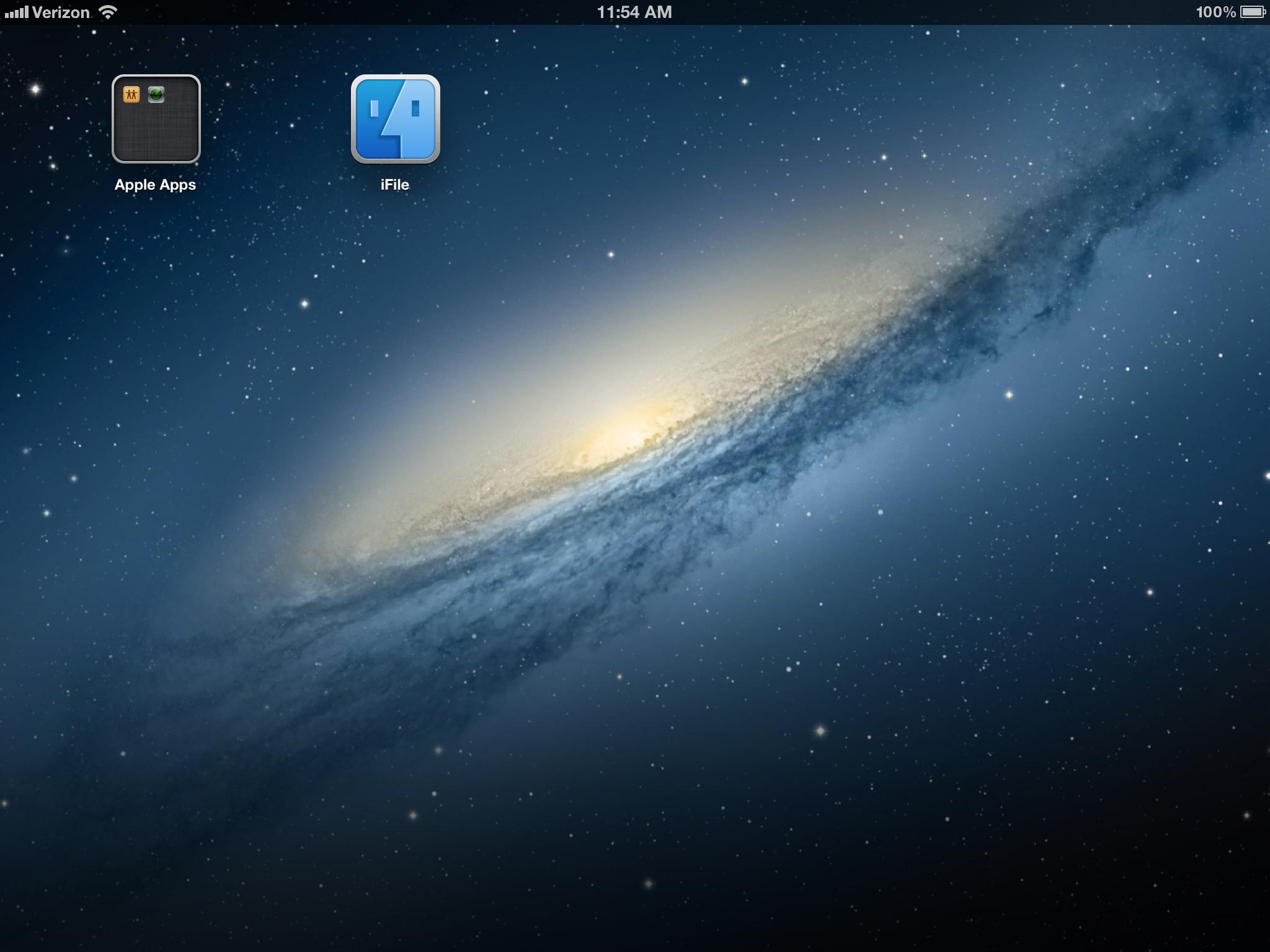
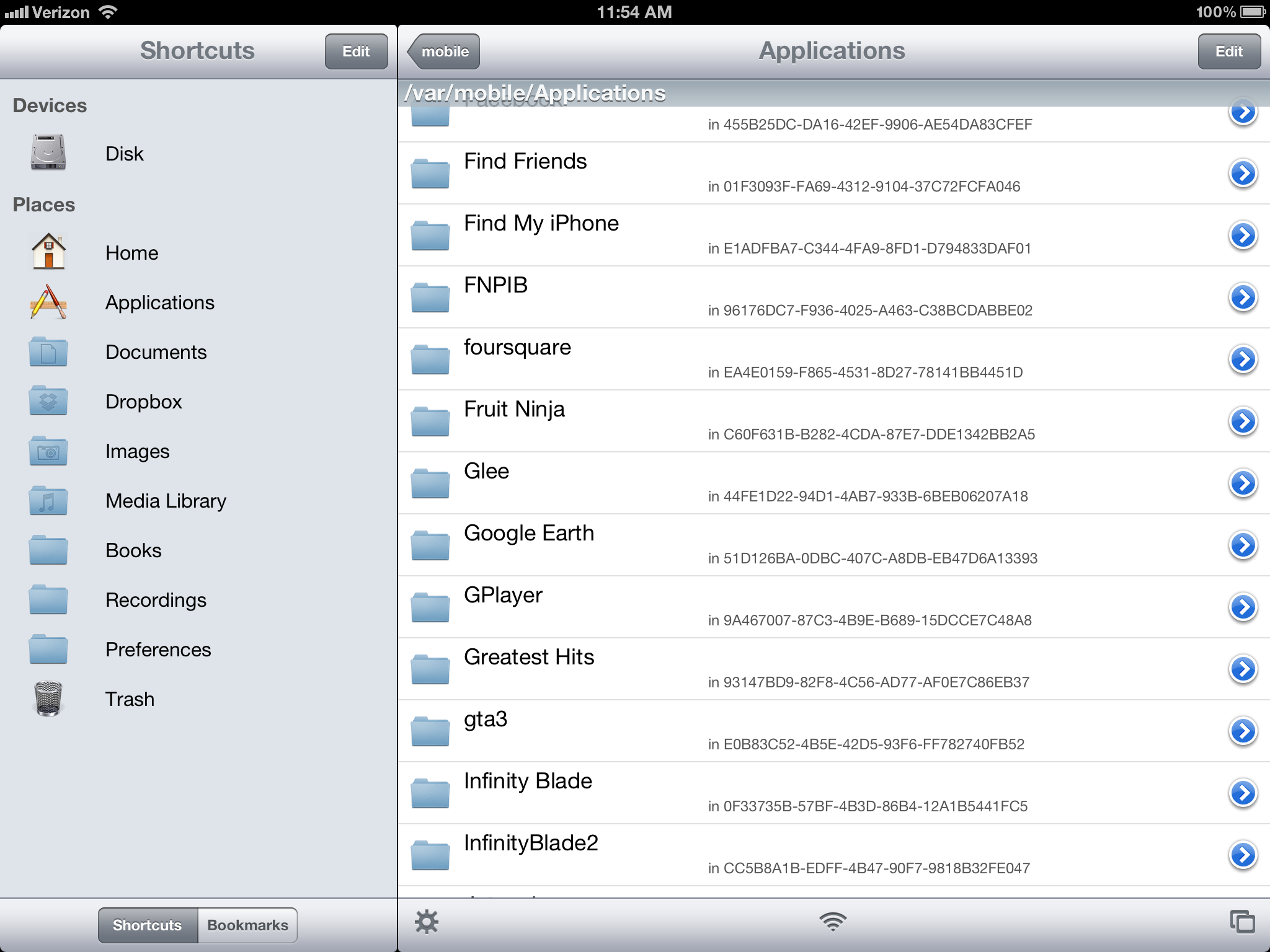
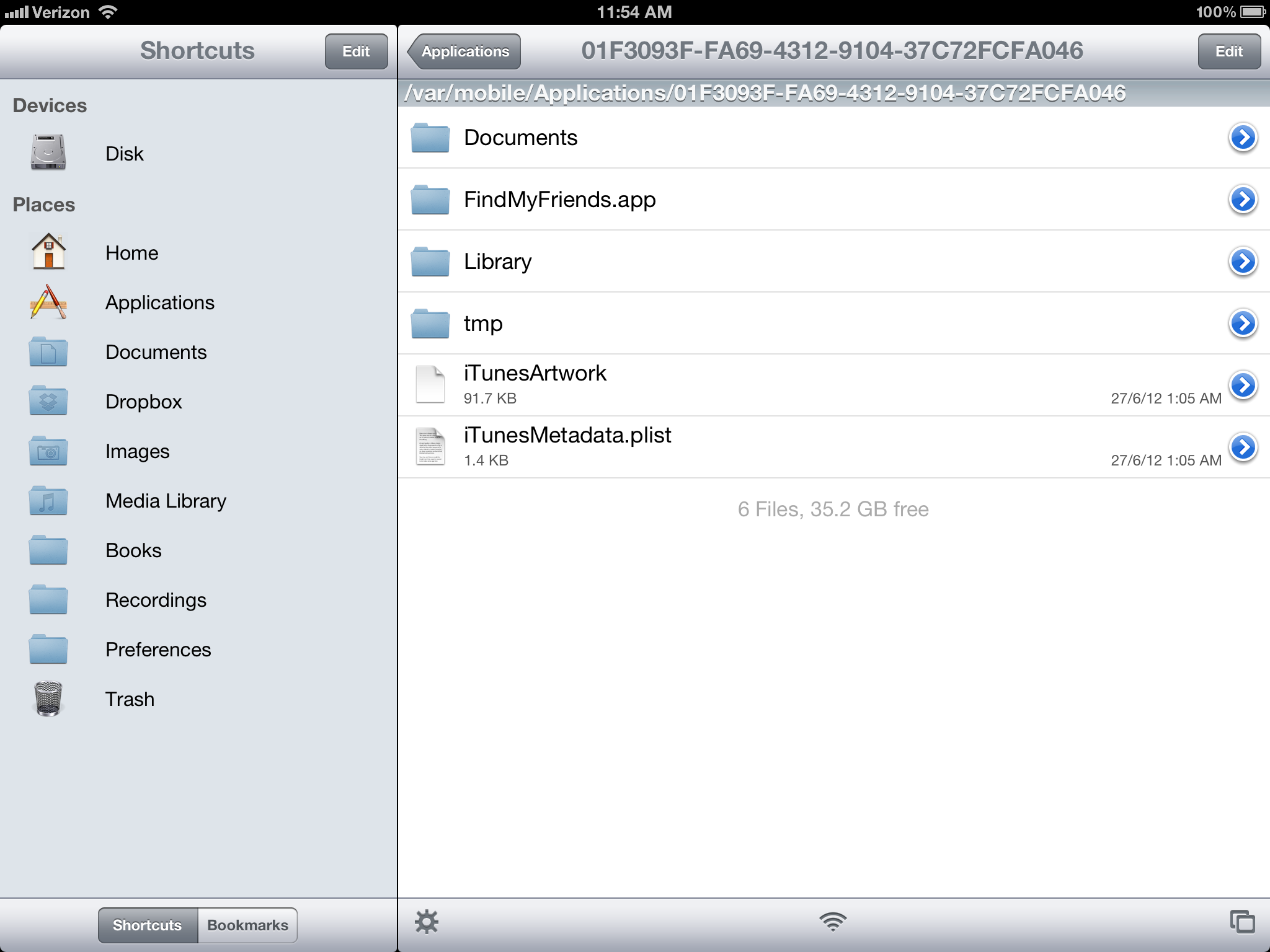
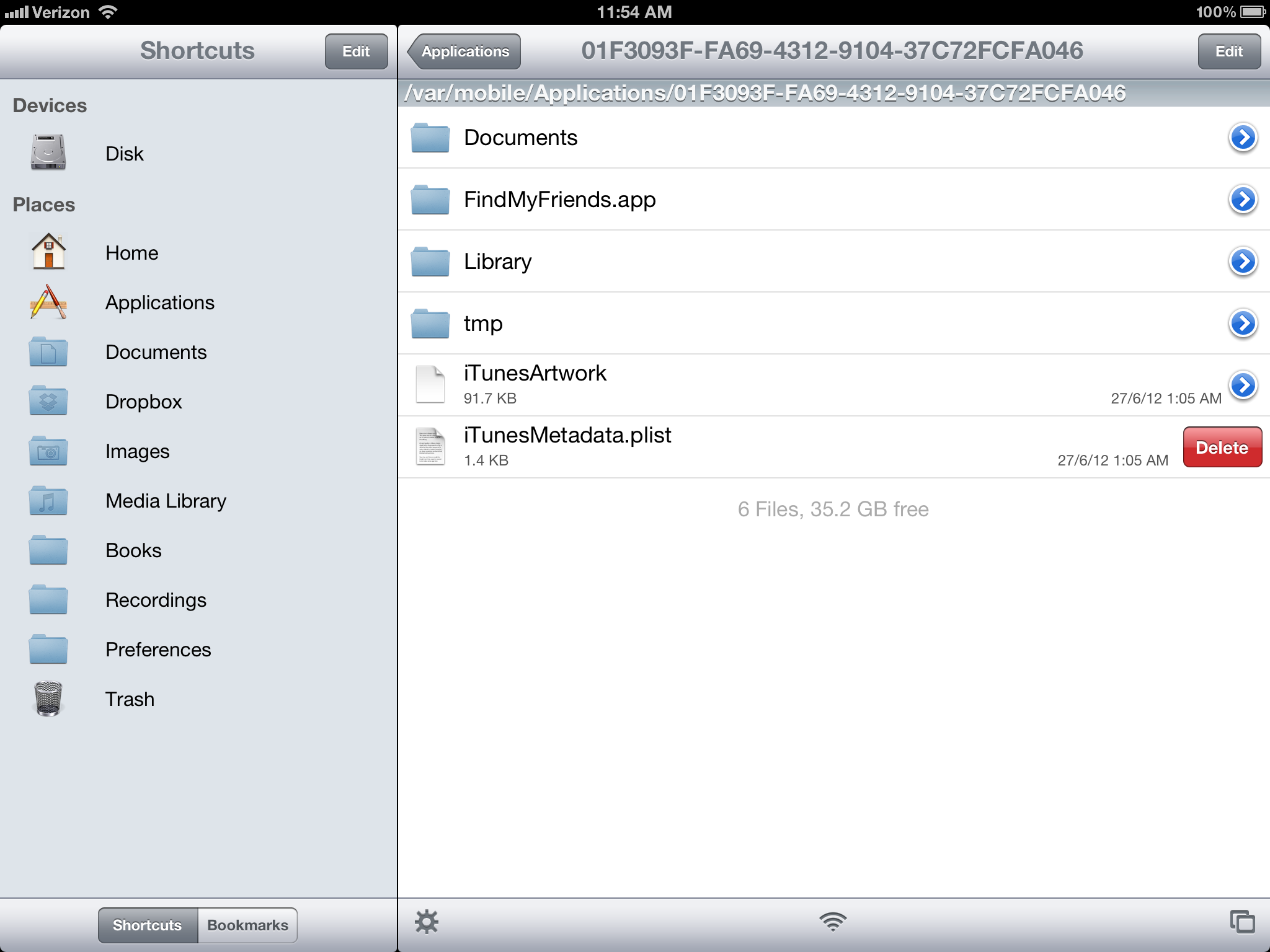
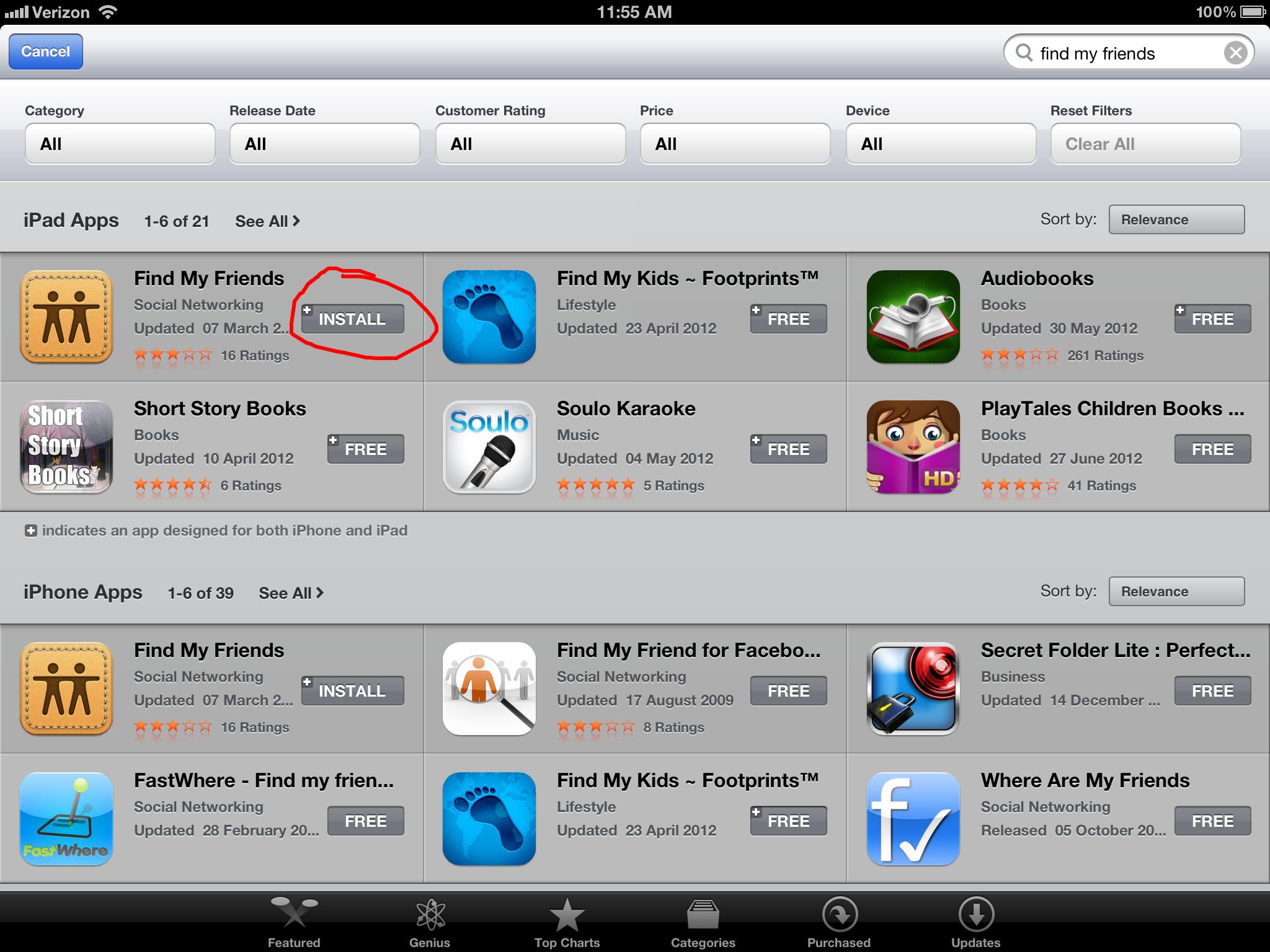
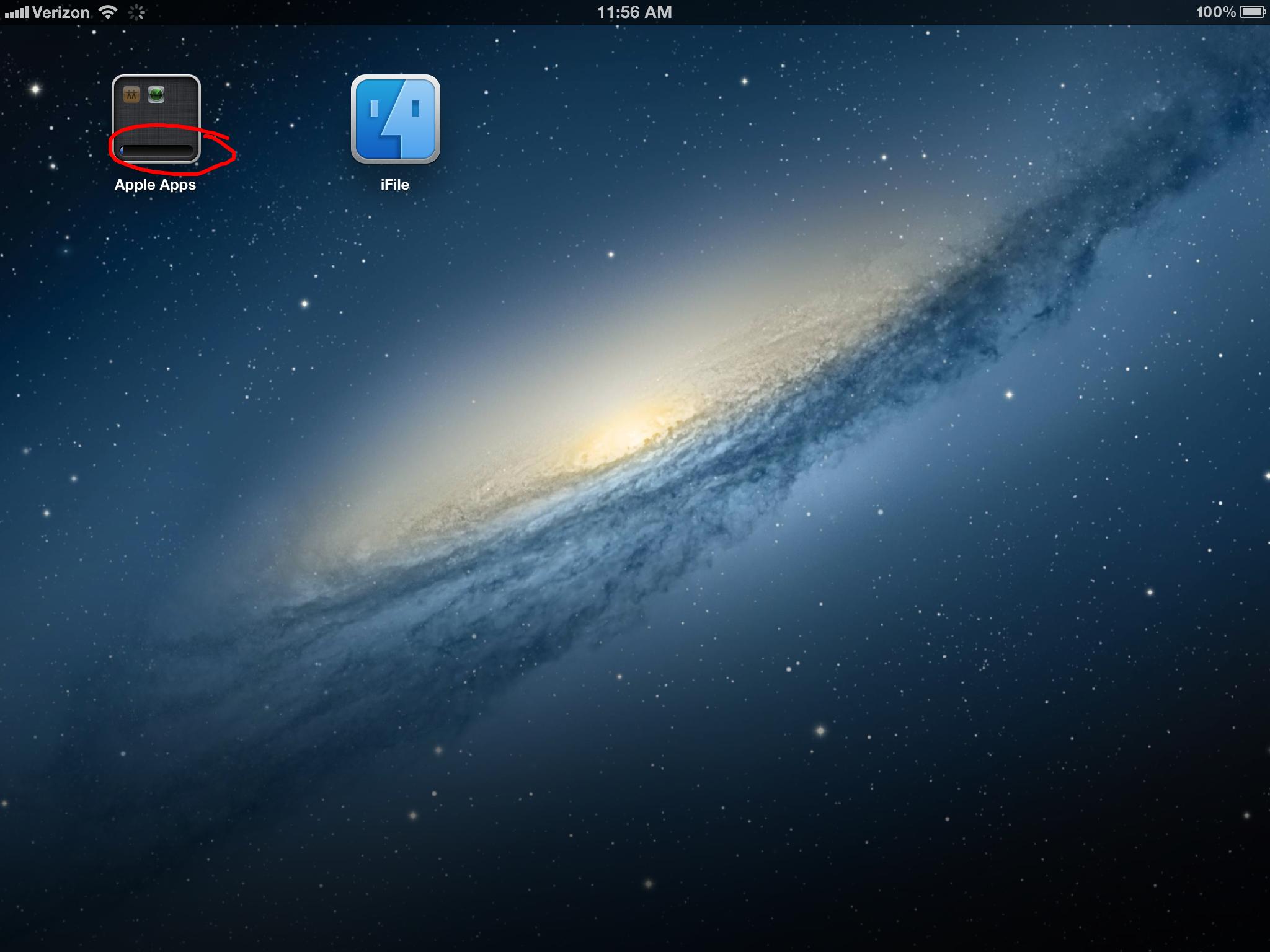
Use iFile and navigate to the application folder. Delete the iTunesMetadata.plist file. Go to the App Store and search for the application. Download it and it should show the loading bar on the folder that the application is in. Wait for the application to finish downloading to launch it from the folder.
I don't have iFile, or I'm not sure what you are talking about. I did find the app by determining when I purchased in the app store and figuring out where it might be.
I also found that I could go to settings / general / usage and by displaying all apps, I could find it, then delete it, then reinstall it and it would no longer be in a folder.
If the search just showed where it was, it would make life easier. This will be especially true as the iDevices get more and more storage.