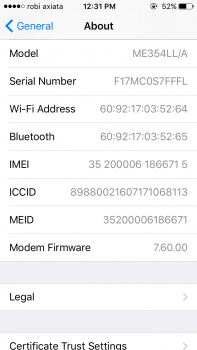
tanvir.mrcp macrumors newbie Original poster Jun 30, 2017 #1 I am using iPhone 5s. I can't find my TP LINK wifi router or any other wifi router, but i can find and connect to Mobile hotspot or share it. I am using latest iOS.
I am using iPhone 5s. I can't find my TP LINK wifi router or any other wifi router, but i can find and connect to Mobile hotspot or share it. I am using latest iOS.
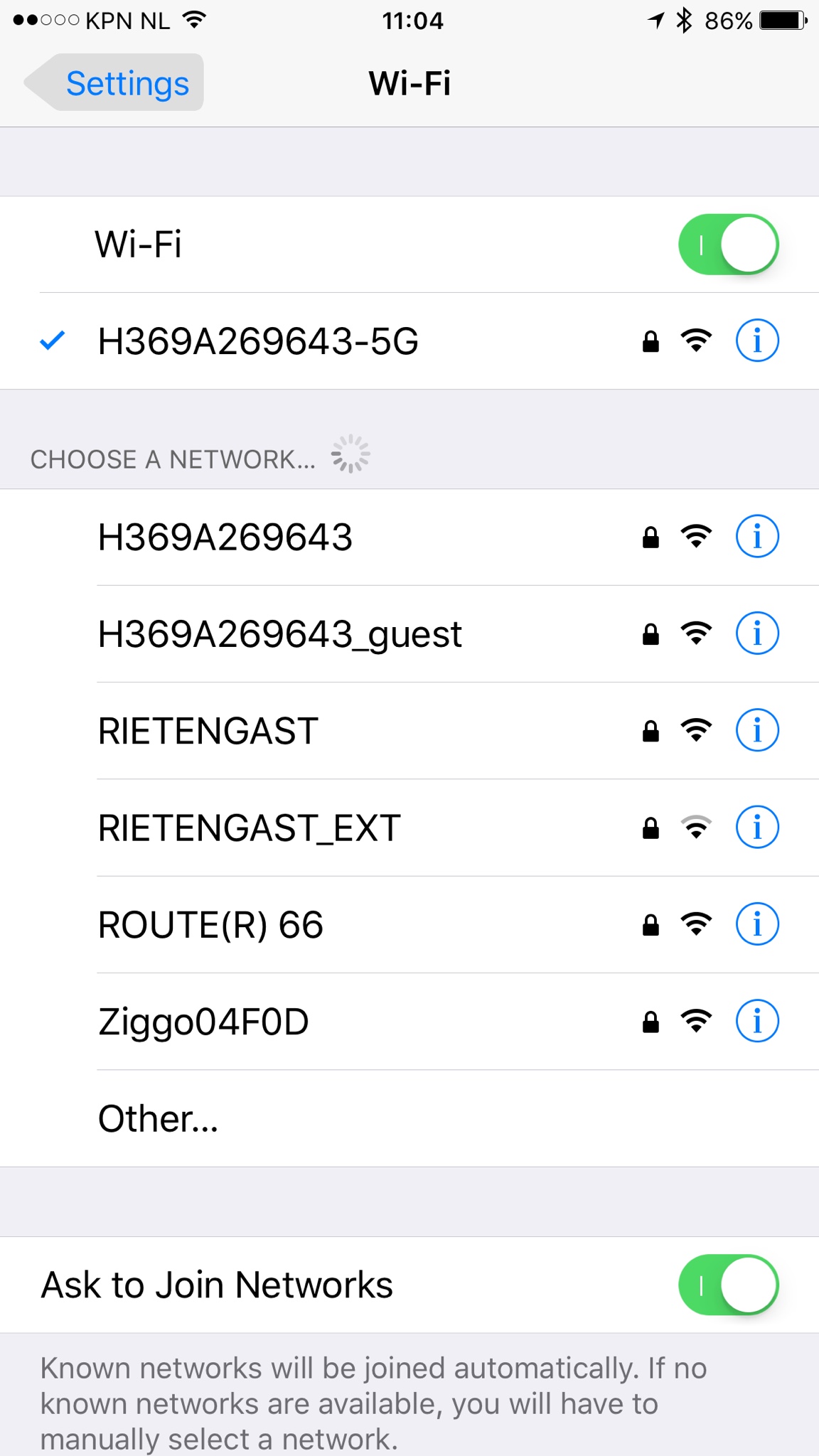
m4v3r1ck macrumors 68030 Jun 30, 2017 #2 Please share your version of this screen! Settings > Wi-Fi Cheers
tanvir.mrcp macrumors newbie Original poster Jun 30, 2017 #3 m4v3r1ck said: Please share your version of this screen! Settings > Wi-Fi Cheers Click to expand... Attachments IMG_4999.PNG 80.5 KB · Views: 254 IMG_5001.PNG 77.6 KB · Views: 237 IMG_5004.PNG 62.3 KB · Views: 233 IMG_20170630_123850.jpg 115.1 KB · Views: 218
canuckRus macrumors 6502a Jun 30, 2017 #4 tanvir.mrcp said: I am using iPhone 5s. I can't find my TP LINK wifi router or any other wifi router, but i can find and connect to Mobile hotspot or share it. I am using latest iOS. Click to expand... Perhaps Fing app might help? Reactions: m4v3r1ck
tanvir.mrcp said: I am using iPhone 5s. I can't find my TP LINK wifi router or any other wifi router, but i can find and connect to Mobile hotspot or share it. I am using latest iOS. Click to expand... Perhaps Fing app might help?
tanvir.mrcp macrumors newbie Original poster Jun 30, 2017 #6 m4v3r1ck said: First do a reboot on your iPhone for a clean start. Cheers Click to expand... I did...... many times....... reset is also done
m4v3r1ck said: First do a reboot on your iPhone for a clean start. Cheers Click to expand... I did...... many times....... reset is also done
m4v3r1ck macrumors 68030 Jun 30, 2017 #7 Check your modem/router if the Wi-Fi SSID's are broadcasted. Cheers
tanvir.mrcp macrumors newbie Original poster Jun 30, 2017 #8 m4v3r1ck said: Check your modem/router if the Wi-Fi SSID's are broadcasted. Cheers Click to expand... I can connect to my Wifi router from my Samsung or other iPhone. But not from my iPhone. But my iPhone can connect to Mobile hotspot
m4v3r1ck said: Check your modem/router if the Wi-Fi SSID's are broadcasted. Cheers Click to expand... I can connect to my Wifi router from my Samsung or other iPhone. But not from my iPhone. But my iPhone can connect to Mobile hotspot
Applejuiced macrumors Westmere Jun 30, 2017 #9 Sounds like your wifi chip might have died. Maybe you're connecting to mobile hotspot by using a Bluetooth connection.
Sounds like your wifi chip might have died. Maybe you're connecting to mobile hotspot by using a Bluetooth connection.
tanvir.mrcp macrumors newbie Original poster Jun 30, 2017 #10 Thanks for your help. I can share content via Applejuiced said: Sounds like your wifi chip might have died. Maybe you're connecting to mobile hotspot by using a Bluetooth connection. Click to expand... share it. Transfer speed is like WiFi connection. Moreover, when i turn on my wifi (and blue tooth switched off) i can see my hotspot
Thanks for your help. I can share content via Applejuiced said: Sounds like your wifi chip might have died. Maybe you're connecting to mobile hotspot by using a Bluetooth connection. Click to expand... share it. Transfer speed is like WiFi connection. Moreover, when i turn on my wifi (and blue tooth switched off) i can see my hotspot